- $USD
- English (United States)
- Hire an Expert
- Get Support



- Blog
- 12 Essential WooCommerce Plugins for Scaling Your eCommerce Business
12 Essential WooCommerce Plugins for Scaling Your eCommerce Business
There's a certain point in every WooCommerce store's life where the original setup stops being enough. Orders come in faster than the workflow can handle them. Marketing campaigns need more precision than a basic email blast can deliver. Compliance questions start appearing in markets you hadn't planned on. And somewhere in all of that, the product catalog has quietly become a maintenance project of its own.
Growth at this stage isn't really about adding more products or running more ads. It's about building the operational and marketing infrastructure that lets your store absorb volume without losing quality, in customer experience, in data accuracy, in communication, in how quickly you can adapt when something needs to change.
This list covers twelve plugins that address those pressure points directly. They're not ranked by popularity. They're chosen because each one does something meaningful at the intersection of scale and control, handling a specific piece of the puzzle that gets harder to manage as your store grows.
1. WooCommerce Marketing Automation App
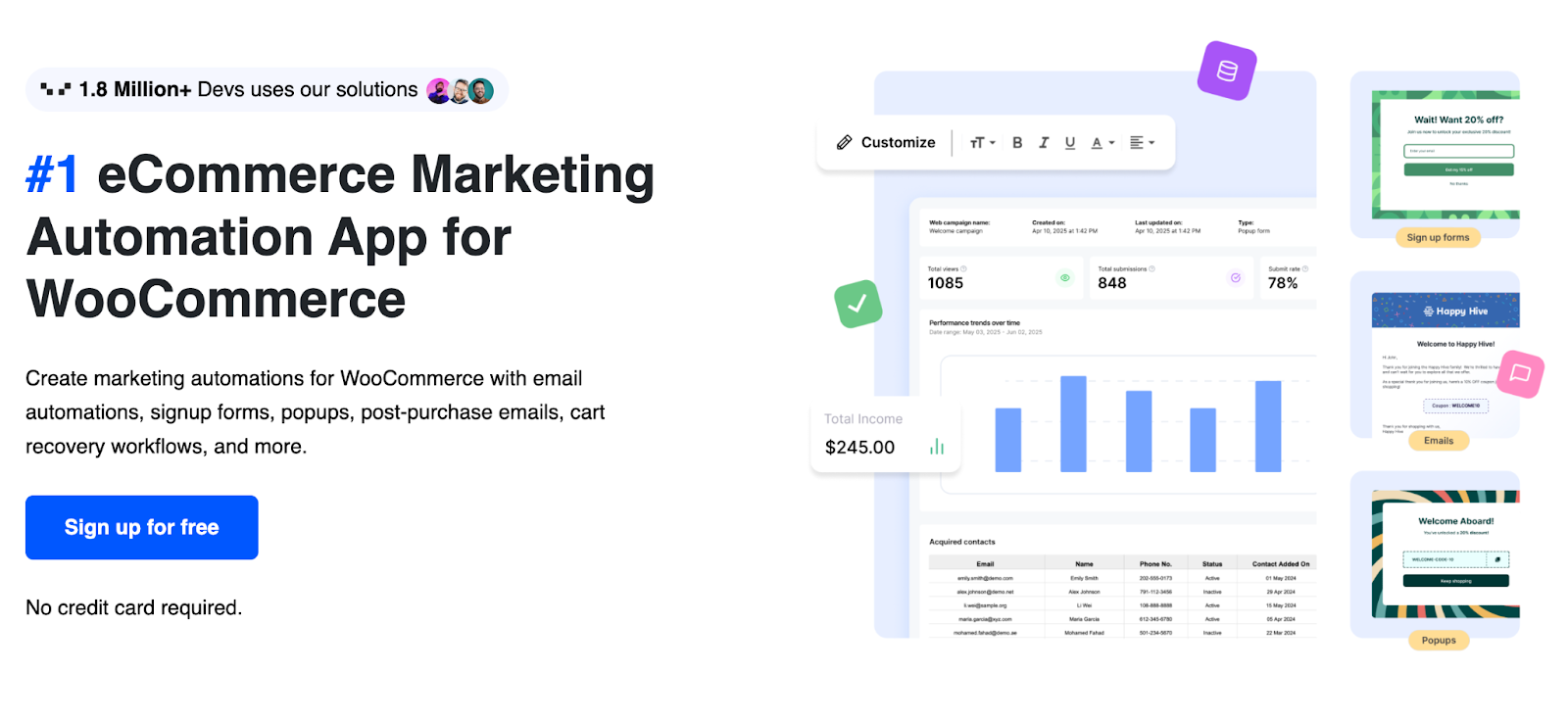
Manual follow-up is fine when you're processing twenty orders a week. At two hundred, the cracks show fast. The eCommerce Marketing automation app is built specifically for stores that need their marketing to keep pace with growth without requiring a larger team to run it.
As a full-featured Marketing Automation App, it handles the customer lifecycle from the moment someone subscribes to long after their first purchase. Signup forms and pop-ups capture new contacts. Welcome sequences go out automatically and introduce your brand while the interest is still fresh. When someone fills a cart and walks away, a recovery flow kicks in with a relevant incentive, a discount, free shipping, or whatever your margins support. For visitors who are close to leaving, exit-intent prompts give you one more shot before the session ends. The ability to customize WooCommerce email templates means every automated message reflects your store's tone and branding rather than looking like a default notification. Post-purchase emails continue the relationship and encourage repeat orders. Everything runs on its own schedule, which is exactly what you need when campaign management can't be a daily manual task.
2. Payment Gateway of PayPal for WooCommerce
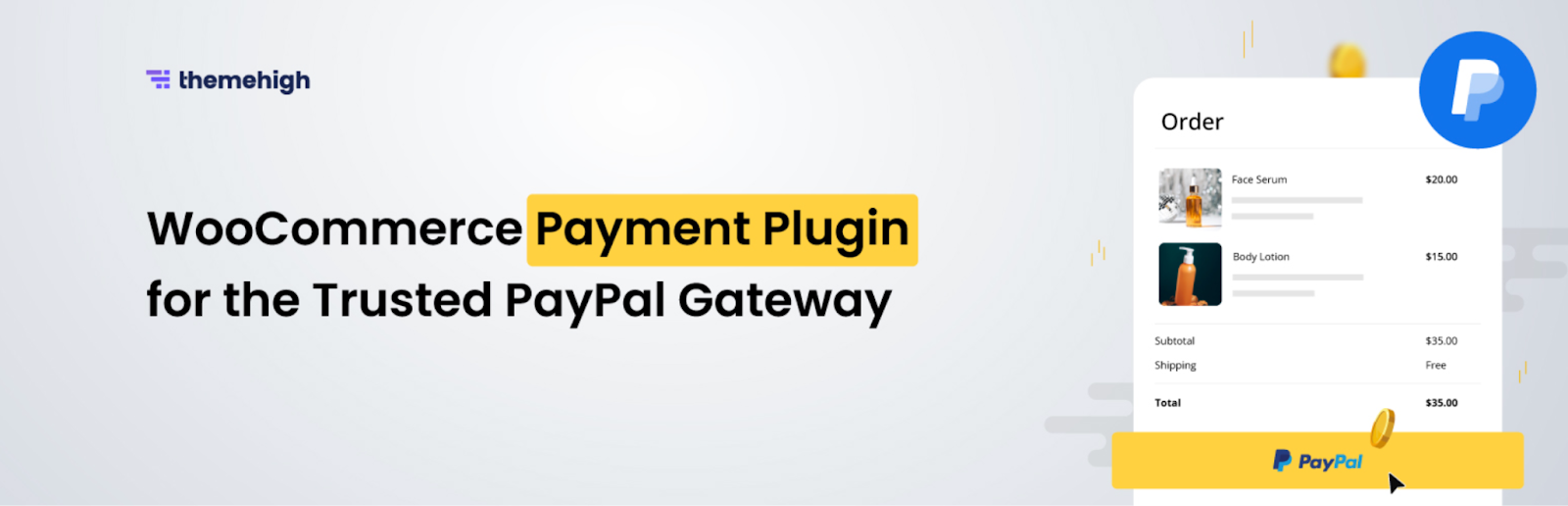
A checkout page that makes customers hesitate is a quiet leak in your revenue. This payment plugin closes that gap by integrating PayPal in a way that feels native to the shopping experience rather than a redirect to somewhere else.
PayPal Express Checkout and Smart Checkout are both available, with Smart Checkout automatically adjusting the payment options shown based on where a customer is and what device they're using. Payment can come through PayPal Money, bank accounts, credit or debit cards, whichever method the customer prefers. PayPal Credit and Pay Later options let customers spread the cost, which removes the price-point barrier on higher-value orders. Local payment methods extend this further for international buyers. The whole setup keeps customers moving through checkout rather than giving them a reason to pause and reconsider.
3. Smart Coupons for WooCommerce
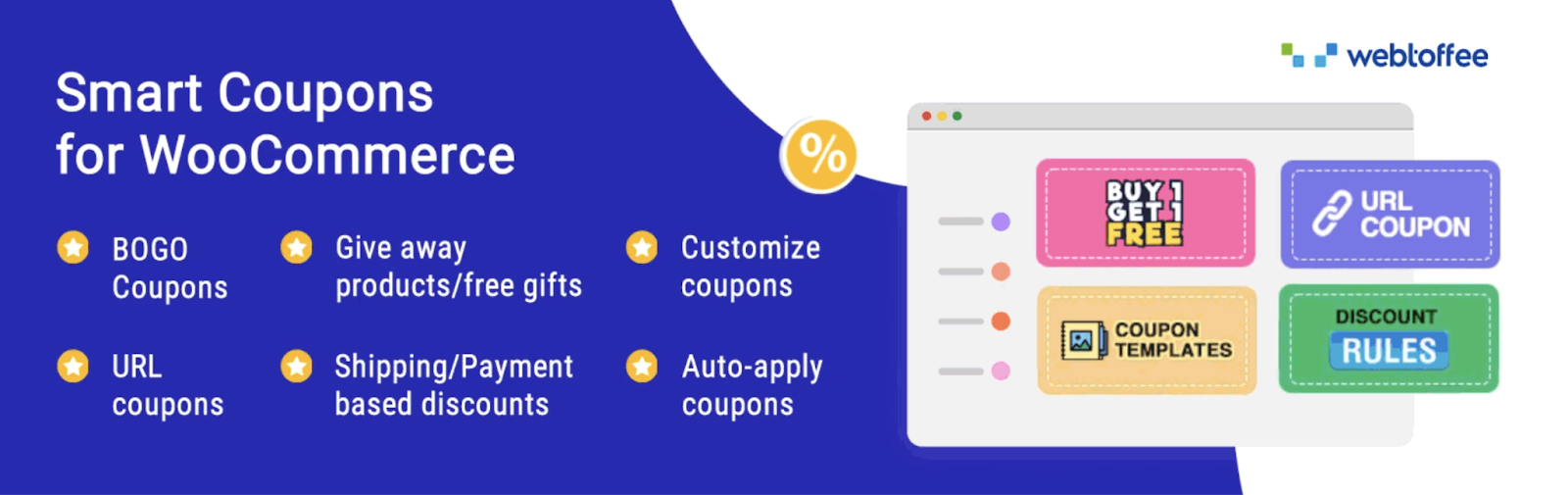
Running the same blanket discount for everyone is a straightforward way to move product, but it's not a particularly efficient use of your margin. Smart Coupons for WooCommerce gives you the structure to run promotions that are genuinely targeted — tied to behavior, history, cart conditions, or acquisition channel.
As an advanced coupon plugin, it goes well beyond basic percentage-off codes. BOGO deals, quantity-based pricing, and cart-level conditions give you more ways to shape how and when a discount applies. Coupons can be set to activate automatically at checkout so customers don't need to remember a code, which removes a friction point that loses conversions. Signup coupons bring new subscribers into the funnel with an immediate reason to buy. Purchase history-based offers reward customers who've already bought from you. Bulk discount generation makes it practical to run influencer or affiliate campaigns with unique codes. Abandoned cart coupons re-engage shoppers who left before completing a purchase. For a growing store, the difference between a promotion strategy and a promotion system is exactly what this plugin provides.
4. WooCommerce Product Feed
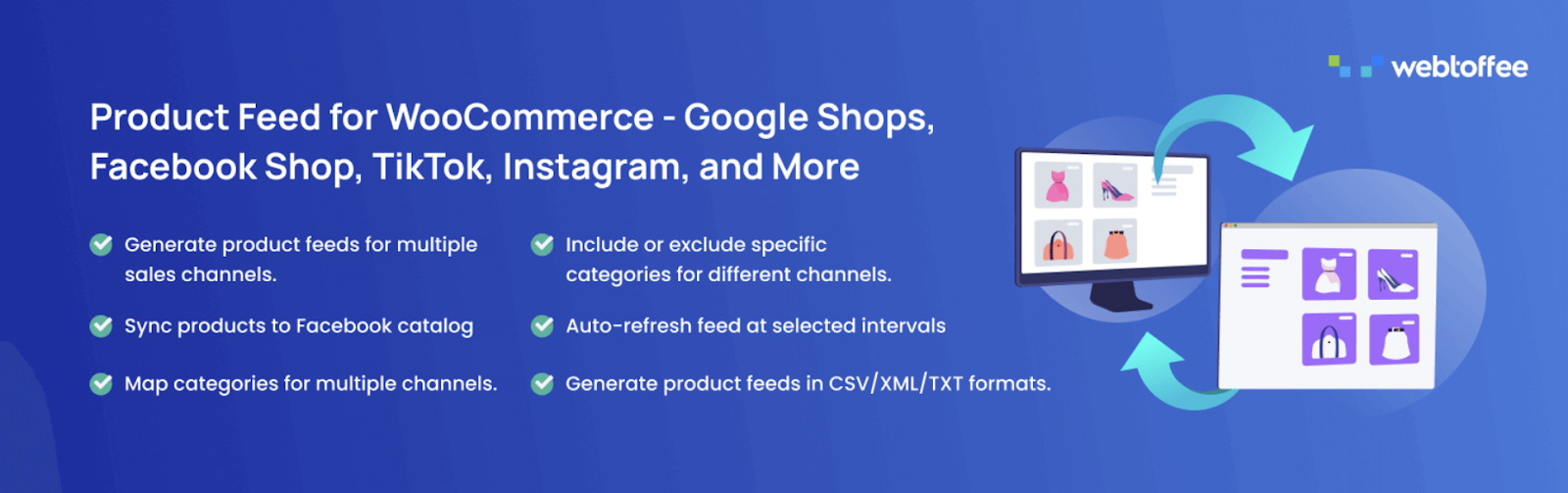
A product discovery problem is harder to notice than a conversion problem, you don't see the visitors who never came. The WooCommerce Product Feed plugin addresses the visibility side of scaling by distributing your catalog to the platforms where your potential customers are already spending time.
The plugin generates product feeds in XML, CSV, XLSX, and TXT formats, connecting your store to channels like Google Merchant Center, Facebook, Instagram, TikTok, and other advertising networks. Multiple feeds can run in parallel, each configured to match the attribute mapping and formatting that specific platforms require. Smart filtering lets you control exactly which products appear in each feed, useful when you want to promote select categories or exclude items that aren't fit for a particular channel. Facebook Business Catalog Manager integration keeps your social storefront aligned with what's actually in your WooCommerce store. Scheduled feed updates through server cron handle inventory-heavy stores without requiring constant manual refreshes, so your listings stay current even on sites with limited traffic or managed hosting setups.
5. GDPR Cookie Consent Plugin
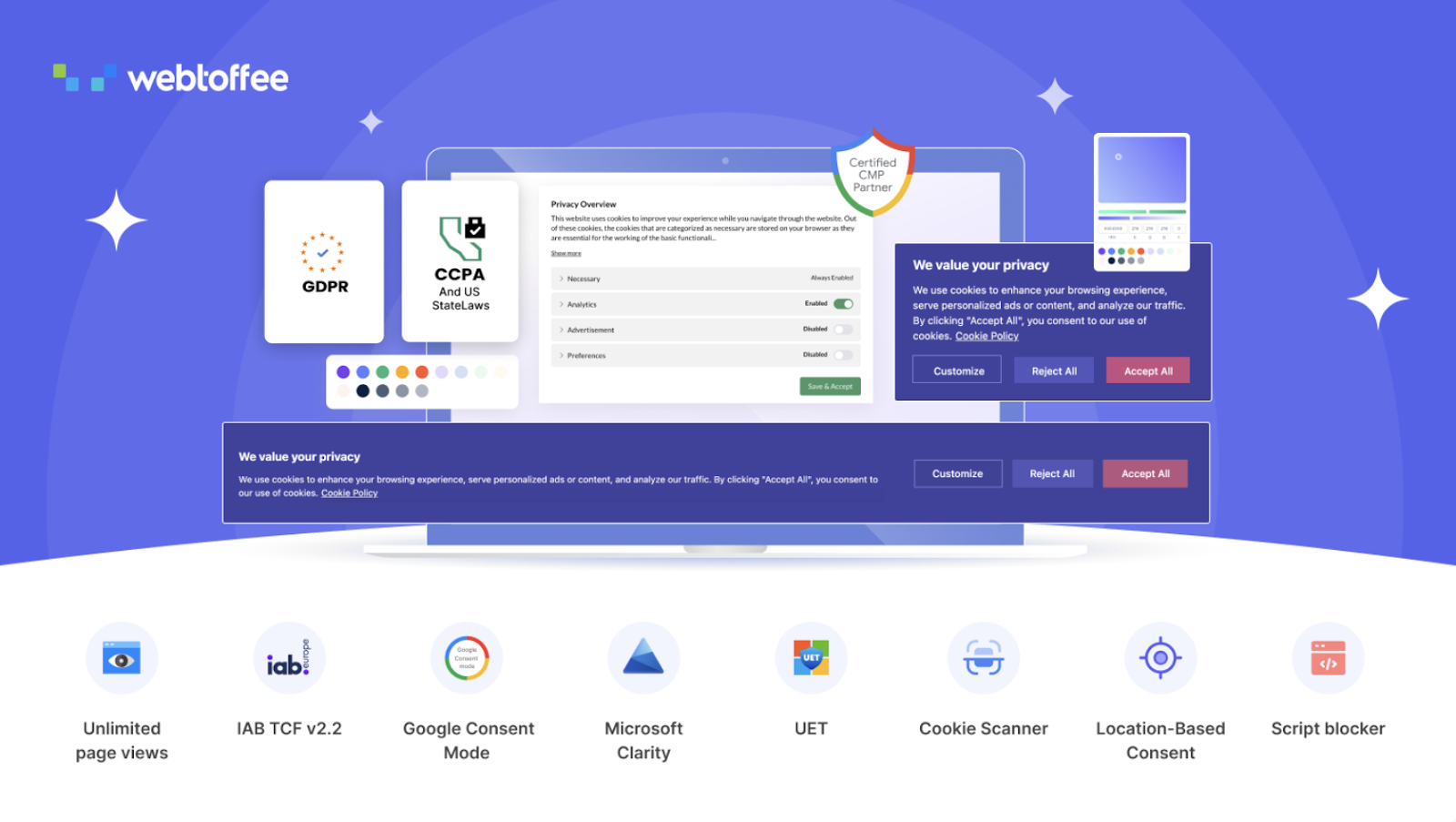
At some point, scaling into new regions means scaling into new regulatory environments. The GDPR Cookie Consent plugin gives WooCommerce store owners a practical way to handle GDPR, CCPA, and US state-law compliance without compromising the marketing and analytics infrastructure they depend on.
The cookie banner display is fully customizable, you control the layout, the categories shown to visitors, and the level of detail provided so shoppers understand exactly what they're agreeing to. Cookie loading behaviour is also controllable at a granular level, so non-essential scripts don't run until a visitor has given the appropriate permission. This is where many stores stumble, blocking consent improperly disrupts ad pixels and tracking, but failing to block properly creates compliance exposure. The plugin resolves this through compatibility with Google Consent Mode v2, which allows Analytics and advertising tools to continue functioning in a privacy-safe mode even when consent is denied. Support for Microsoft Clarity v2 and the IAB TCF v2.3 framework extends this to a wider range of marketing tools. Automatic cookie scanning detects what's running before it runs, giving store owners visibility into their script environment. Consent records are maintained with the detail needed to demonstrate compliance if it's ever questioned.
6. myCred

Acquiring a new customer costs more than keeping an existing one. myCred gives growing WooCommerce stores a structured way to tip that balance, turning repeat purchases and consistent engagement into something customers can see and build toward.
The points system assigns value to purchases and other actions, giving customers a running balance they can redeem against products, discounts, or other benefits you define. Ranks and badges layer on top of that, creating visible milestones that acknowledge customer activity and build a sense of progression over time. The cashCred feature can convert point balances into real monetary value, which makes the reward feel concrete rather than symbolic. Leaderboards add a competitive dimension that works particularly well for stores with high-frequency purchase categories. For stores where community or loyalty plays a role in the brand, these elements create reasons to return that go beyond price alone.
7. WooCommerce PDF Invoices and Packing Slips
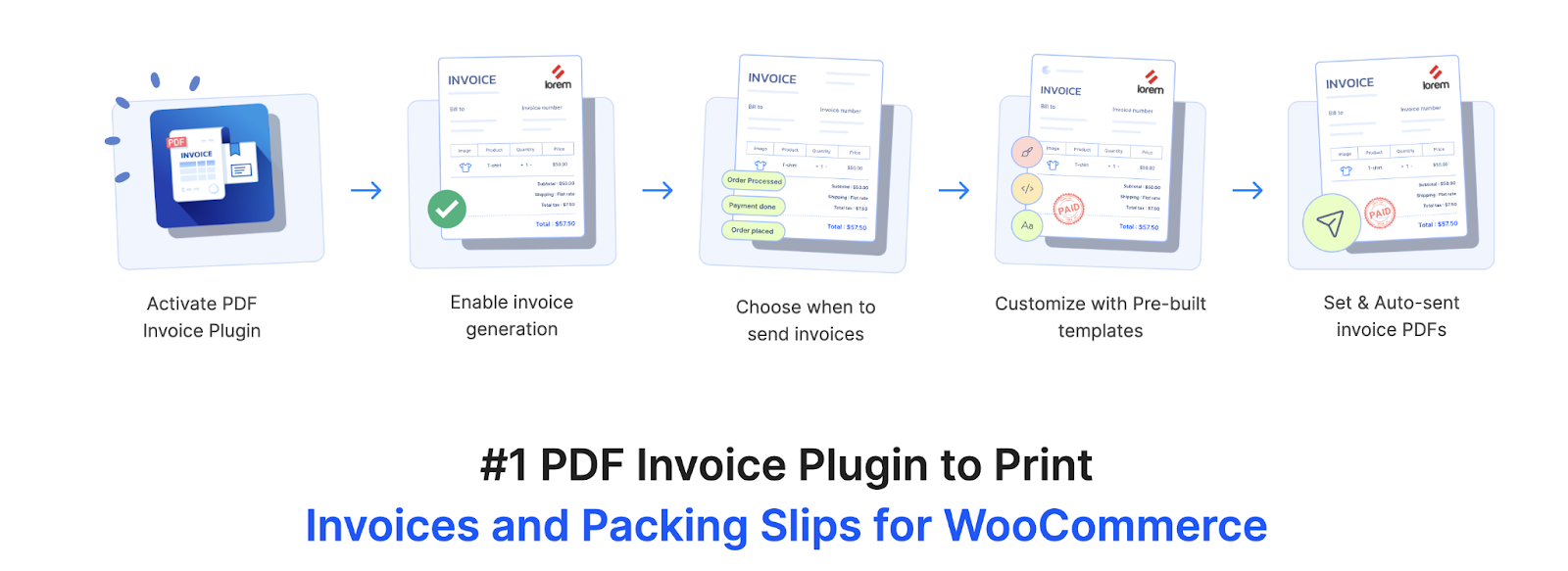
When order volumes are low, chasing down invoice templates or managing packing slips by hand is annoying. When order volumes are high, it's a bottleneck that costs real time. WooCommerce PDF Invoices and Packing Slips takes document generation off the task list entirely by automating it at the order level.
As a reliable WooCommerce invoice plugin, it generates invoices, packing slips, and credit notes automatically and attaches them to the appropriate order emails without anyone touching them. Template customisation lets you bring in your branding, tax configurations, and whatever else your store or market requires a document to include. Custom invoice numbering gives you the structure you need for cleaner accounting records. Structured formats including UBL and XML are supported for stores that need to align with e-invoicing mandates in specific markets. Bulk export capability means you can pull document sets for reporting or audit purposes without regenerating them individually. For fulfillment and finance teams working from the same data, the consistency this plugin provides at scale is difficult to overstate.
8. Speed Optimizer Plugin

Slower pages cost conversions, that's been documented enough times that it's worth treating as a fact rather than a hypothesis. The Speed Optimizer plugin targets the specific front-end and back-end factors that make WooCommerce stores feel sluggish, particularly under traffic load.
Caching reduces the server overhead of repeated page requests, which directly improves response times for high-traffic pages like product listings and checkout. HTML, CSS, and JavaScript compression trims the payload browsers have to process before rendering a page. Image lazy loading and compression reduce visual page weight without degrading the quality customers actually see. These improvements compound across the pages visitors care about most, product pages, category pages, and checkout, which are also the pages where slow load times have the clearest impact on revenue. Resource optimisation at the server level helps the store stay responsive during traffic spikes, which is exactly when a slow page is most damaging.
9. Request a Quote Plugin for WooCommerce
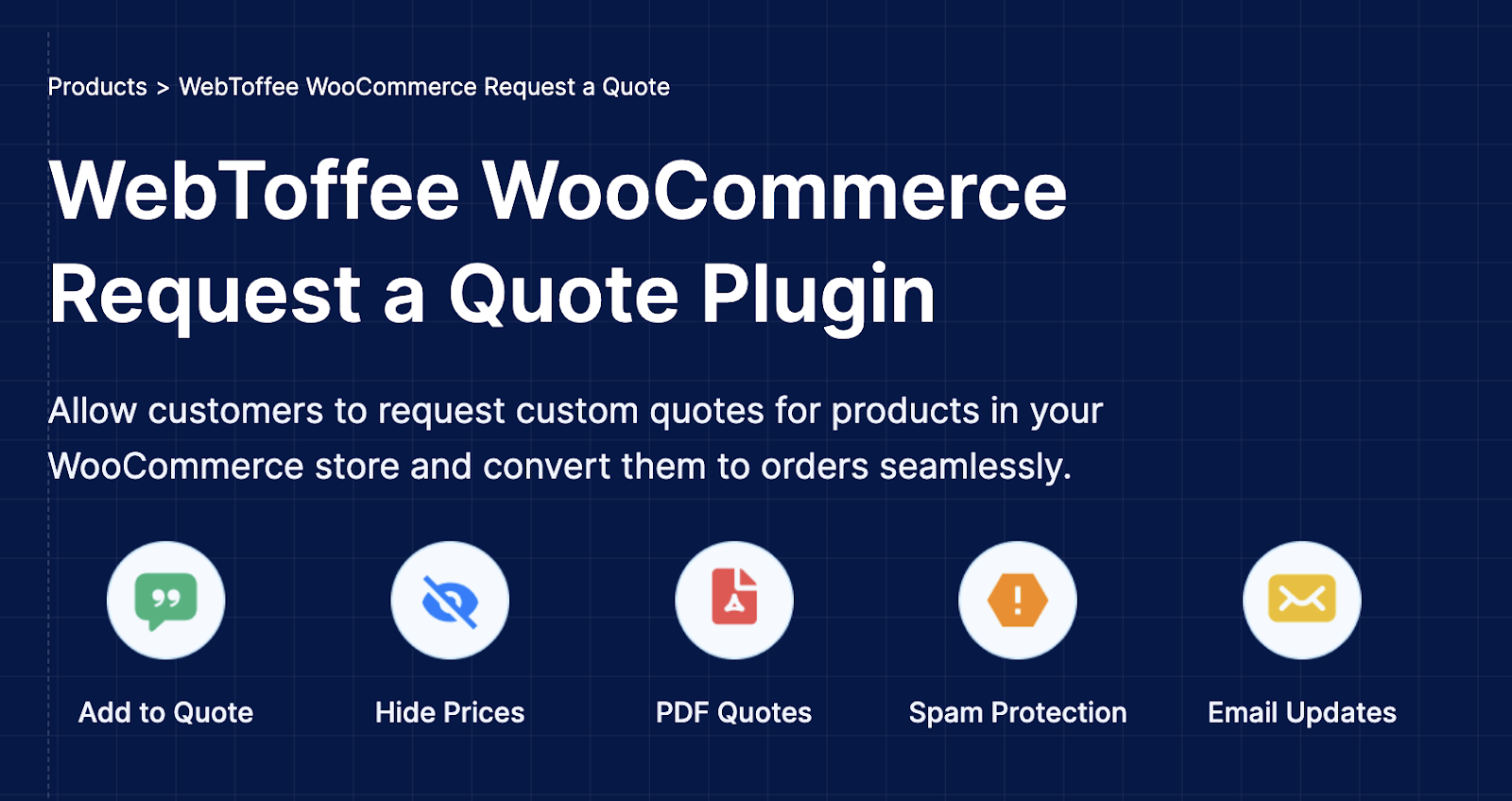
Standard eCommerce flow, add to cart, checkout, pay, doesn't fit every business model. For stores handling bulk orders, custom configurations, or wholesale relationships, the Request a Quote plugin replaces or supplements the default purchase path with a structured inquiry process.
As a dedicated WooCommerce quotation plugin, it lets you swap out the add-to-cart option entirely for a quote request, or run both options side by side depending on the product. Customers can submit their preferred pricing or detail their specific requirements alongside the request, giving store owners genuine context before crafting a response. Automated acknowledgment emails go out immediately so customers aren't left wondering whether their request arrived. Quotation PDFs can be attached to the conversation for clarity. When a quote gets approved, it converts to an order with minimal manual work involved. The mini cart can also display the customer's quote list, letting them review their selections before submission. For businesses where a sale requires a conversation before it becomes a transaction, this is the plugin that makes that workflow possible inside WooCommerce.
10. Site Kit by Google
Growth decisions get better when they're grounded in real data about how people find and use your store. Site Kit brings that data into WordPress directly, connecting your store with the Google services that measure visibility and behaviour without requiring you to bounce between dashboards.
Traffic trends, search performance, user behaviour, and page-level engagement are all surfaced in a single view. Setup doesn't involve editing site code, which means getting connected to Search Console, Analytics, and other Google tools is a straightforward process rather than a technical project. Once live, the dashboard gives store owners a consistent place to check whether organic growth is moving in the right direction, which pages are performing well, and where engagement drops off. For WooCommerce stores making decisions about SEO investment, content strategy, or ad spend, having that data close at hand removes the step between wondering if something is working and actually knowing.
11. Product Import Export for WooCommerce
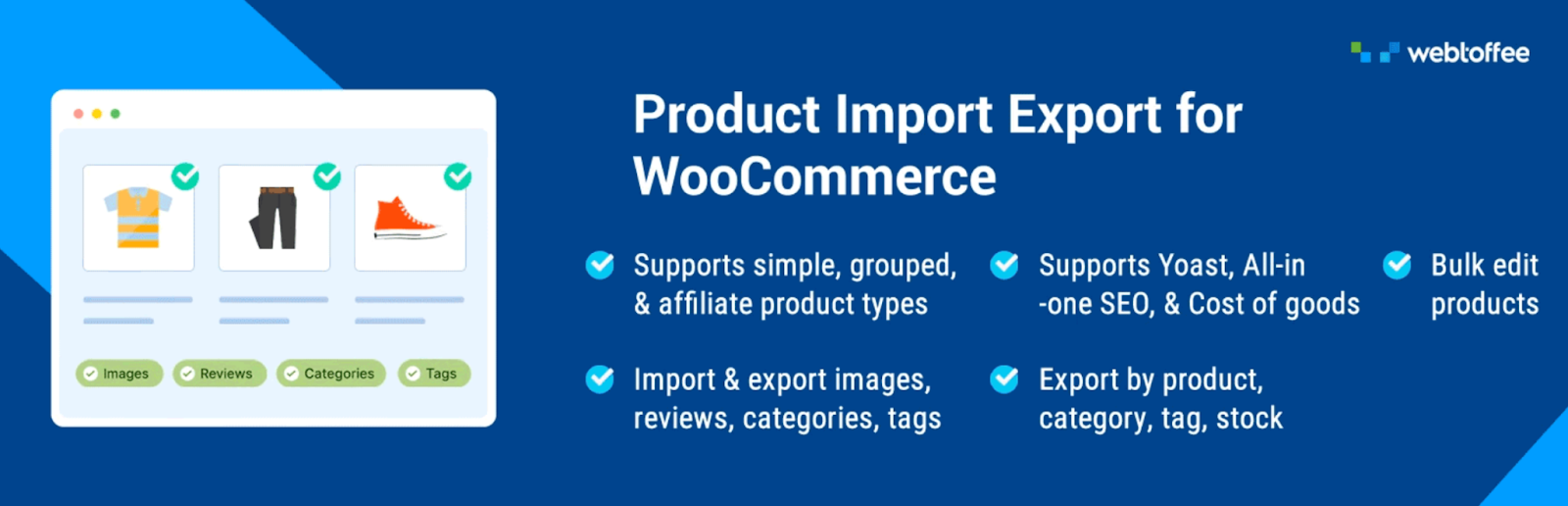
At a certain catalog size, product management through the WooCommerce admin stops being practical. Updates take too long, errors are harder to catch, and anything involving a bulk change becomes a project instead of a task. This WooCommerce product export import plugin resolves that by moving product data into structured file formats where bulk operations are fast and auditable.
The ability to import and export products using CSV, XML, TSV, and Excel covers the full scope of product information: images, categories, tags, customer reviews, and all attributes for simple, grouped, and external product types. Column mapping speeds up import setup and reduces the friction of working with differently structured source files. Advanced filtering means you export only the products you actually need rather than your entire catalog. Field mapping tools let you adjust data formatting to match your store's structure during import. Scheduled imports and exports through FTP or SFTP connections keep data synchronised between systems on a defined cadence without manual oversight. Whether you're running regular supplier syncs, migrating from another platform, or preparing feeds for external channels, this plugin handles the data side reliably.
12. Fluent Forms
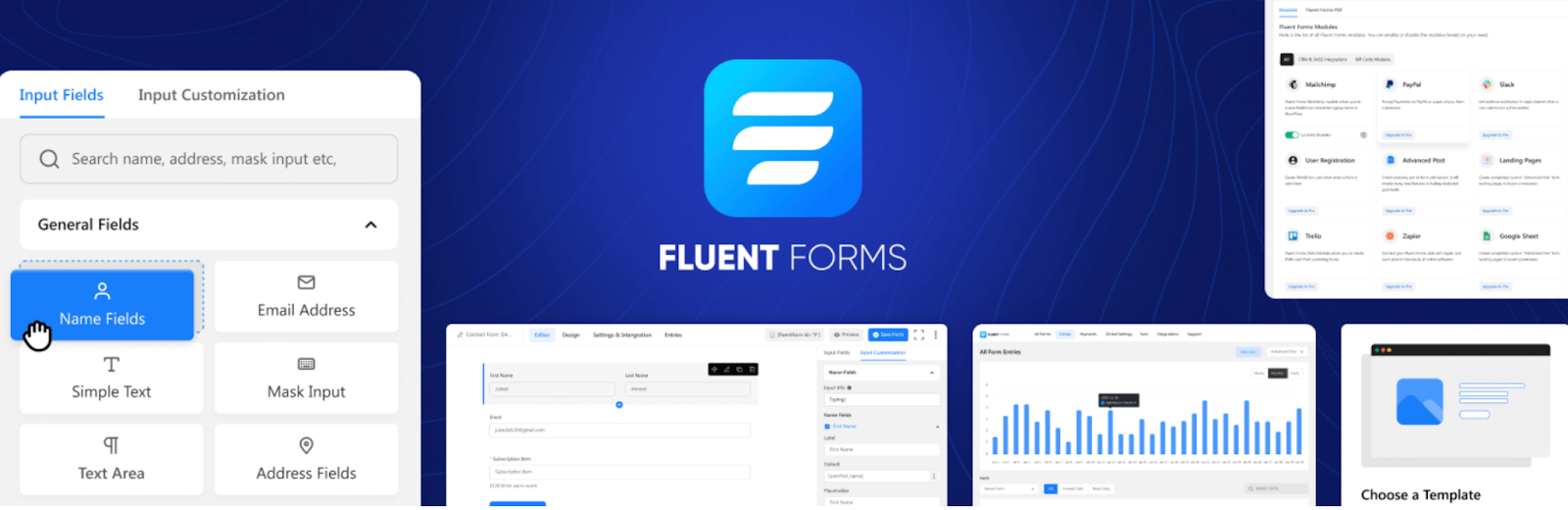
Every interaction a visitor has with your store that doesn't end in a purchase is still an opportunity, if you have the right way to capture it. The Fluent Forms plugin gives WooCommerce stores a builder that's flexible enough to handle the range of those interactions without requiring a different tool for each one.
Contact forms, lead capture forms, survey forms, feedback requests, event registrations, wholesale inquiry forms, all of it comes together through a builder that works through drag-and-drop arrangement of prebuilt fields. Conditional logic adjusts what a visitor sees based on what they've already entered, so long forms feel shorter and more relevant as someone moves through them. Conversational-style forms go further, presenting questions one at a time in a guided flow that tends to produce higher completion rates than a traditional multi-field layout. AI-assisted form generation can stub out a starting layout that you then refine, speeding up deployment when a new campaign needs a form quickly. For stores collecting several different types of customer input across different pages and contexts, having one plugin that handles all of it cleanly is worth more than it might initially seem.
Wrapping Up
The stores that scale well aren't the ones running the most plugins, they're the ones that chose the right ones for the specific friction points in their operation. Each plugin in this list addresses something that gets harder to manage manually as volume increases: customer communication, payment conversion, promotions, product visibility, compliance, loyalty, documentation, performance, inquiry handling, analytics, catalog management, and lead capture.
The right sequence for adopting these tools depends on where your store feels the most strain right now and what your eCommerce niche demands from the customer experience. Fix the most expensive problems first, whether that's checkout drop-off, lack of automation, or poor product data quality, and build from there. A leaner, well-configured stack will outperform a bloated one at any volume.
Share Article
-
 30-day money back guarantee
-
 Dedicated Support Team
-
 Safe & Secure Free Update
-
 Safe Customized Solutions