- $USD
- English (United States)
- Hire an Expert
- Get Support



- Blog
- 8 Best WooCommerce Helpdesk Plugins in 2026

Running a WooCommerce store requires you to understand that customer support management stands as your most challenging operational duty.
The system fails to deliver orders to their designated destinations. Customers send emails, live chats, and social media messages all at once.
Your team needs to manage five separate tools, which results in important information becoming lost between systems.
WooCommerce helpdesk plugins serve as the solution to this problem. Your team achieves better customer service with the right plugin because it unites all your systems into a single platform, which enables faster responses, better organization, and improved customer satisfaction.
The guide presents eight top WooCommerce helpdesk plugins that you should evaluate for your 2026 needs. The content provides value to all readers who operate their business independently or who handle multiple employees in their organization.
Why Do You Need a WooCommerce Helpdesk Plugin?
Customer support requires a specialized system because regular inboxes do not provide suitable functionality. The arrival of multiple daily orders creates an immediate state of organizational disorder.
Here is why a dedicated helpdesk tool makes a real difference for WooCommerce store owners:
- All your customer messages land in one place, whether they come from email, live chat, or contact forms.
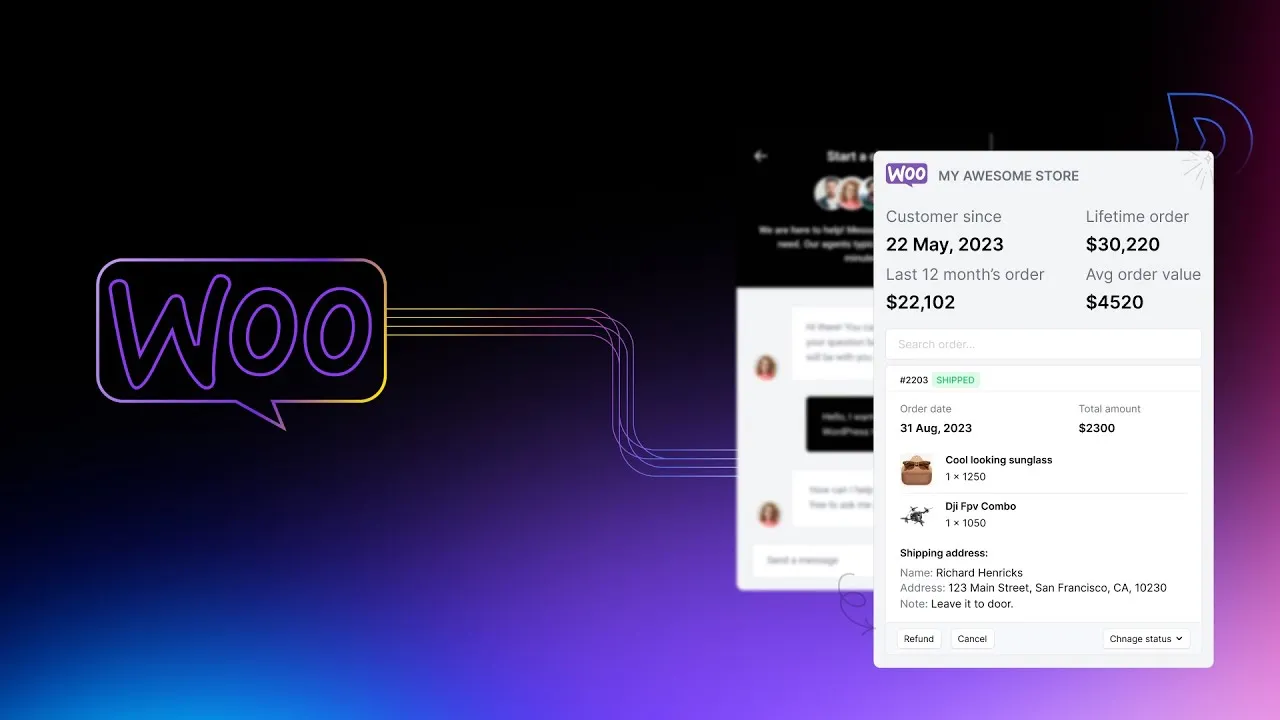
- Your team can see order details right inside the support ticket, without switching between tabs.
- You can set up automation to route tickets to the right person, saving time on every single conversation.
- Customers get faster replies because nothing slips through the cracks.
- You can track response times, ticket volume, and team performance to keep improving over time.
1. ThriveDesk: Best WooCommerce Helpdesk Plugin for 2026
Our Top Pick | Best for: Small to mid-size WooCommerce stores | Rating: 4.8/5
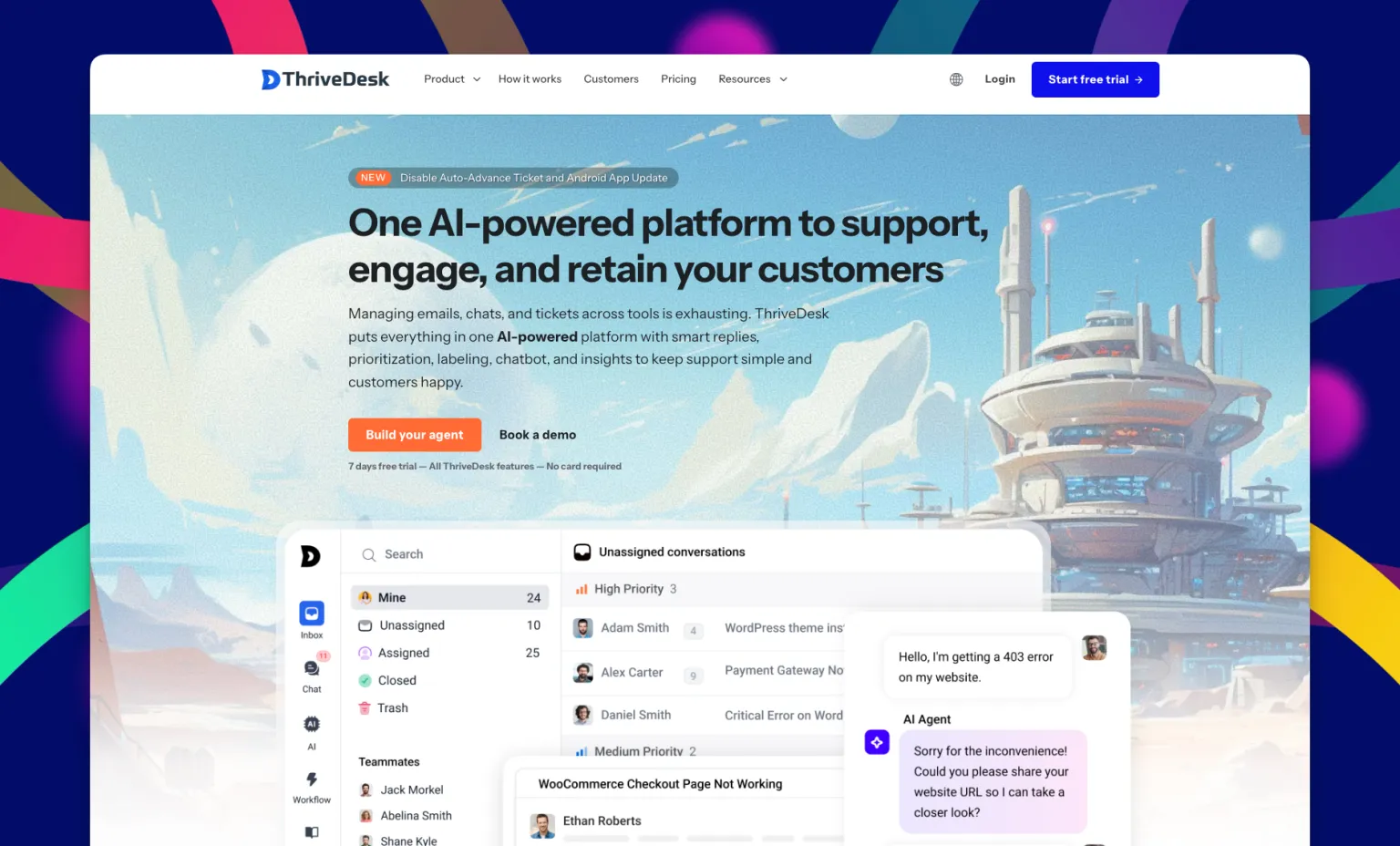
ThriveDesk exists as a distinct solution that provides WooCommerce helpdesk plugin functionality. The system functions as more than just a ticket management platform.
The platform delivers complete customer support solutions that were developed to serve the needs of online retail businesses.
Your team members must move between email communication and live chat services and order tracking operations, which ThriveDesk resolves by combining all functions into a single platform.
The conversation window allows agents to view all customer orders, which helps them solve issues more quickly through direct access to order information.
ThriveDesk provides a straightforward interface that users can install without needing any specialized technical knowledge.
For WooCommerce store owners who want professional support without paying enterprise prices, it is the smartest option available right now.
Key Features as the Best WooCommerce Help Desk Plugin
Live Chat for WooCommerce

The live chat widget that ThriveDesk provides allows users to integrate it with their store within a short span of time. Customers can reach out in real time while browsing or checking out, and your team can jump in immediately.
The material becomes valuable through its contextual placement. When a customer opens a chat, your agent can already see their recent orders, cart contents, and past conversations.
That means you can answer questions, guide purchases, and solve problems without asking the customer to repeat themselves.
Powerful Workflow Automation
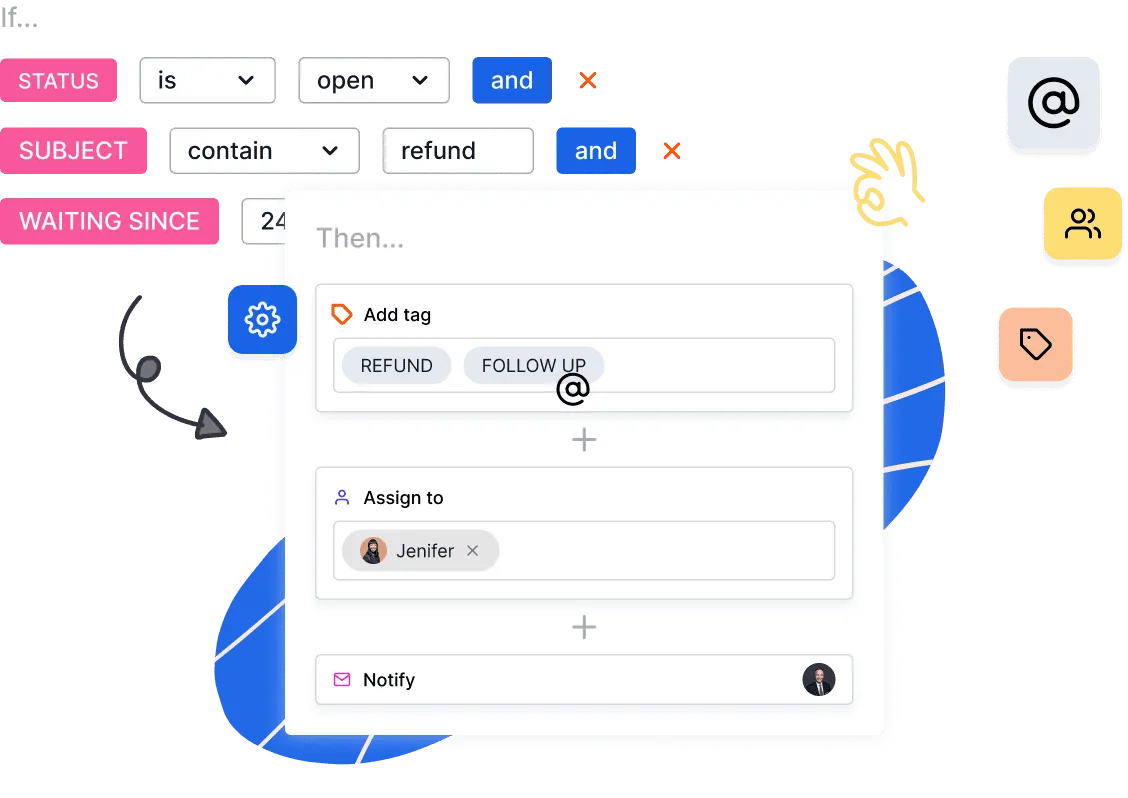
Support activities that occur repeatedly require staff to spend many hours working on them. The automation system of ThriveDesk manages these tasks automatically.
The system enables you to create rules that direct ticket distribution according to subject matter and deliver automated replies to frequently asked questions, prioritize critical problems, and organize chat content with labels.
AI-Powered Help Center
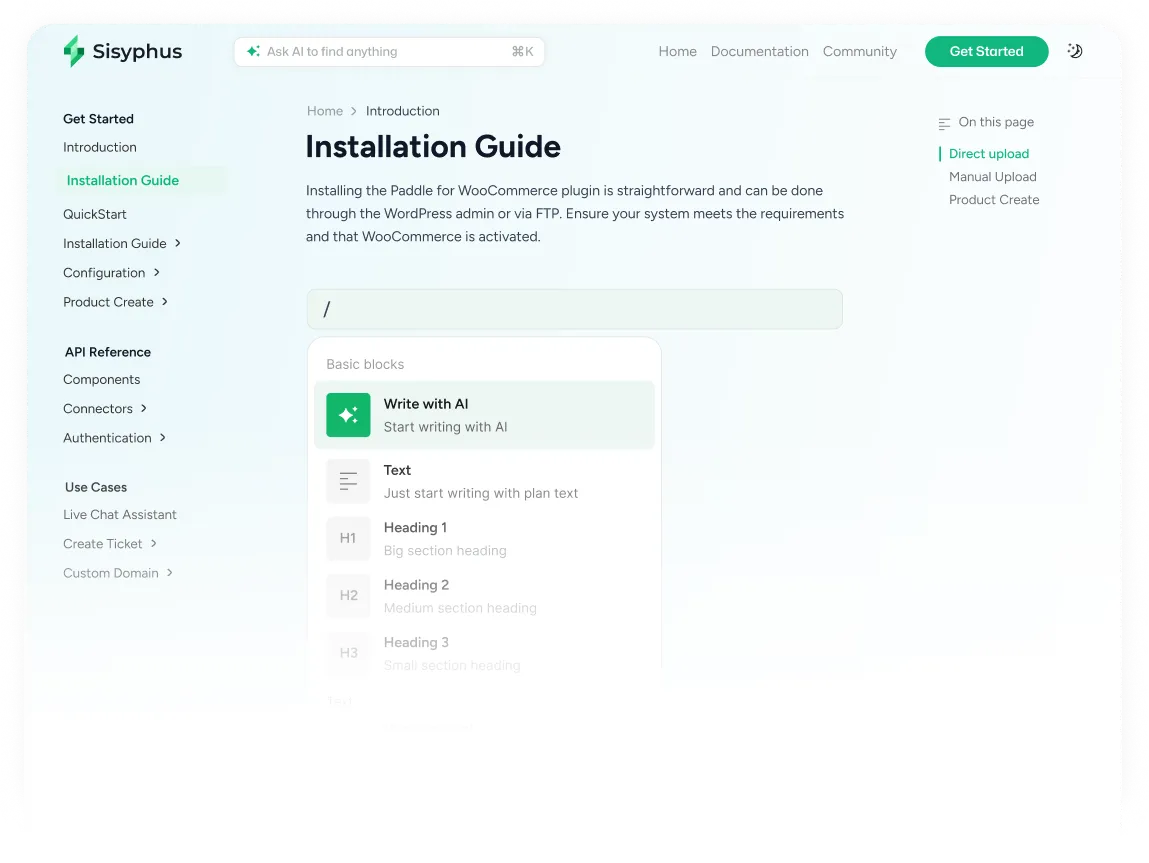
ThriveDesk offers an AI-driven knowledge base system that comprehends the exact questions that your clients need answers to. The system retrieves the correct help article together with the answer when users enter their questions.
Your support team will not receive most of the incoming support requests. Customers can find their own answers at any time because the system operates independently from human agents.
eCommerce and SaaS Integrations
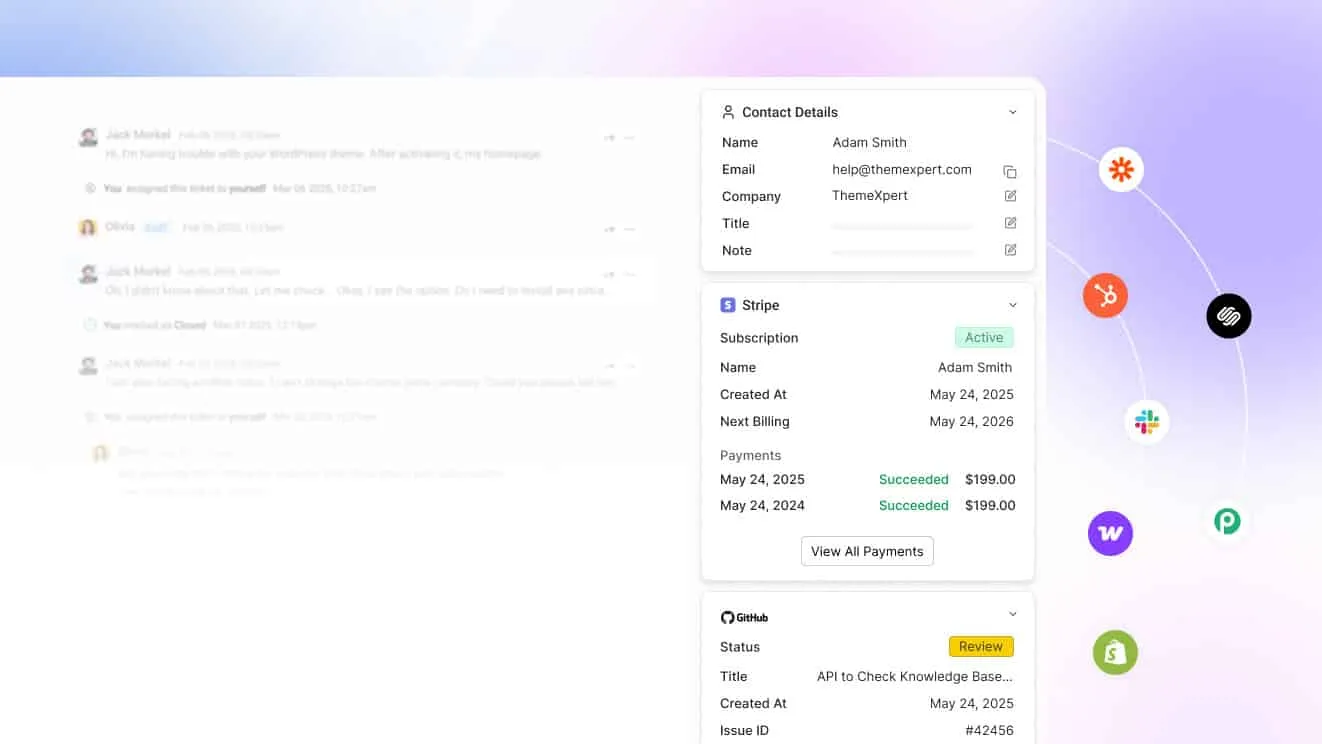
ThriveDesk offers built-in WooCommerce integration, which allows your support team to view order information, delivery updates, and customer records within each support ticket. No extra plugins. No manual lookups.
The system links with your existing tools, which include Slack for team alerts and email for ticket management and multiple SaaS applications. Everything stays in sync, so nothing gets missed.
Other Notable Features
- Shared inbox
- Private notes
- Canned responses
- Custom branding
- Detailed reports
- Multi-language support
Pros of ThriveDesk
- Very affordable pricing, especially for small and growing WooCommerce stores
- Clean and intuitive interface
- Native WooCommerce integration
- Live chat, shared inbox, AI help center, and automation all in one platform
- Responsive support team
- Customizable branding
- Regular feature updates based on real user feedback
Cons of ThriveDesk
- Mobile experience is not quite as smooth as the desktop version
- No native social media integrations with platforms like Facebook or Instagram yet
Pricing
- Basic: $29/month (2 teammates)
- Standard: $69/month (5 teammates)
- Unlimited: $129/month (unlimited teammates)
All plans include a free trial so you can test it with your actual store before committing.
Reviews
- G2: 4.8 out of 5
- Capterra: 4.7 out of 5
Store owners consistently praise ThriveDesk for how easy it makes managing support across email and live chat. Most users highlight the seamless WooCommerce connection and the fact that it replaces several separate tools at a fraction of the cost.
2. Awesome Support
<img src="https://data.extendons.com/media/wysiwyg/7.webp'" alt="></p> <p>Awesome Support is one of the most established WordPress helpdesk plugins available today. It has been around for years and has built a solid reputation for its modular approach, where you start with the core plugin and add features as your store grows. </p> <p><span style=" font-weight:="" 400;"="" id="P2WFBO9" data-width-locked="true" data-height-locked="true">It connects directly with WooCommerce, allowing customers to submit tickets linked to specific orders.
Key Features
- Unlimited tickets and agents
- Custom ticket fields
- Email piping
- Time tracking
- Multiple department support
Pros
- Extensive feature set
- Open-source with an active community
- Seamless WooCommerce integration
Cons
- Outdated interface
- Best features need paid add-ons
Pricing
- Standard: $149/year
- Pro: $229/year
- Enterprise: $289/year
- Agency: $409/year
Reviews
- Capterra: 3.7 out of 5
Users appreciate the generous free version and the depth of customization available. Some reviewers note the lack of an email preview as a small frustration, but the overall feedback is positive for teams who need a flexible, self-hosted solution.
3. Fluent Support
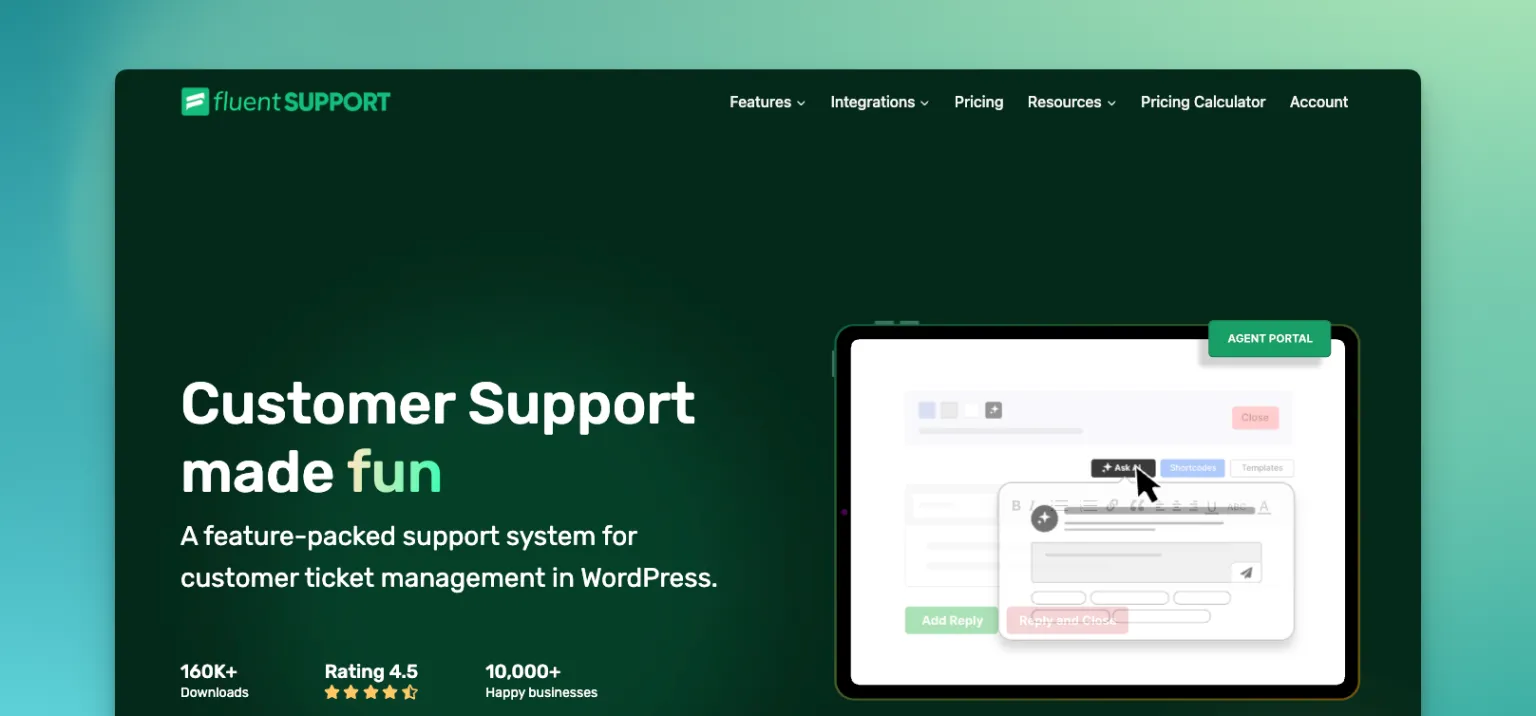
Fluent Support operates as a WordPress-based helpdesk plugin that enables WooCommerce store operators to maintain their entire business operations within their WordPress interface.
The system delivers fast performance through its lightweight design, which enables it to process large amounts of support tickets at full speed without affecting your website performance.
Key Features
- Unlimited tickets and agents
- Email piping
- WooCommerce order integration
- Reporting and analytics
- Slack and Telegram notifications
Pros
- One-time annual payment
- Fast and lightweight
- Easy to set up
Cons
- No live chat
- Limited automation
Pricing
- Single Site: $103/year
- Agency (5 sites): $199/year
- 50 Sites: $319/year
Reviews
- G2: 5 out of 5 (3 reviews)
- Capterra: 4.4 out of 5
Reviewers love the affordable price point, the clean interface, and the fast performance. Many note that Fluent Support delivers everything a small WooCommerce store needs without the bloat of bigger platforms.
4. GrooveHQ
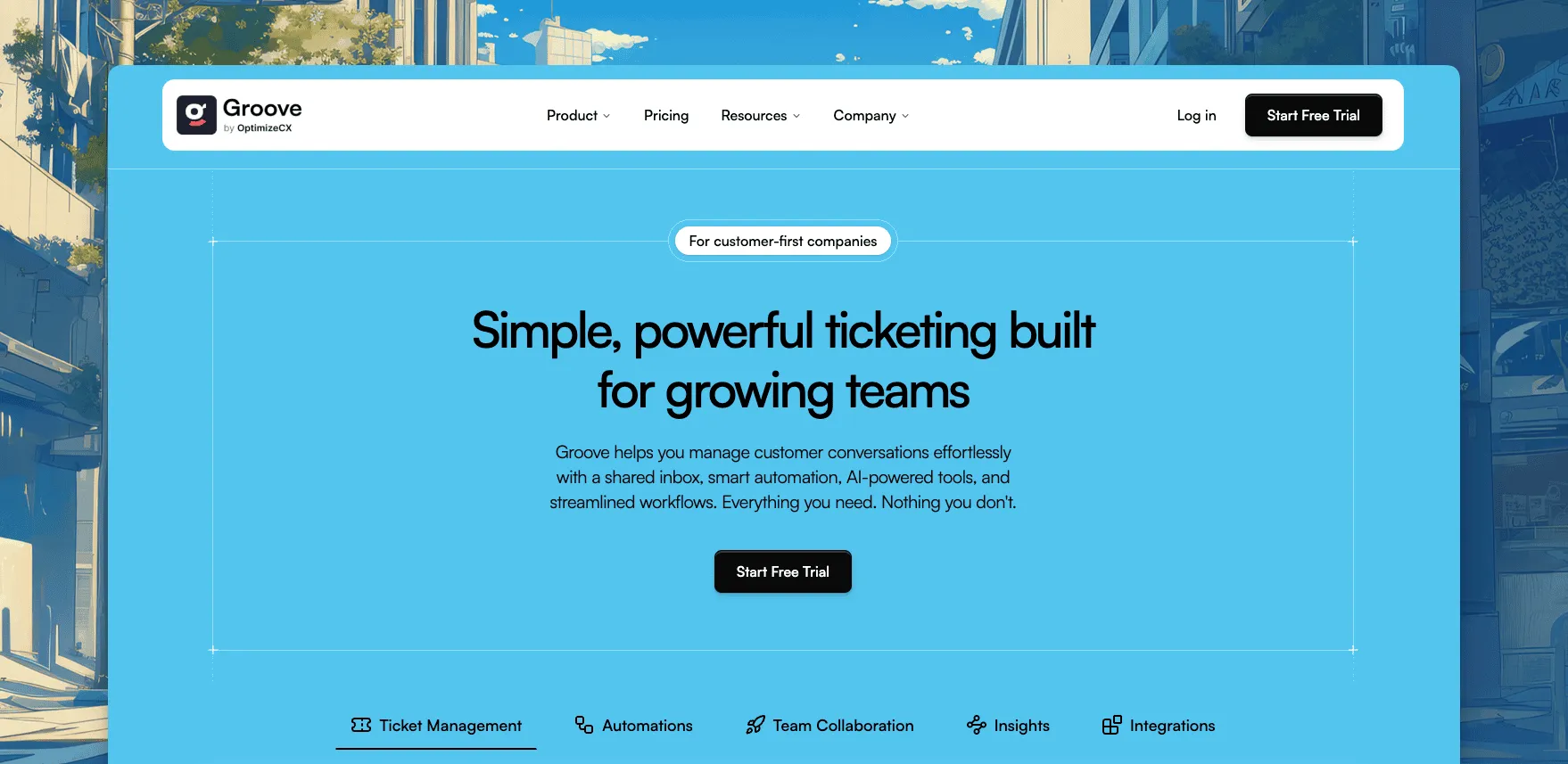
GrooveHQ provides small businesses with a user-friendly shared inbox solution that avoids the complicated features of large-scale enterprise systems.
The system links to WooCommerce through integration points, which provide users with an easy-to-use ticket system that includes strong team collaboration features.
The software functions as an excellent selection for small support teams that need to keep their operations simple.
Key Features
- Shared inbox with email, live chat, and social
- Round-robin auto assignment
- Rule-based automation
- AI writing assist
- SLA management
Pros
- User-friendly interface
- Useful AI tools
- Strong team collaboration
Cons
- Limited advanced reporting
- Setup can take time
Pricing
- Standard: $12/user/month (billed annually)
- Plus: $24/user/month (billed annually)
- Pro: Custom pricing
Reviews
- G2: 4.6 out of 5 (193+ reviews)
- Capterra: 4.4 out of 5
Users consistently praise GrooveHQ for how it simplifies team collaboration on customer emails. The AI features added recently have been well-received. Some users mention that costs can creep up as the team grows due to per-user pricing.
5. Freshdesk
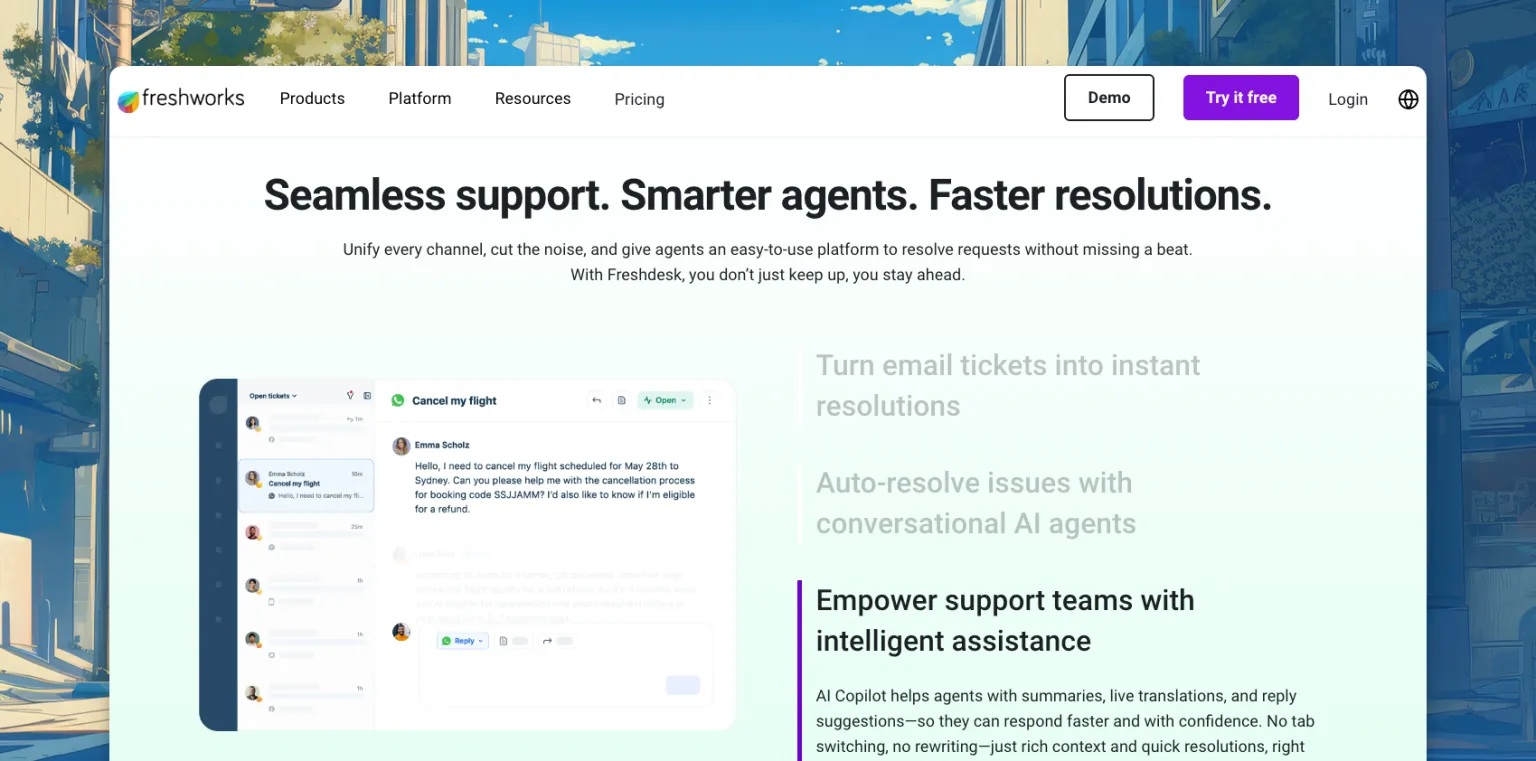
Freshdesk stands as a leading customer support platform that serves users throughout the world. The system operates as a cloud-based solution, which enables users to manage their support needs through email, chat, phone calls, and social media platforms by using one central dashboard.
Freshdesk stands as a top choice for WooCommerce store owners who want to grow their business through professional tools that remain affordable for their expanding needs.
Key Features
- Multi-channel support (email, chat, phone, social)
- AI-powered chatbots
- SLA management
- WooCommerce integration
- Reporting and analytics
Pros
- Comprehensive feature set
- User-friendly interface
- Great for omnichannel support
Cons
- Advanced features behind higher plans
- Overwhelming for small teams
Pricing
- Growth: $15/agent/month
- Pro: $49/agent/month
- Enterprise: $79/agent/month
Reviews
- G2: 4.4 out of 5
- Capterra: 4.5 out of 5
Users highlight how much smoother their support workflows became after switching to Freshdesk. A few reviewers note that getting full value out of the platform requires upgrading to higher tiers, which can push costs up quickly.
6. SupportCandy
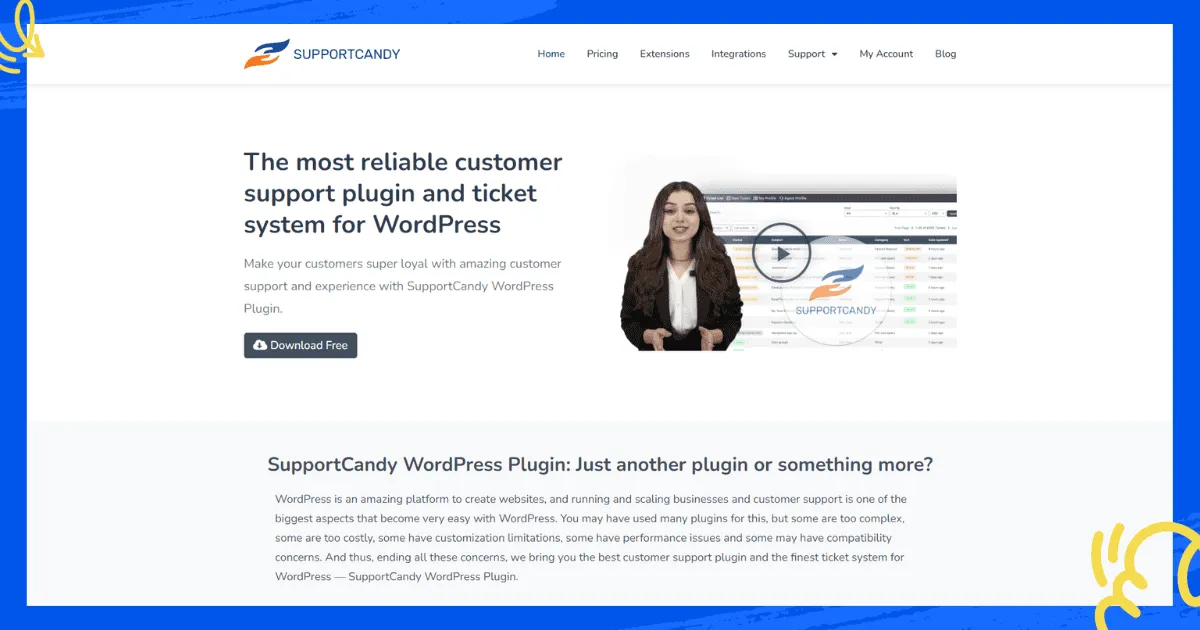
SupportCandy stands as a flexible WordPress helpdesk solution that includes GDPR compliance features in its functionality. The system enables users to generate unlimited tickets and agents while providing extensive customization options through its numerous configuration choices and available premium extensions.
SupportCandy emerges as a valuable solution for store owners who must comply with strict data privacy laws in their operating areas and need an affordable system that delivers essential features.
Key Features
- Unlimited tickets and agents
- Customizable ticket forms
- Workflow automation
- GDPR compliance tools
- WooCommerce integration
Pros
- Highly customizable
- Affordable starting price
- Actively developed
Cons
- Key features need paid add-ons
- Basic reporting
Pricing
- Personal: $79/year
- Professional: $149/year
- Agency: $299/year
Reviews
SupportCandy does not have a large number of reviews on major platforms, but users who do review it tend to highlight the customization depth and the affordable pricing as standout strengths. It is especially popular with store owners who want full control over how their support system looks and behaves.
7. WSDesk
WSDesk operates as a self-hosted WordPress helpdesk plugin which maintains all your information on your personal server infrastructure.
The main benefit of this system exists for store operators who want to protect customer data because it prevents their information from being saved on external company servers.
The system enables users to handle unlimited tickets and agents while it introduced ChatGPT-powered AI responses which position it as a contemporary solution for self-hosted WooCommerce helpdesk plugins.
Key Features
- Unlimited tickets and agents
- Email piping
- Customizable ticket fields
- WooCommerce integration
- ChatGPT AI responses
Pros
- Self-hosted data control
- Comprehensive reporting
- One-time annual fee
Cons
- Requires WordPress expertise
- Limited third-party integrations
Pricing
- Single License: $99/year
Reviews
WSDesk does not have a significant presence on G2 or Capterra yet, but users on WordPress.org and in WooCommerce communities mention it as a reliable, no-frills solution for stores that need self-hosted support without a big price tag.
8. Gorgias
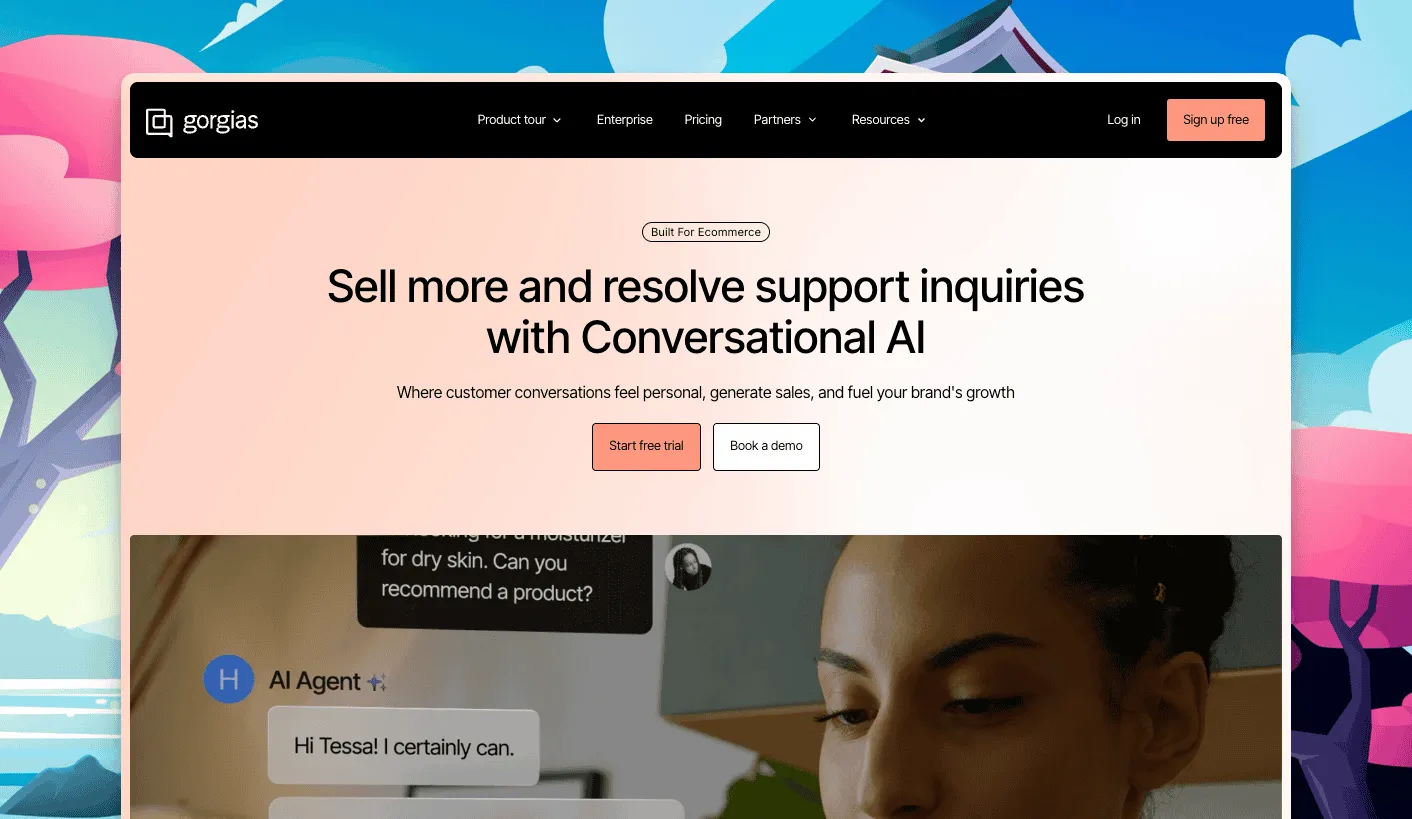
Gorgias functions as a customer support solution that eCommerce brands use to manage their operations. The platform offers full integration with WooCommerce, which enables agents to perform order cancellations, refund processing, and discount code generation directly from their ticket interface.
One thing to keep in mind: Gorgias uses ticket-based pricing, so your costs grow with your support volume rather than your team size.
Key Features
- Unified omnichannel inbox (email, chat, social, SMS)
- Deep WooCommerce and Shopify integration
- AI Agent for autonomous resolution
- Automation flows for order and return queries
- Intent and sentiment detection
Pros
- Best-in-class eCommerce order management
- Unlimited agent seats on all plans
- Strong AI automation
Cons
- Unpredictable costs during high-volume seasons
- AI agent interactions billed separately
Pricing
- Starter: $10/month (50 tickets)
- Basic: $60/month (300 tickets)
- Pro: $360/month (2,000 tickets)
- Advanced: $900/month (5,000 tickets)
Reviews
- G2: 4.6 out of 5
- Capterra: 4.6 out of 5 (132 reviews)
Users love how deeply Gorgias integrates with their eCommerce stack, especially the ability to take order actions without switching tabs. The main complaints center on the unpredictability of costs when ticket volume spikes unexpectedly.
Best WooCommerce Helpdesk Plugins at a Glance
|
Plugin |
Best For |
Key Features |
Pricing |
|
ThriveDesk |
Small to mid-size WooCommerce stores |
Live chat, shared inbox, AI help center, automation, knowledge base |
From $29/month |
|
Awesome Support |
Stores needing flexible and modular support |
Unlimited tickets, custom fields, time tracking, WooCommerce sync |
From $149/year |
|
Fluent Support |
WordPress-native fast support |
Unlimited tickets, email piping, WooCommerce, Slack notifications |
From $103/year |
|
GrooveHQ |
Small teams wanting simplicity |
Shared inbox, automation, knowledge base, AI writing assist |
From $12/user/month |
|
Freshdesk |
Growing businesses needing omnichannel AI |
Multi-channel, AI bots, SLA management, WooCommerce integration |
From $15/month |
|
SupportCandy |
Budget-conscious GDPR-compliant stores |
Unlimited tickets, GDPR tools, workflow automation, WooCommerce |
From $79/year |
|
WSDesk |
Stores want self-hosted data control |
Unlimited tickets, email piping, ChatGPT AI, WooCommerce |
$99/year |
|
Gorgias |
DTC and eCommerce brands |
Omnichannel, AI agent, order management, deep eCommerce integrations |
From $10/month |
Which WooCommerce Helpdesk Plugin Should You Choose?
Every store needs a unique solution because there is no universal answer that applies to all businesses.
The best WooCommerce helpdesk solution for live chat, shared inbox, AI support and automation, and knowledge base functionality at an affordable price is ThriveDesk.
The system development process included WooCommerce stores as its primary focus, which became evident through its operational functions.
WSDesk and SupportCandy serve as excellent self-hosted solutions that enable users to keep their data on personal servers while offering budget-friendly yearly subscription fees.
Gorgias provides the most advanced eCommerce order management system, which helps fast-growing DTC brands with large order amounts to connect their helpdesk operations.
Fluent Support presents an excellent solution for WordPress-based businesses that need an immediate plugin that requires only one payment per year.
The final assessment shows that helpdesk plugins for WooCommerce function best when they match your team's numbers and financial resources and your customers' preferred communication channels.
Begin your evaluation process by signing up for a free trial, which allows you to test the system with actual support tickets to determine which tools your staff members prefer to work with during their regular operations.
Still unsure? ThriveDesk offers a free trial with no credit card required. Try it today and see how it transforms your WooCommerce customer support.
Share Article
-
 30-day money back guarantee
-
 Dedicated Support Team
-
 Safe & Secure Free Update
-
 Safe Customized Solutions