- $USD
- English (United States)
- Hire an Expert
- Get Support






Also Sold on

Rich Snippets & Schema Markup
Improve performance and increase visibility of your website in search engine results with the WooCommerce Rich Snippets & Schema Markup Plugin. It enables customers to quickly view important details like price and availability before even visiting your store.
- Create 8 Types of schema
- Enable Schema for Business, Organization
- Enable products, images, art...
Details & Compatibility
Version
1.0.7
Last Update
January 21, 2026
Compatibility
WooCommerce version 2.6.0 or higher | Wordpress version 4.6 or higher
Support
6 months support from extendons
Whats Include
- Quality checked by Extendons
- Future updates
$0.00
Customize this Plugin
CustomizeMain Feature
Rich Snippets WooCommerce allows you to add 13 types of schema to enhance your website ranking in Google search results. You can enable schema for Product Schema: Business Schema, Book Schema, Recipe Schema, Carousel Schema, Article Schema, Course Schema, and FAQ Schema. Once you add the structured data to your website, Google will display your website with more useful information in the search results. Additional information like ratings and business details, etc., in search results catches the attention of users towards your website and increases the click-through rate.

Enable 13 type of schema

Add schema details to display Article and Recipe in Carousel

Show breadcrumbs & product reviews in Google snippets

Display events and articles in Top stories
Enable Search Schema to Display Search Box in SERPs
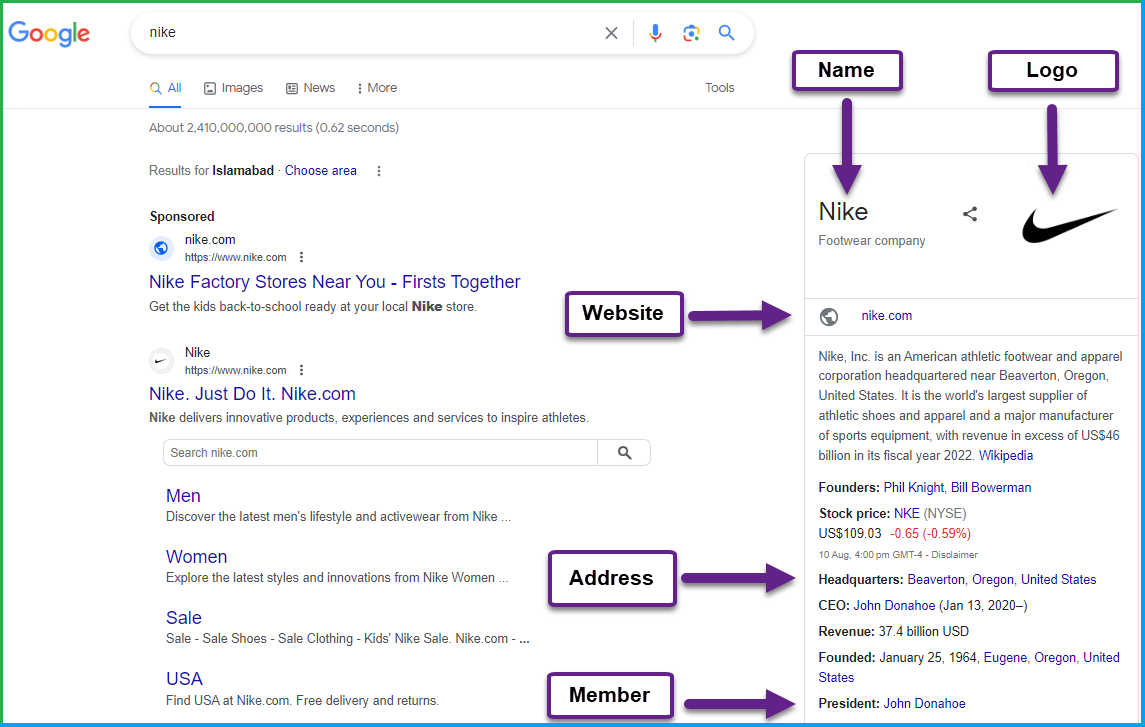
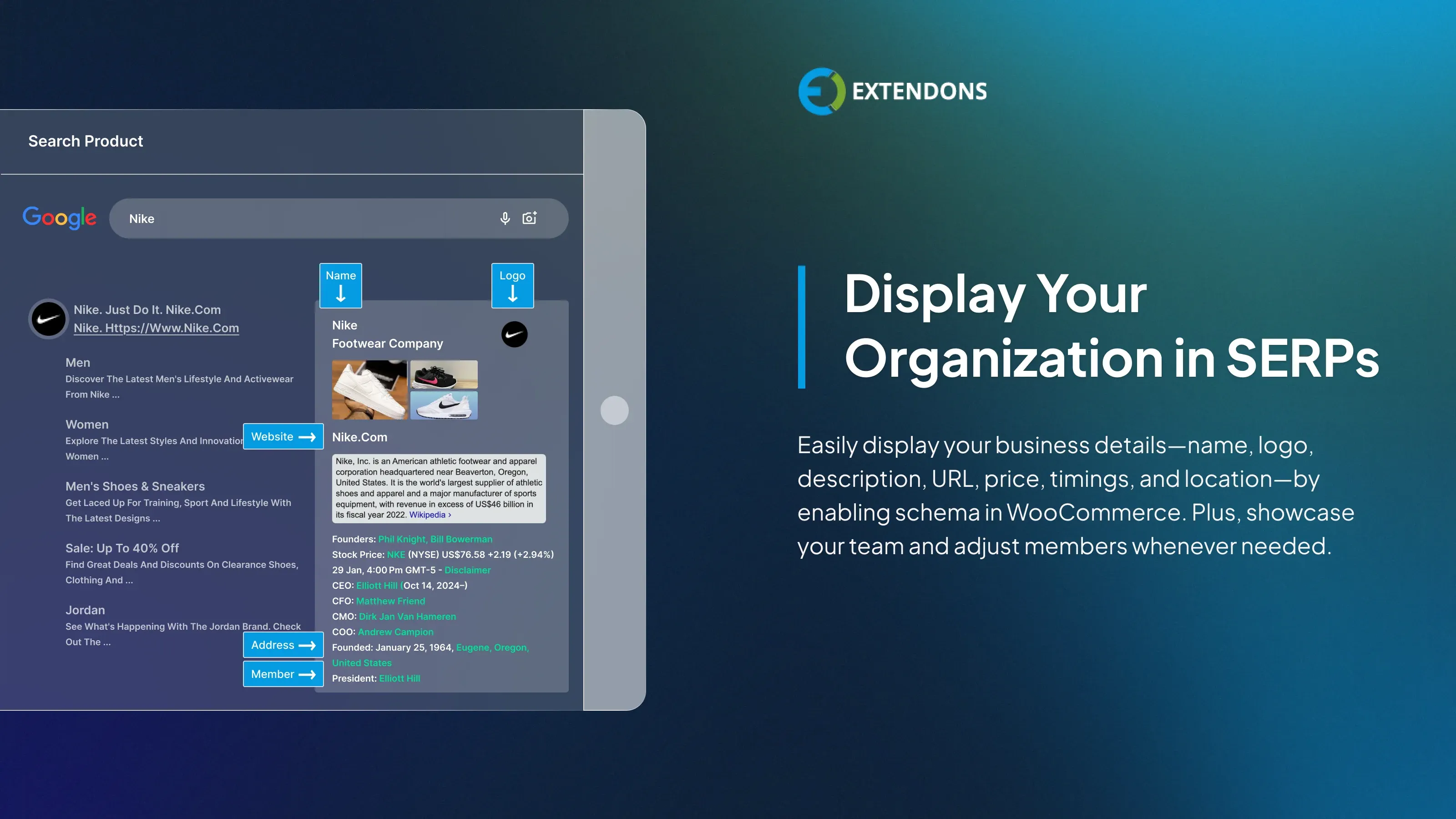
Add Schema Details for Business or Organization
WooCommerce rich snippets allow you to add details of your business organization name, logo, description, URL, price, timings, and location, and display them in Google search results. You can also show the contact details and team members in rich snippets.
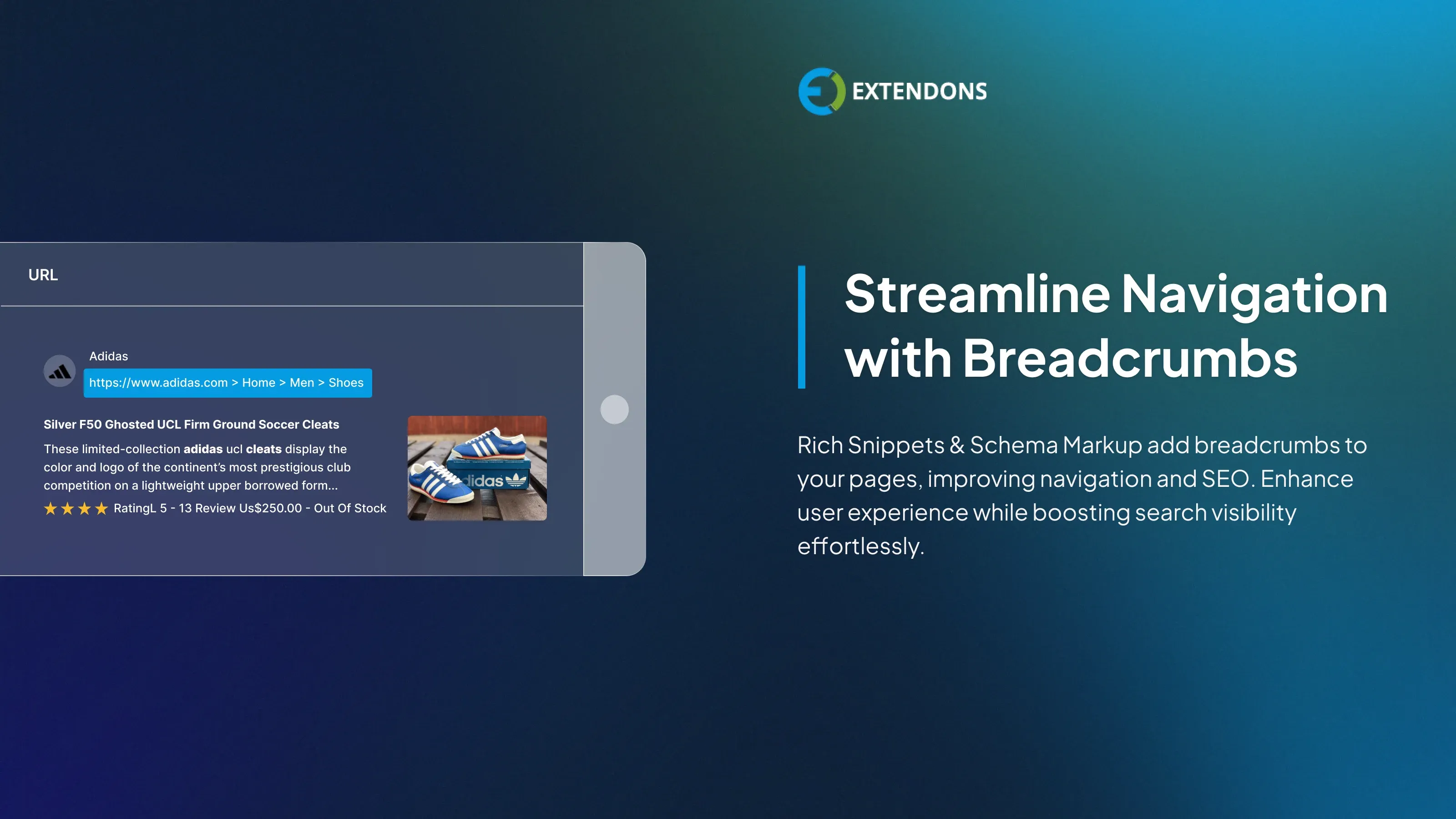
Improve Navigation with Breadcrumbs
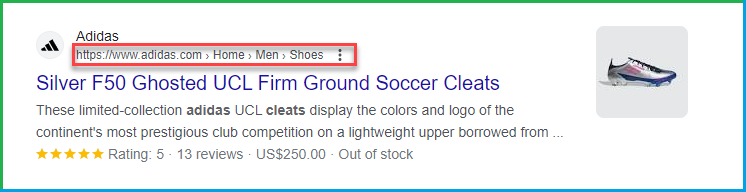
Rich snippets for WooCommerce make it easy to add breadcrumbs to your product and service pages, helping users navigate your site more easily while also giving your SEO efforts a valuable boost.
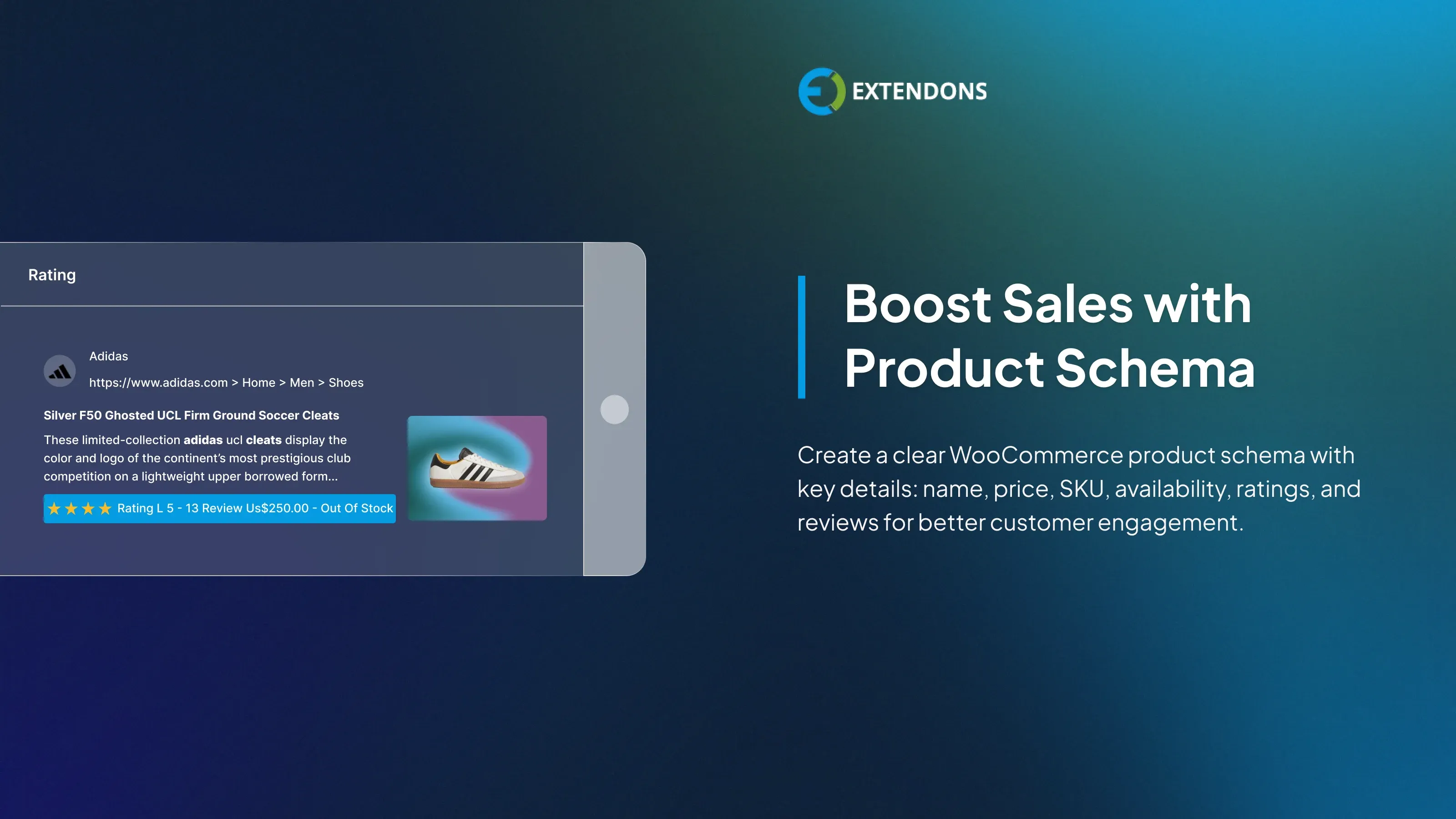
Engage Shoppers with Product Schema
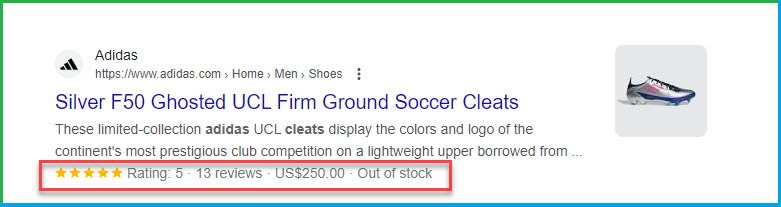
This extension enables you to generate a WooCommerce product schema that displays key information such as the product name, price, description, SKU, availability, ratings, and reviews. It helps customers quickly grasp product details, leading to better engagement and higher conversion rates.
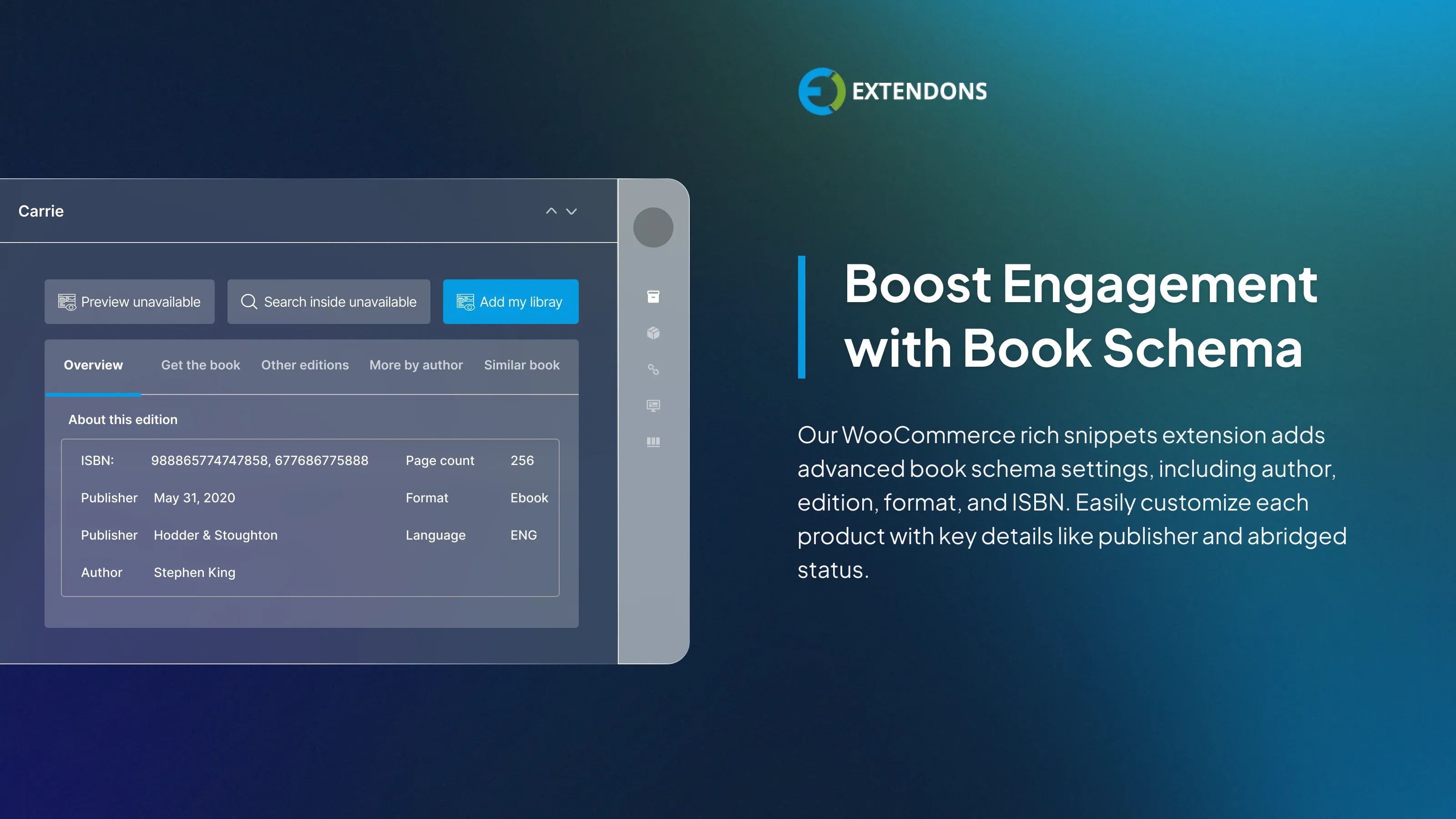
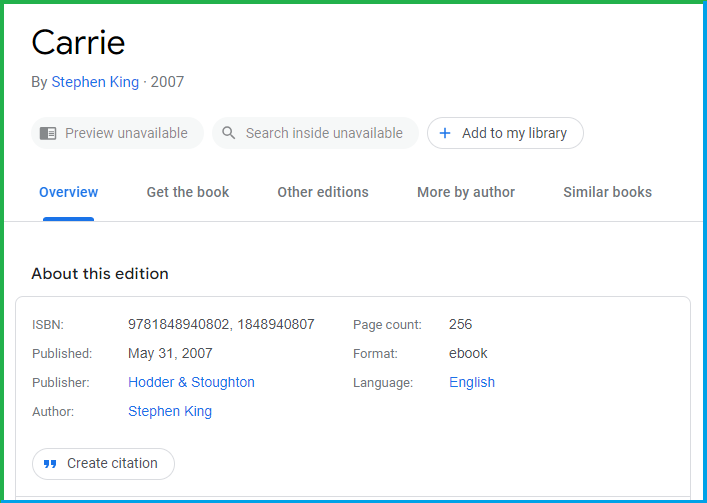
Enable Book Schema
The WooCommerce rich snippets plugin offers enhanced book schema options that can be configured globally or for individual products. You can add detailed information such as the author, edition, format, publication date, publisher, ISBN, and whether the book is abridged, helping improve your product's visibility in search results.
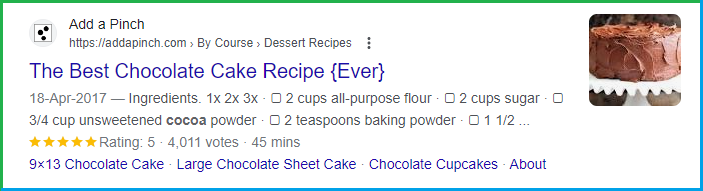
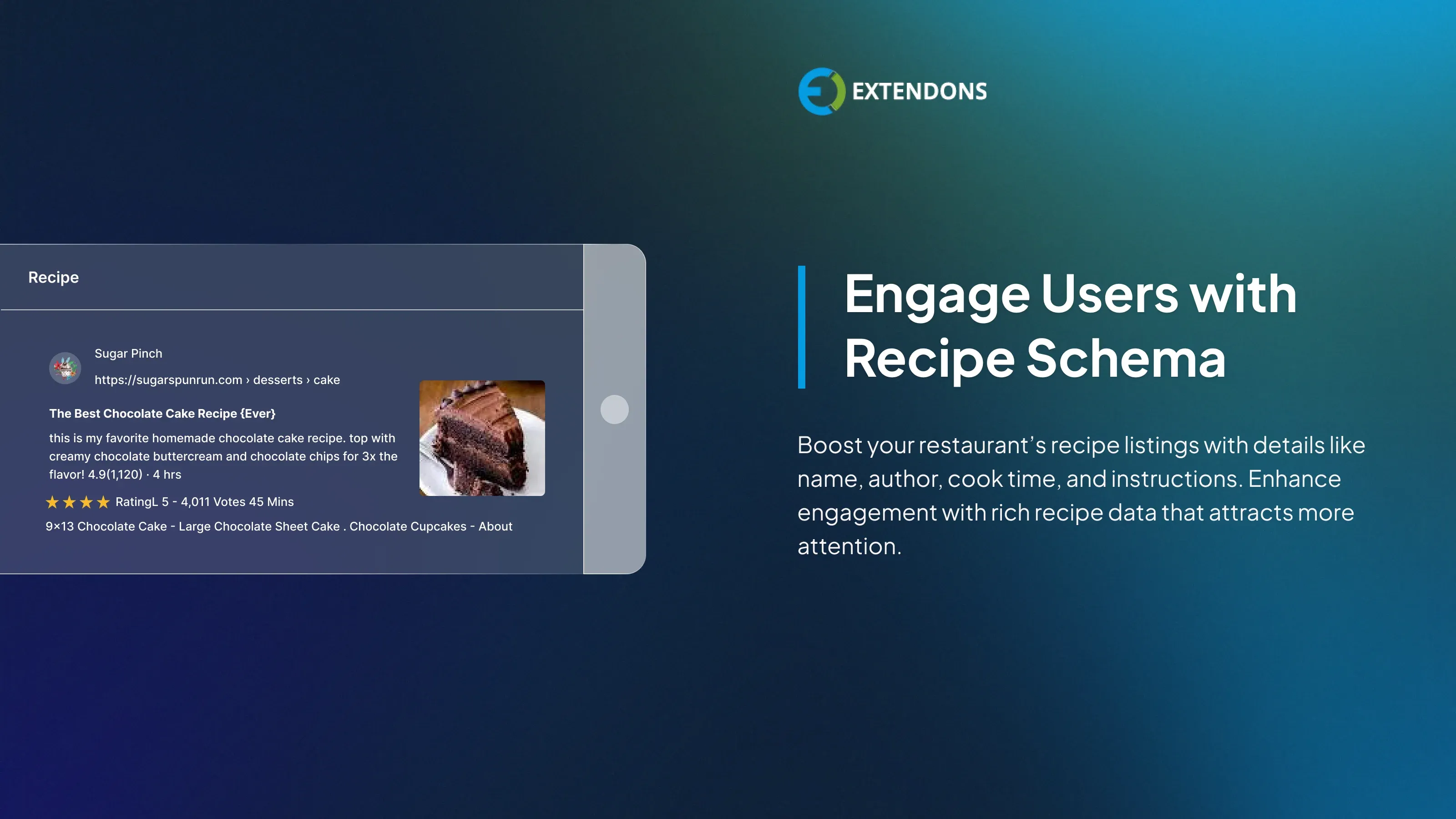
Display Product Recipe in Schema
With WooCommerce schema, you add recipe schema to your restaurant website, enhancing each recipe listing with details like the name, author, cooking time, publication date, description, image URL, instructions, and yield. This helps attract more interest and engagement from your audience.
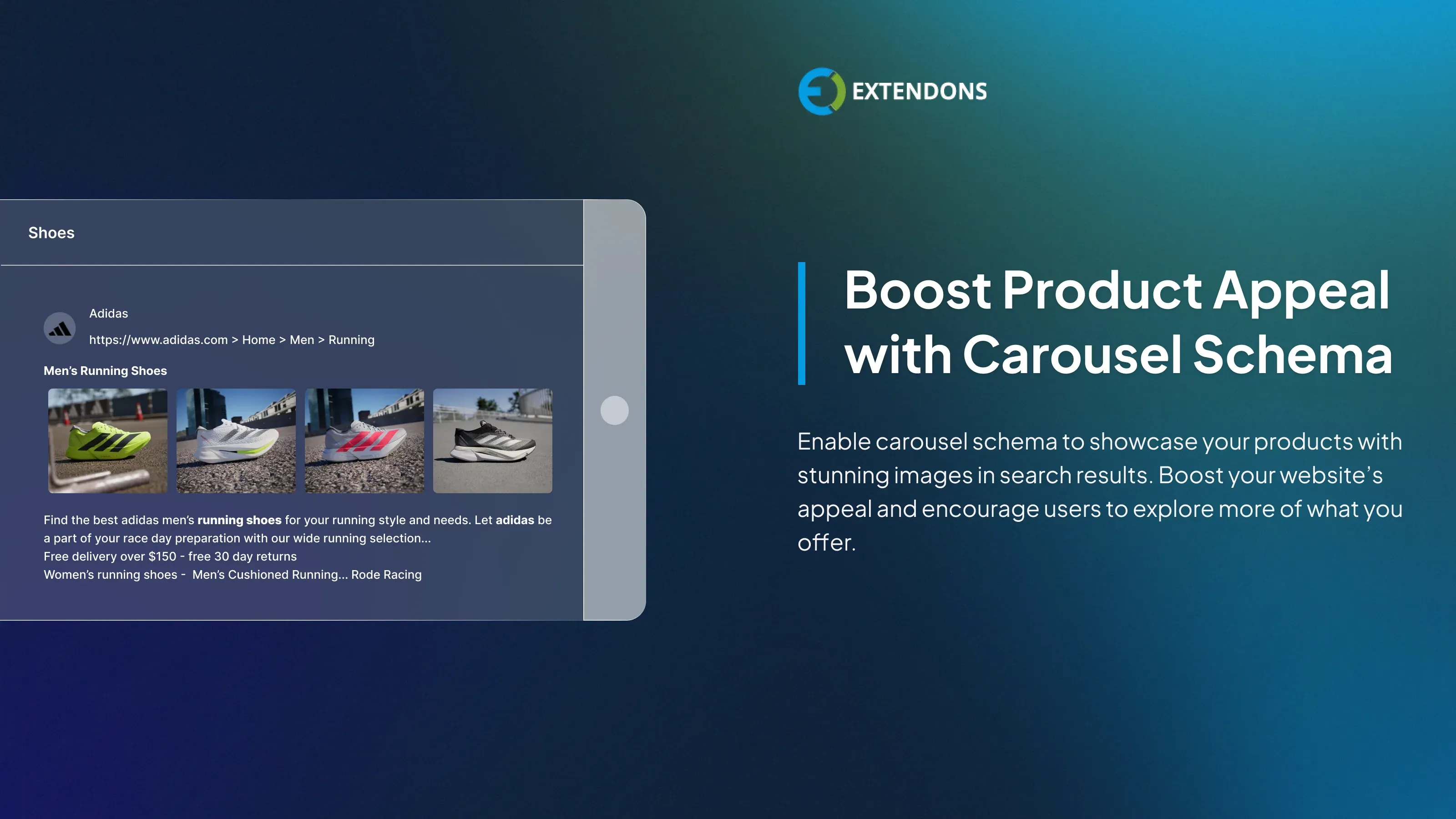
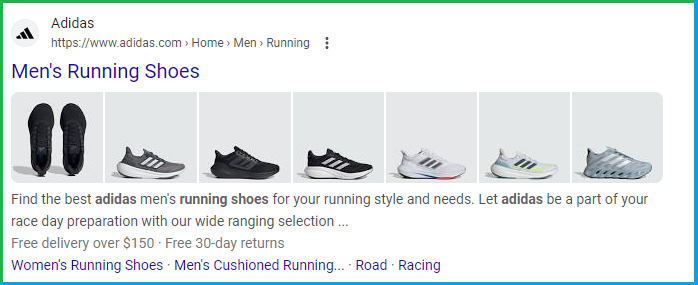
Display Products with Carousel Schema
Showcase products with images in a slider directly in the search results with carousel schema. This feature makes your store more attractive and invites users to browse more.
Note: This schema applies at the general level.
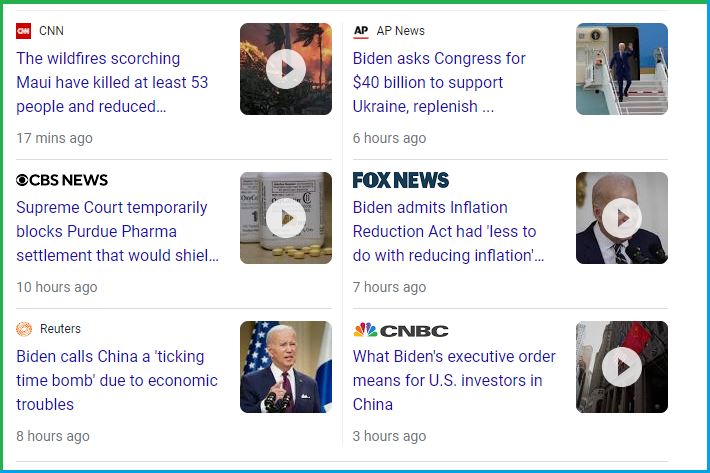
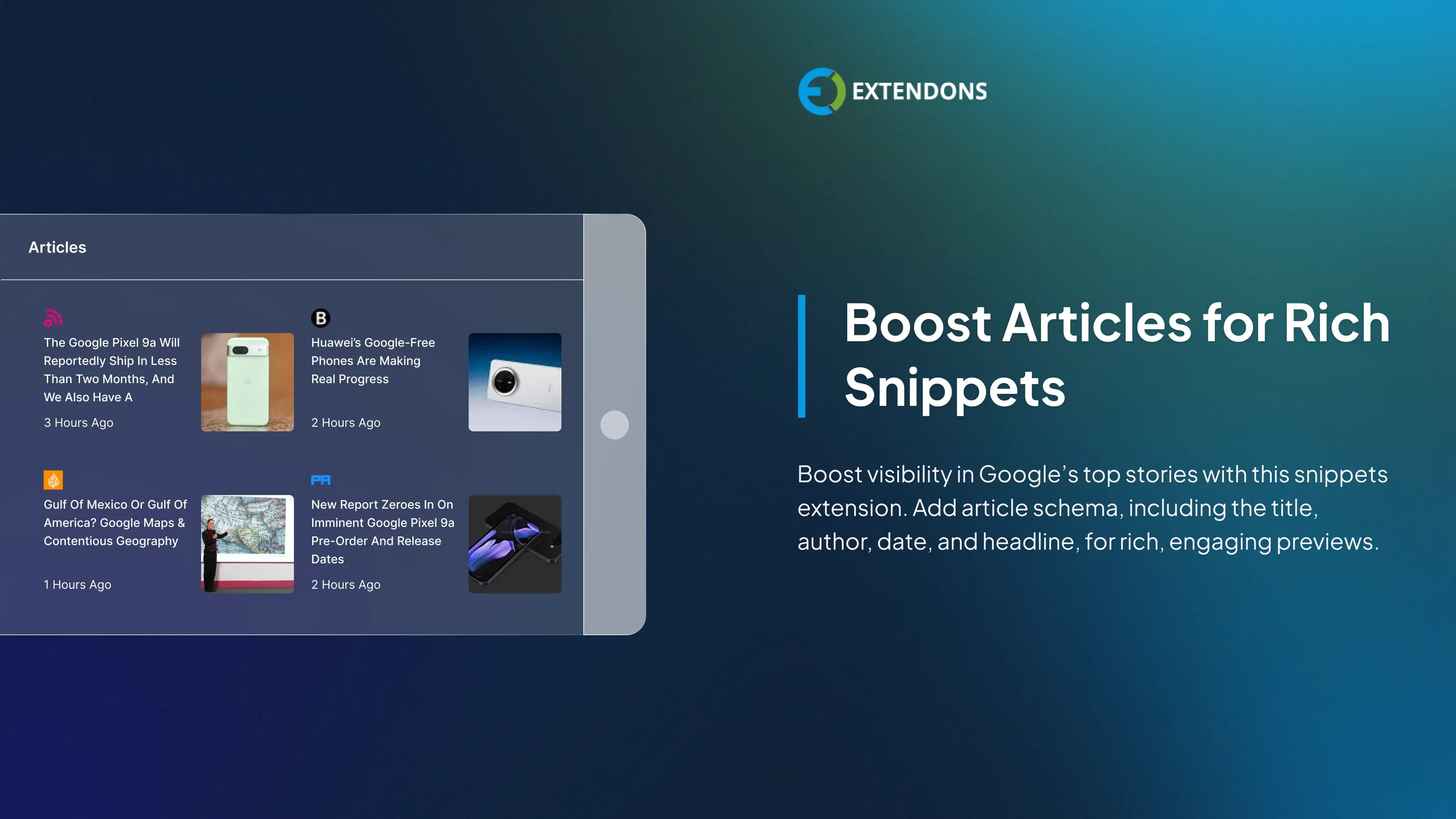
Boost Articles with Rich Snippets
Use WooCommerce schema plugin to add article schema, featuring details like the article’s title, author, publication date, and main headline. This helps engage readers with compelling headlines, images, and summaries, increasing your chances of appearing in Google’s top stories.
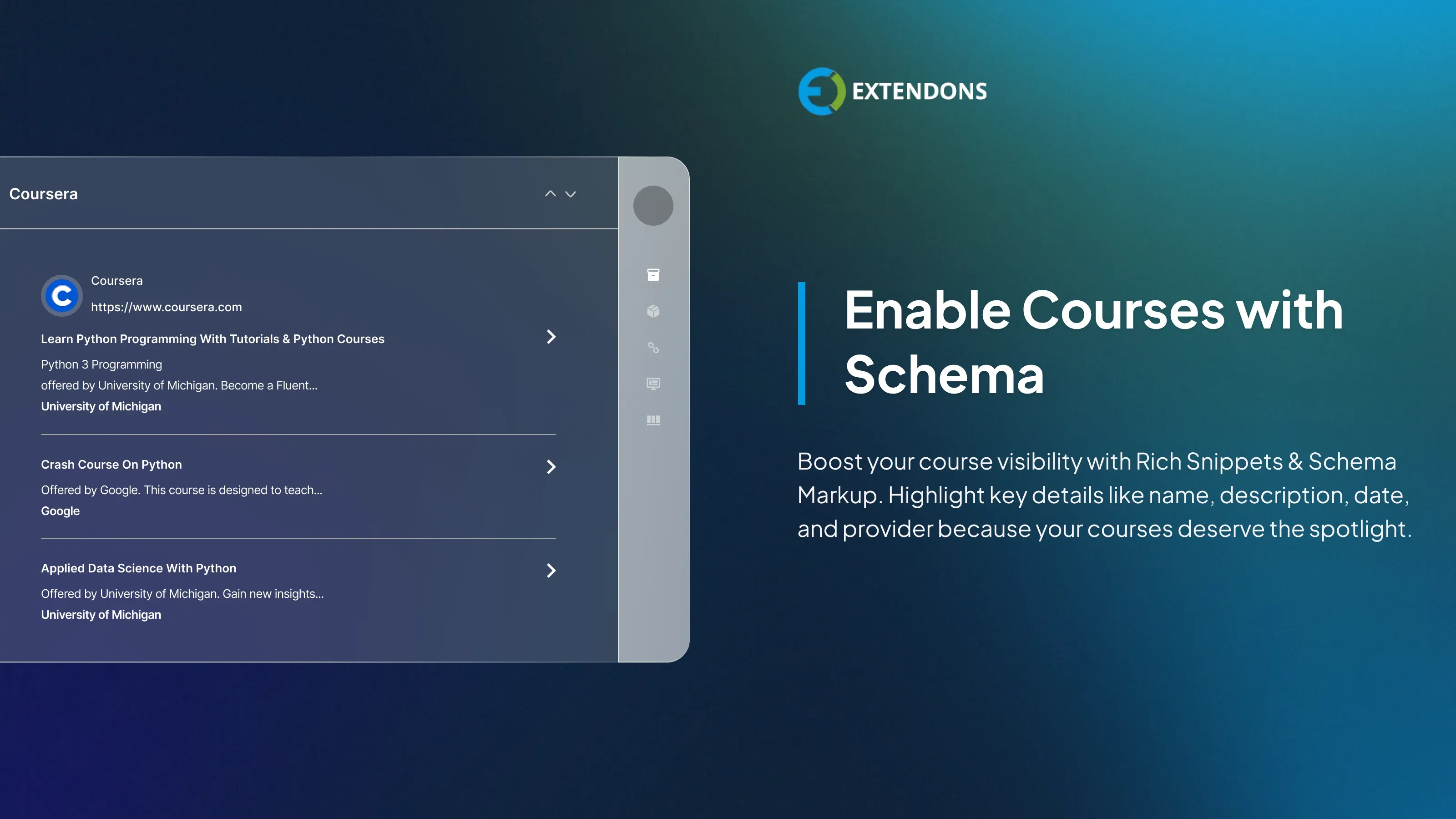
Display courses in Schema
Rich Snippets for WooCommerce enhances the visibility of your courses to prospective learners. With Course Schema, you can highlight important information such as the course title, description, publication date, and provider name directly in search results.

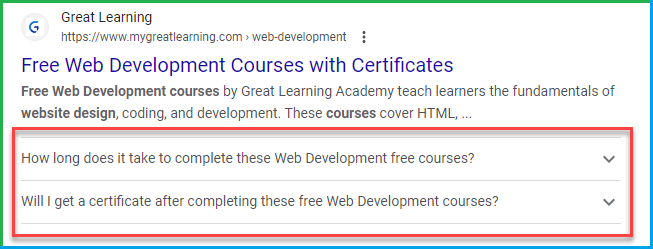
Enable FAQ schema in SERP’s
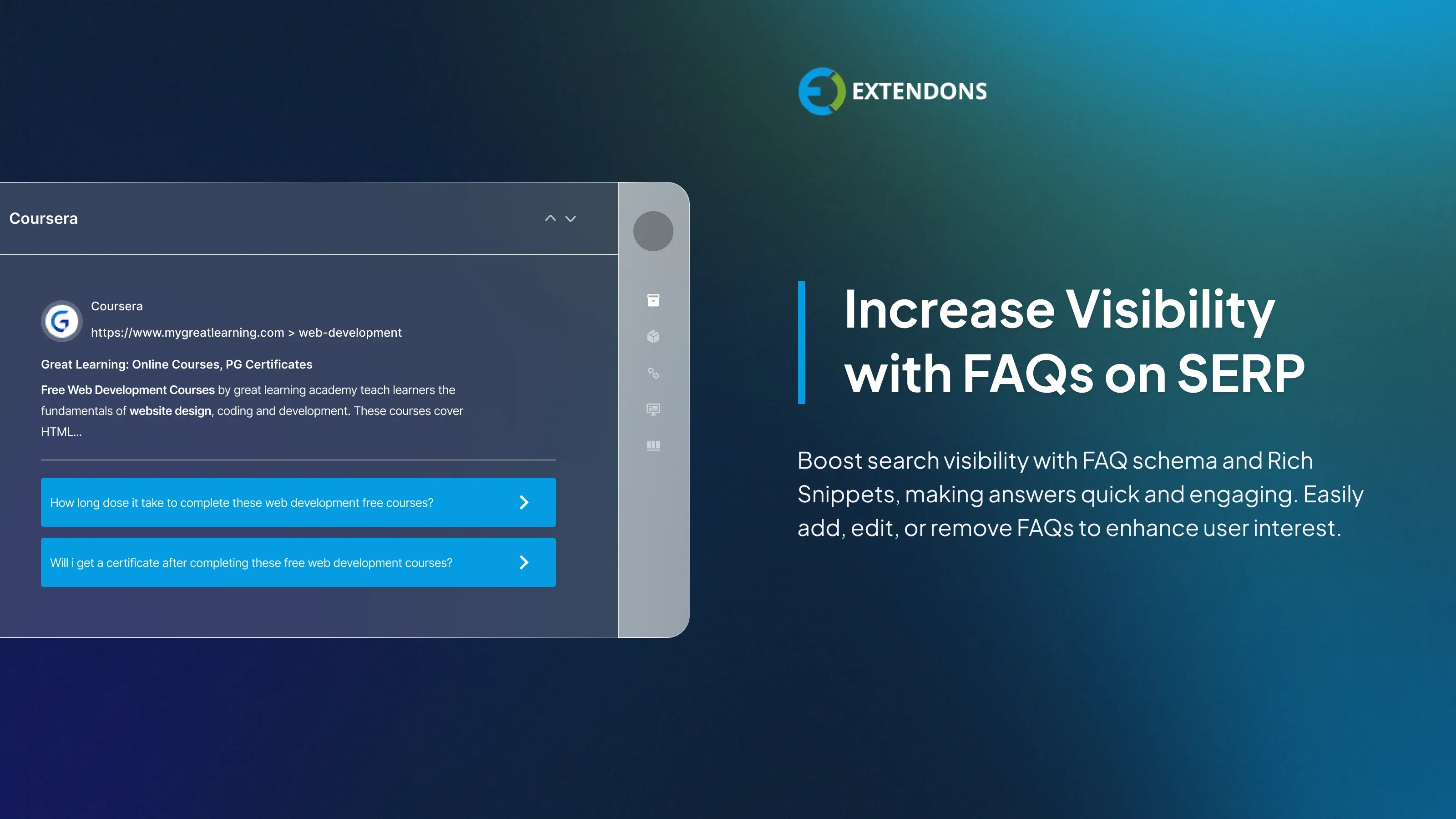
Enhance your search listings using FAQ schema with Rich Snippets & Schema Markup, allowing you to display frequently asked questions directly in search results. This boosts engagement, delivers instant answers, and sparks user interest. You can also easily add, update, or delete questions as needed.
Review & Rating
Frequently Asked Questions
-
 30-day money back guarantee
-
 Dedicated Support Team
-
 Safe & Secure Free Update
-
 Safe Customized Solutions