- $USD
- English (United States)
- Hire an Expert
- Get Support





Sold Exclusively on

Shopify Measurement Price Calculator
Use the measurement pricing calculator app to easily determine unit pricing for all your products!
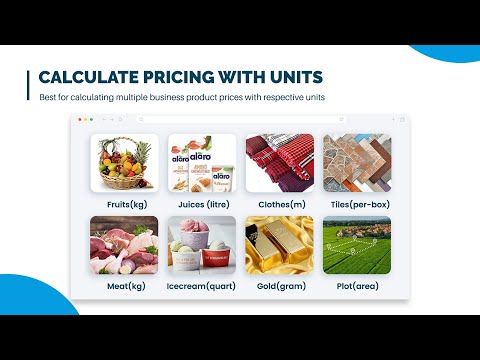
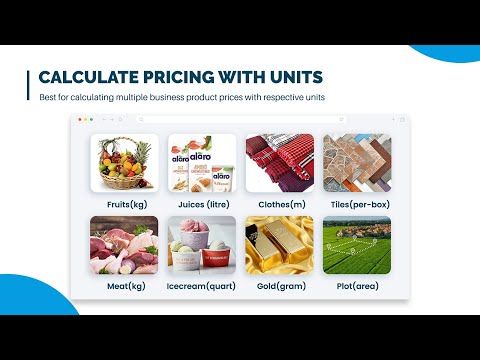
Measurement Unit Custom Pricing Calculator App allows customers to conveniently calculate the price of their products by entering measurements in respective units. Sell variable-sized products with the custom price calculator. You can sell wallpapers, tiles, fabric, murals, carpets, boxes, ...Details & Compatibility
Version
1.8.0
Last Update
April 29, 2026
Compatibility
Compatible with 2.O and all Free Themes
Support
If Have Any Comptitbility Issues Contact us in our support hours 09:00 AM - 06:00 PM (GMT +5)
Whats Include
- 10-Day Free Trial
$0.00
Buy From ShopifyCustomize this Plugin
CustomizePowerful Features!
Your customers are looking for products that possess specifications based on their needs. Therefore, you can charge them accordingly through Shopify Pricing Calculator. It's easier than you think. All you have to do is create & embed the measurement price calculator Shopify on any product page. It streamlines your sales on Shopify by letting your customers know anytime they change the input. They’ll always get the updated price based on your specific pricing formula.
The good thing is that you don't need any coding skills to customize it, style it or whatever to fit your Store theme. With the Shopify calculator app, you can supercharge your checkout rate by x-times & optimize your profits. Add Shopify Pricing Calculator App to your store now and let your customers know the exact price of dynamic products easily.

Measure Price Per Unit

Sell Products in Variable Sizes

Calculate Price in Multiple Units
MPC functionality applies only to the default product template!
Ensures MPC functionality works seamlessly on the standard product template for consistent performance. This helps avoid conflicts with custom layouts or unsupported templates. By focusing on a single template, it delivers a stable and predictable user experience. It also simplifies setup and reduces the risk of display or functionality issues.
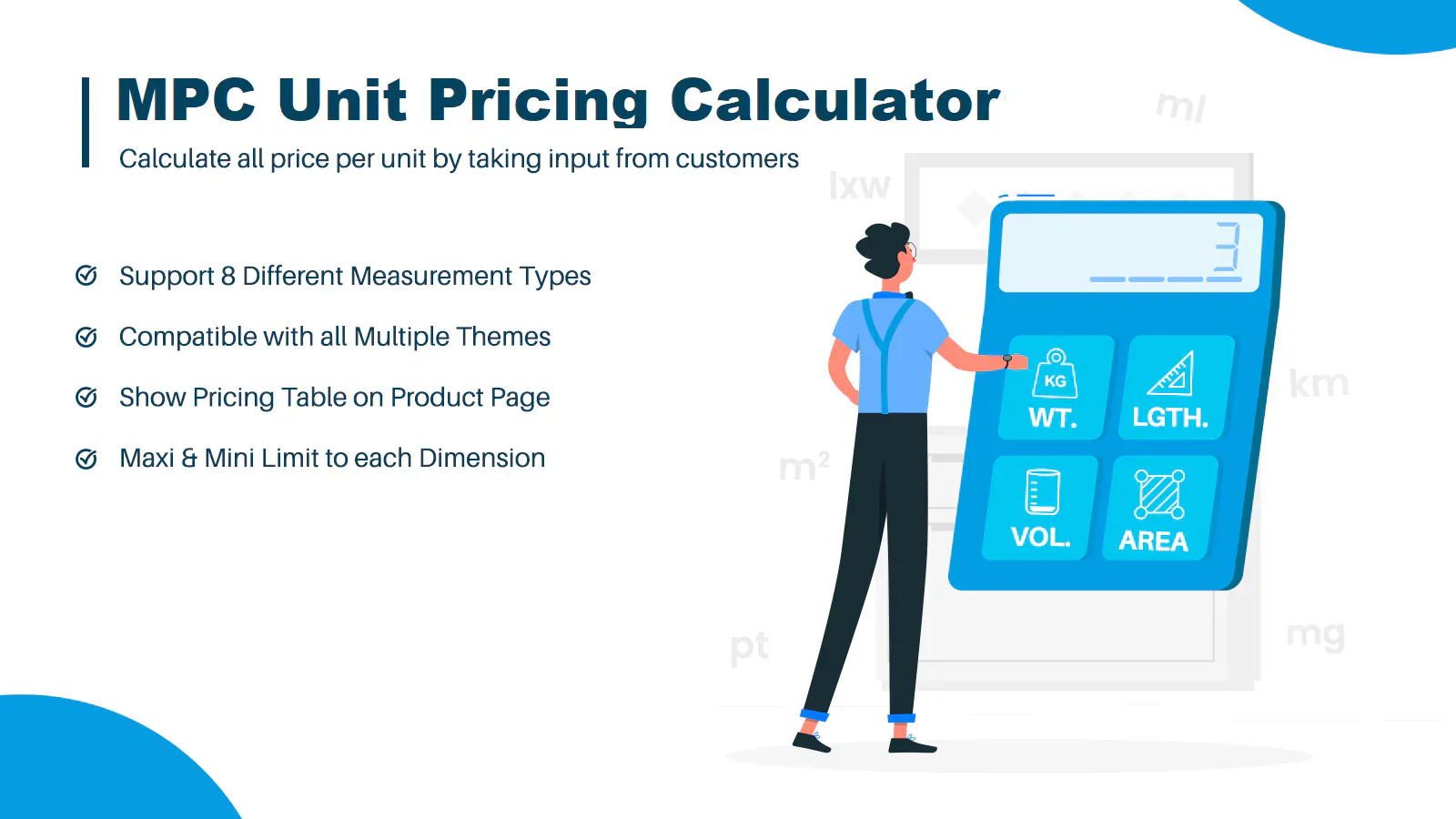
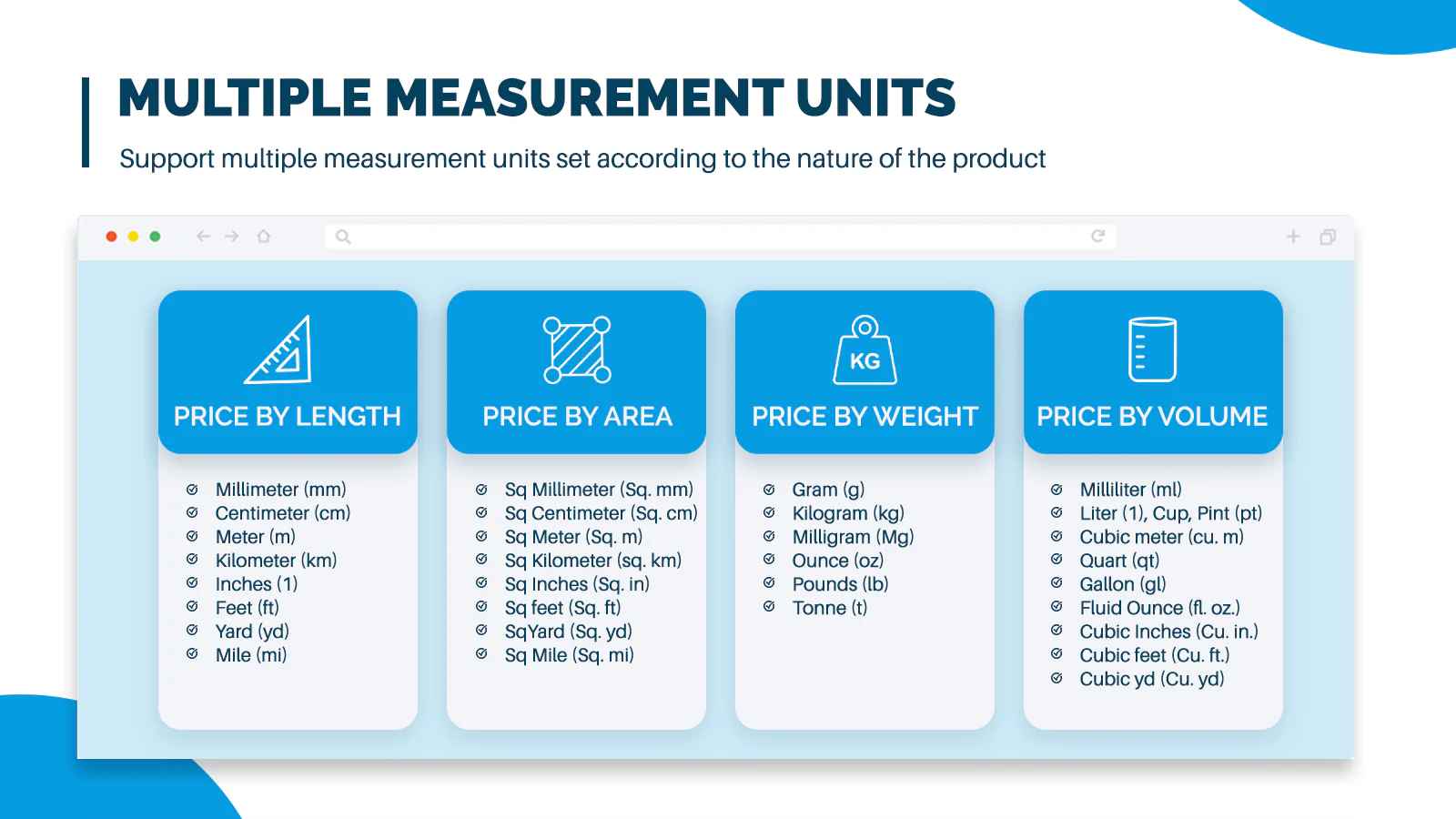
Sell products in flexible units like length, weight, area, volume, or by the box!
Offer products in flexible units like length, weight, area, volume, or by the box to match real buying needs. This makes it easier for customers to purchase exact quantities. It improves accuracy in orders and reduces confusion during checkout. You also enhance user experience by aligning pricing with how products are actually sold.
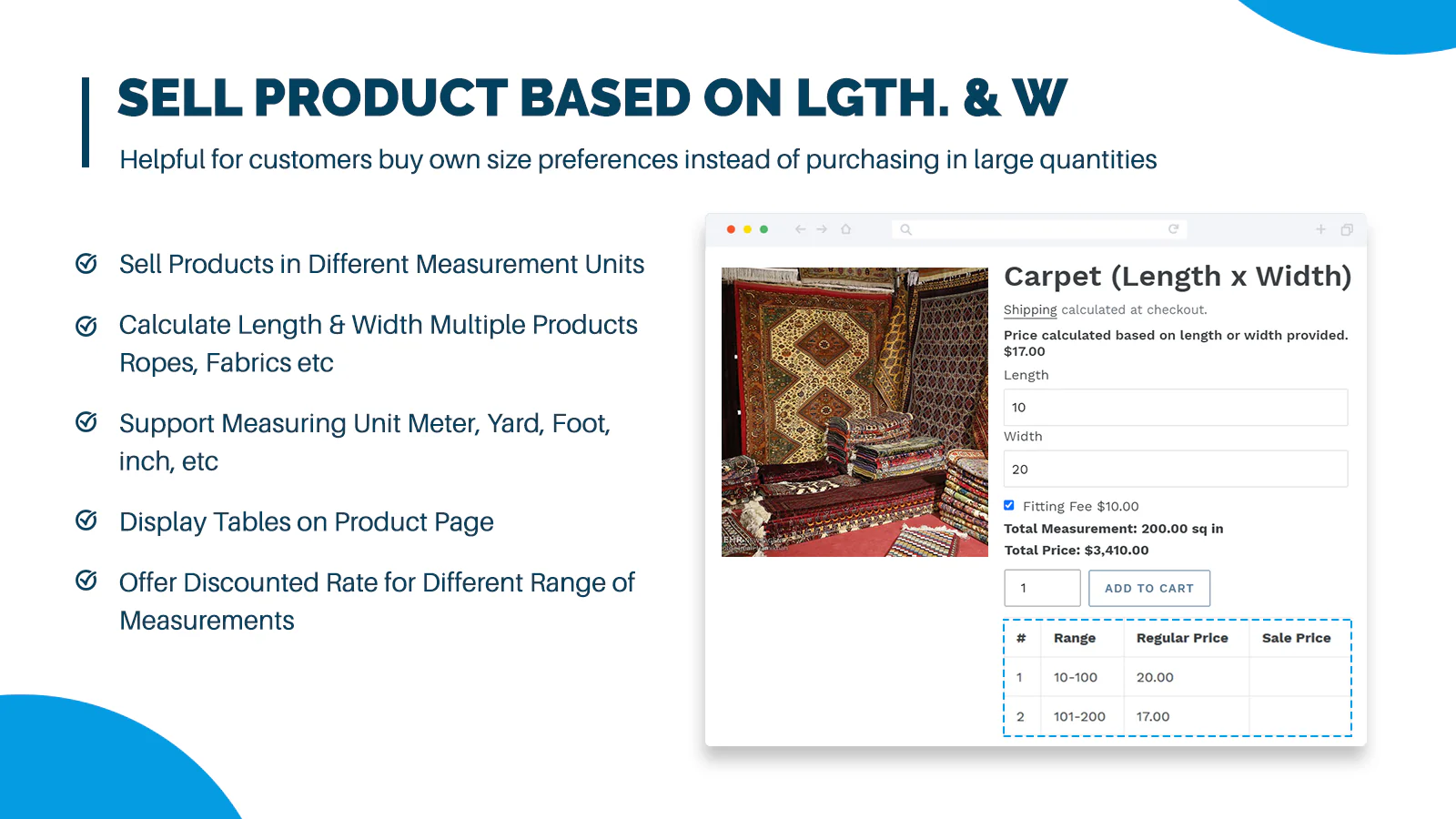
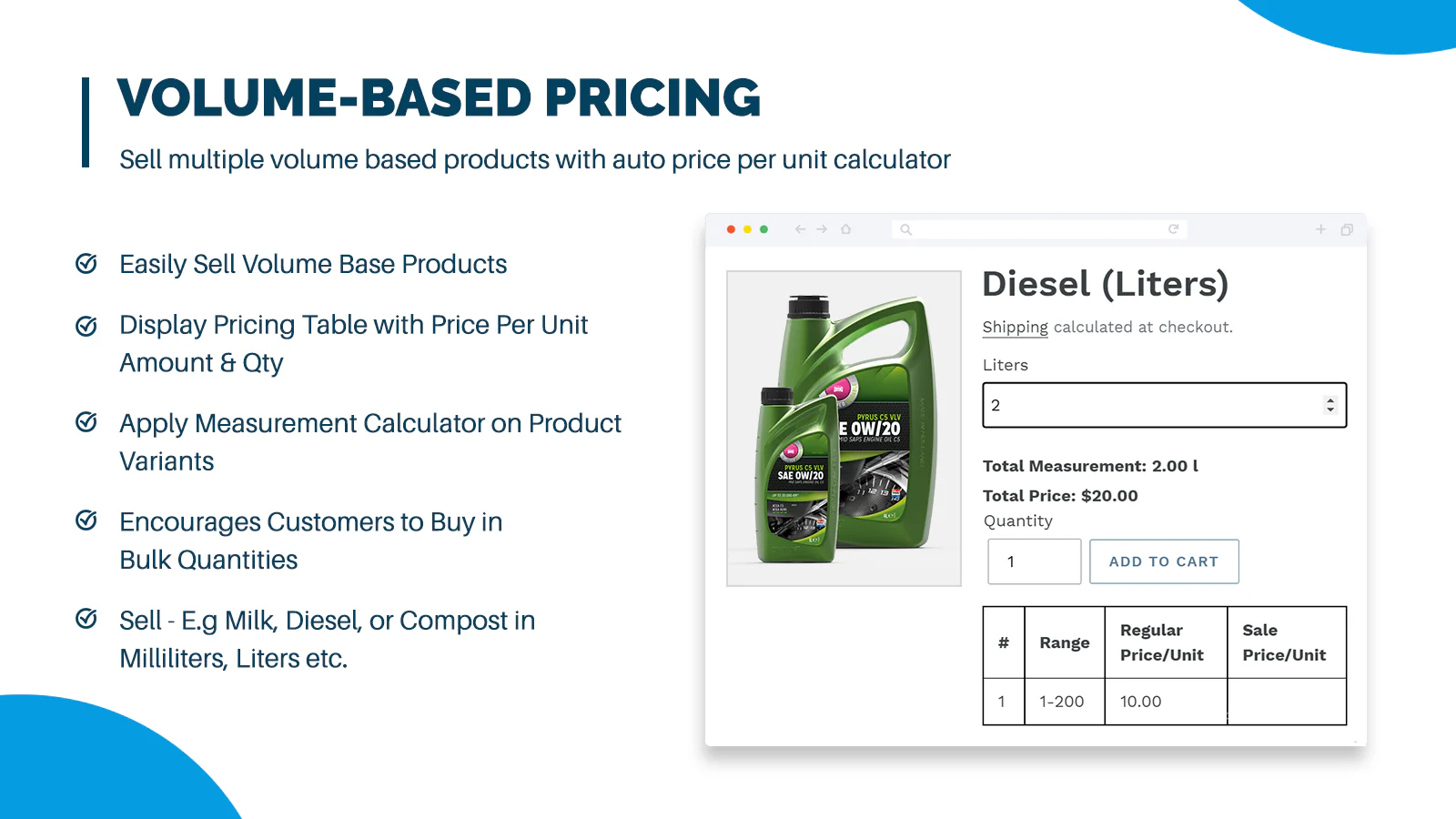
Set a unit price and let customers calculate the total cost based on their selected quantity!
Set a unit price and enable customers to automatically calculate the total cost based on their selected quantity. This makes pricing more transparent and easy to understand.
It improves buying confidence by showing real-time cost updates, helping customers make quicker and more informed purchase decisions.
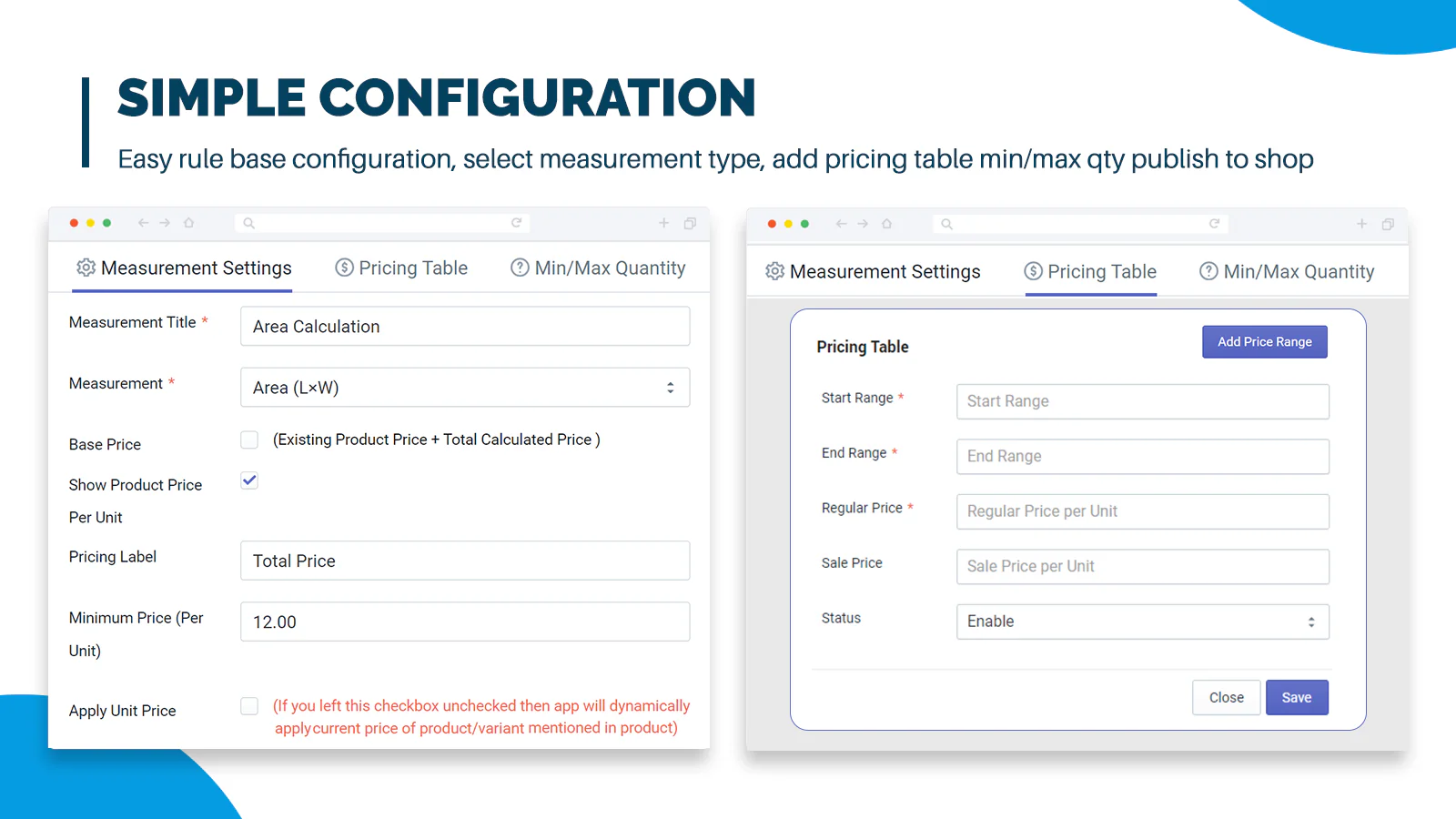
Set maximum and minimum limits for each measurement dimension!
Set clear minimum and maximum limits for each measurement dimension to control how products can be purchased. This ensures accurate and standardized ordering.
It helps prevent incorrect or unrealistic quantities while improving inventory management. Customers also get a clearer buying experience with defined boundaries.
User measurements carried to cart and order pages!
Carry user-provided measurements directly to the cart and order detail pages for accurate order processing. This ensures all custom inputs remain intact throughout the purchase journey.
It reduces errors and manual handling while improving order clarity for both customers and store owners. This leads to smoother fulfillment and better operational efficiency.
Review & Rating
Frequently Asked Questions
-
 30-day money back guarantee
-
 Dedicated Support Team
-
 Safe & Secure Free Update
-
 Safe Customized Solutions