- $USD
- English (United States)
- Hire an Expert
- Get Support




Also Sold on

AI Product FAQs and Questions
WooCommerce FAQ plugin allows you to showcase frequently asked questions directly on your product pages, offering extra details about the products.
- Show FAQs on product pages
- Allow customers to submit their questions
- Enable both public and private inquiries
- Admin can review and approve or reject questions
- Integrate Google reCAPTC...
Details & Compatibility
Version
1.0.6
Last Update
March 24, 2026
Compatibility
WooCommerce version 2.6.0 or higher | Wordpress version 4.6 or higher
Support
6 months support from extendons
Whats Include
- Quality checked by Extendons
- Future updates
$0.00
Customize this Plugin
CustomizeMain Feature
Displays FAQs on the product pages to help users find instant answers to their queries with the FAQ for WooCommerce. You can allow the users to ask more about the products. WooCommerce ask a question plugin reduces the effort of replying to customer support queries every time a common question is asked. Your potential buyers can simply refer to the answers on the product pages and ask anything further before placing an order.

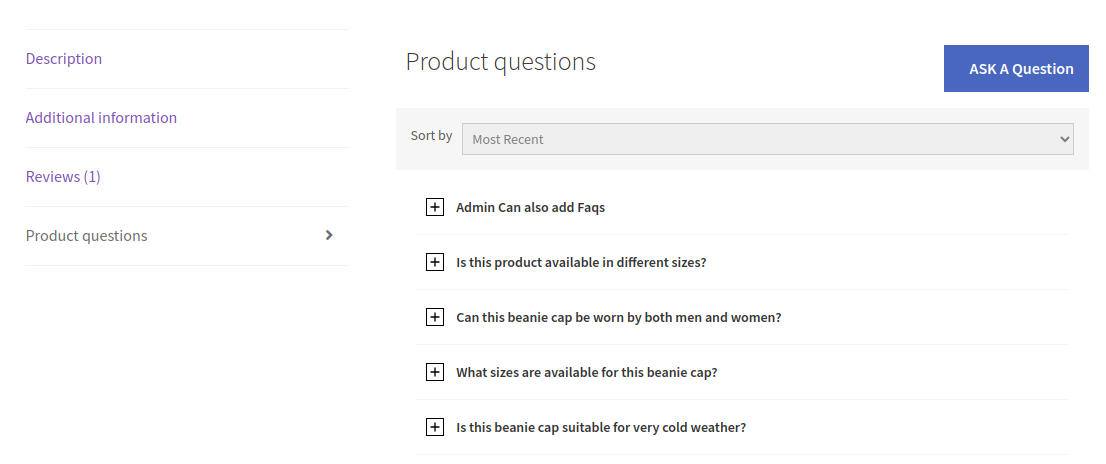
Displays FAQs on your product page

Allow customers to submit questions

Enable both private and public questions
Approve or disapprove questions
Enable Google reCAPTCHA
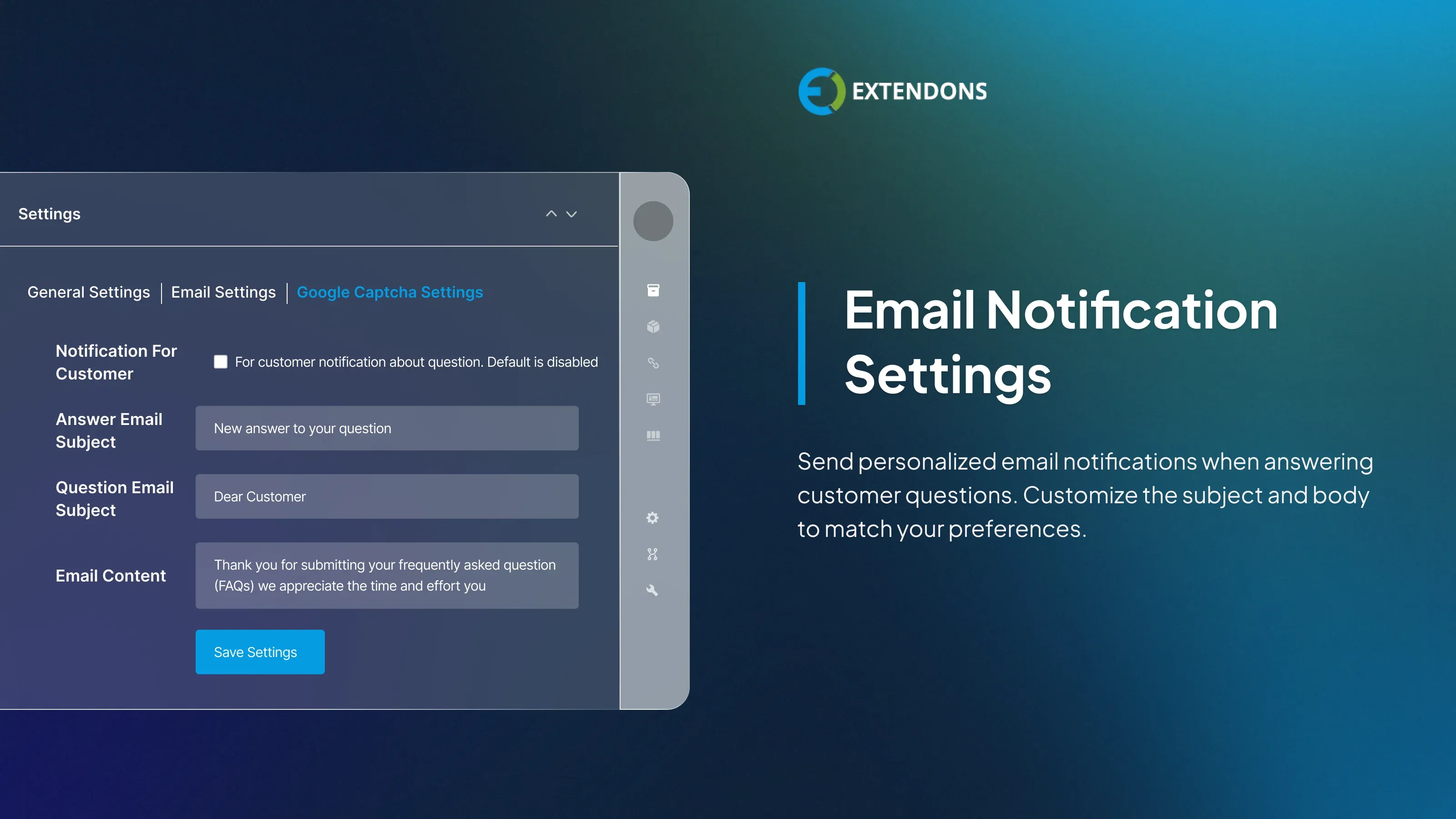
Send personalized email notifications
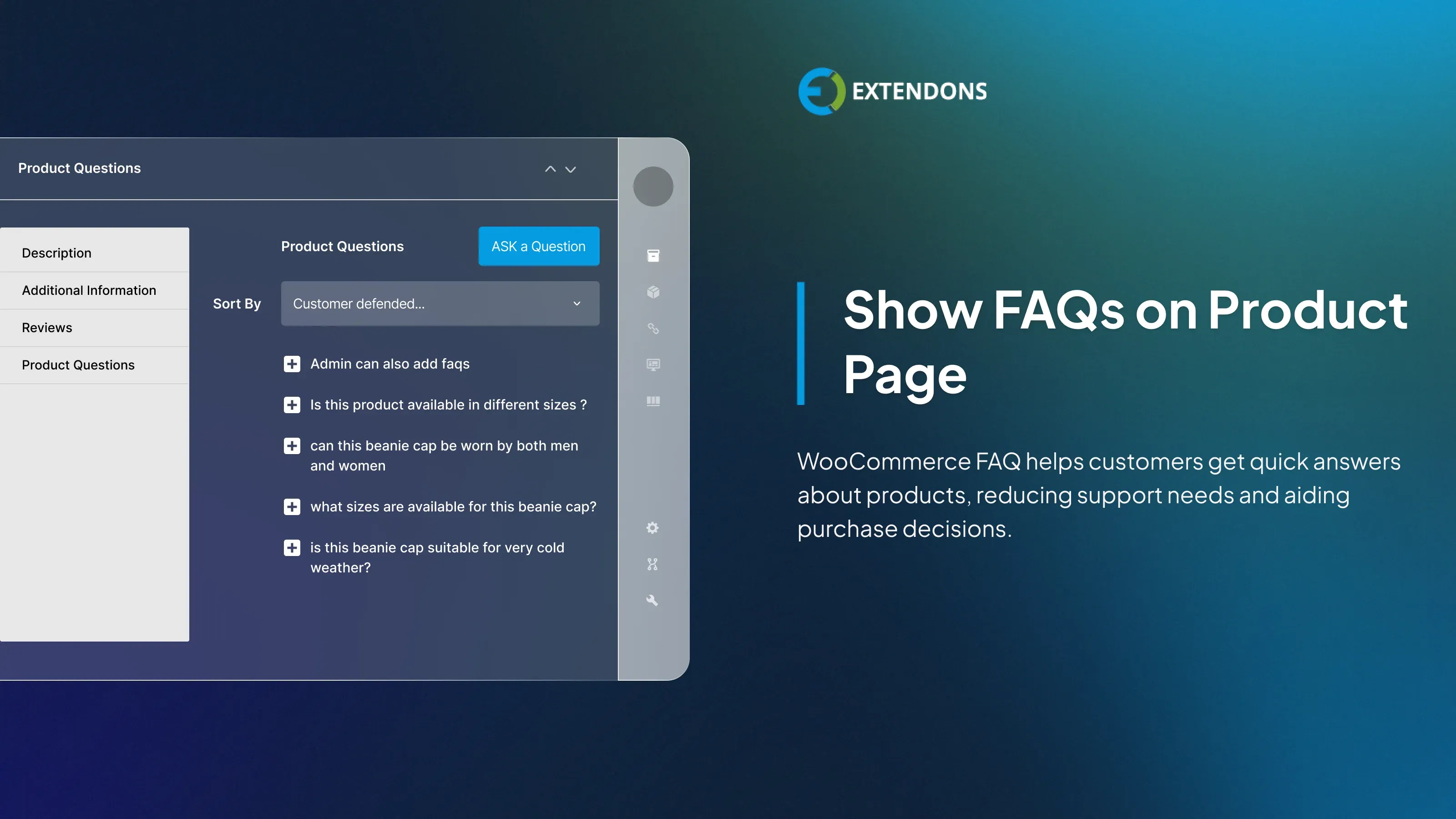
Show FAQs on Product Pages
The WooCommerce FAQ plugin lets you present essential product details in the form of FAQs on your product pages. Customers can conveniently browse these FAQs to find quick answers to their queries, reducing the need to reach out to customer support. You can manually add FAQs from the backend and assign them to specific products.
Allow Customers to Submit Questions
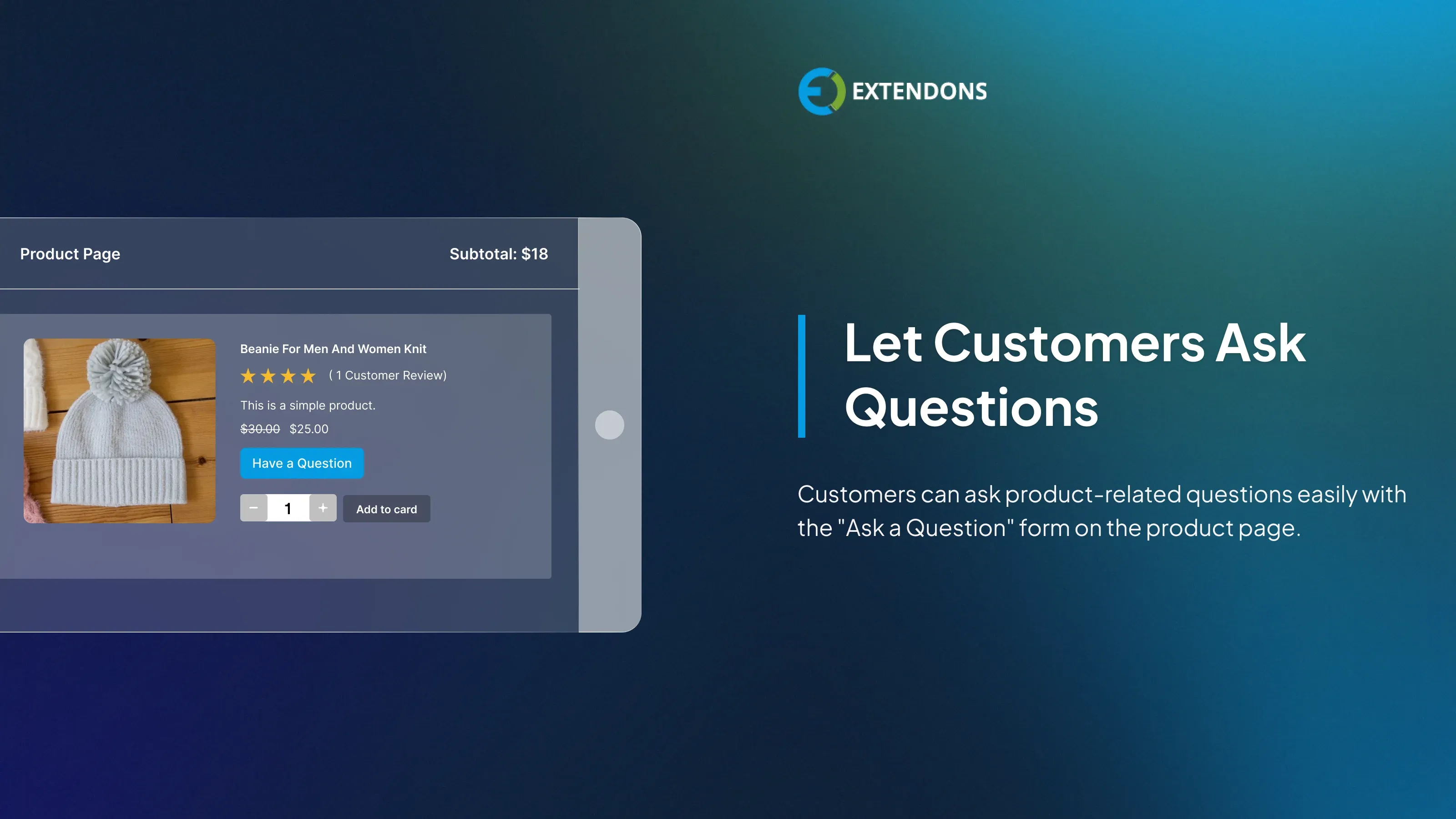
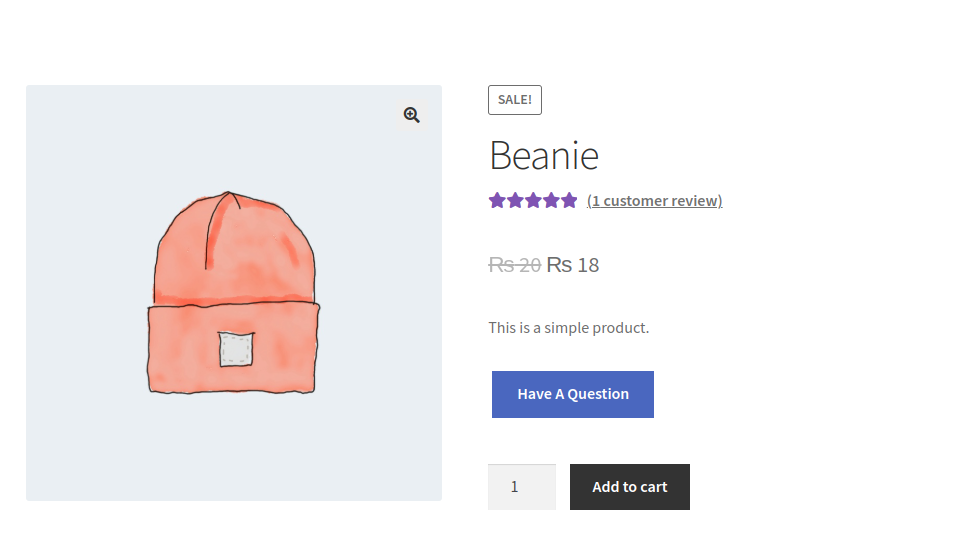
Allow your customers to ask product-related questions directly from the product page using the "Ask a Question" form. This lets shoppers inquire about product details, discount offers, or anything not covered in the FAQs, making it easy to communicate with the store admin.
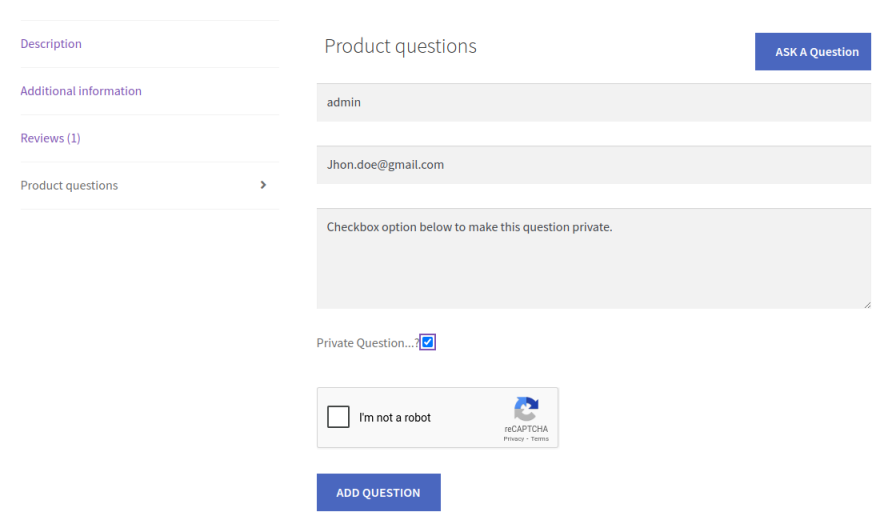
Support for Public or Private Questions
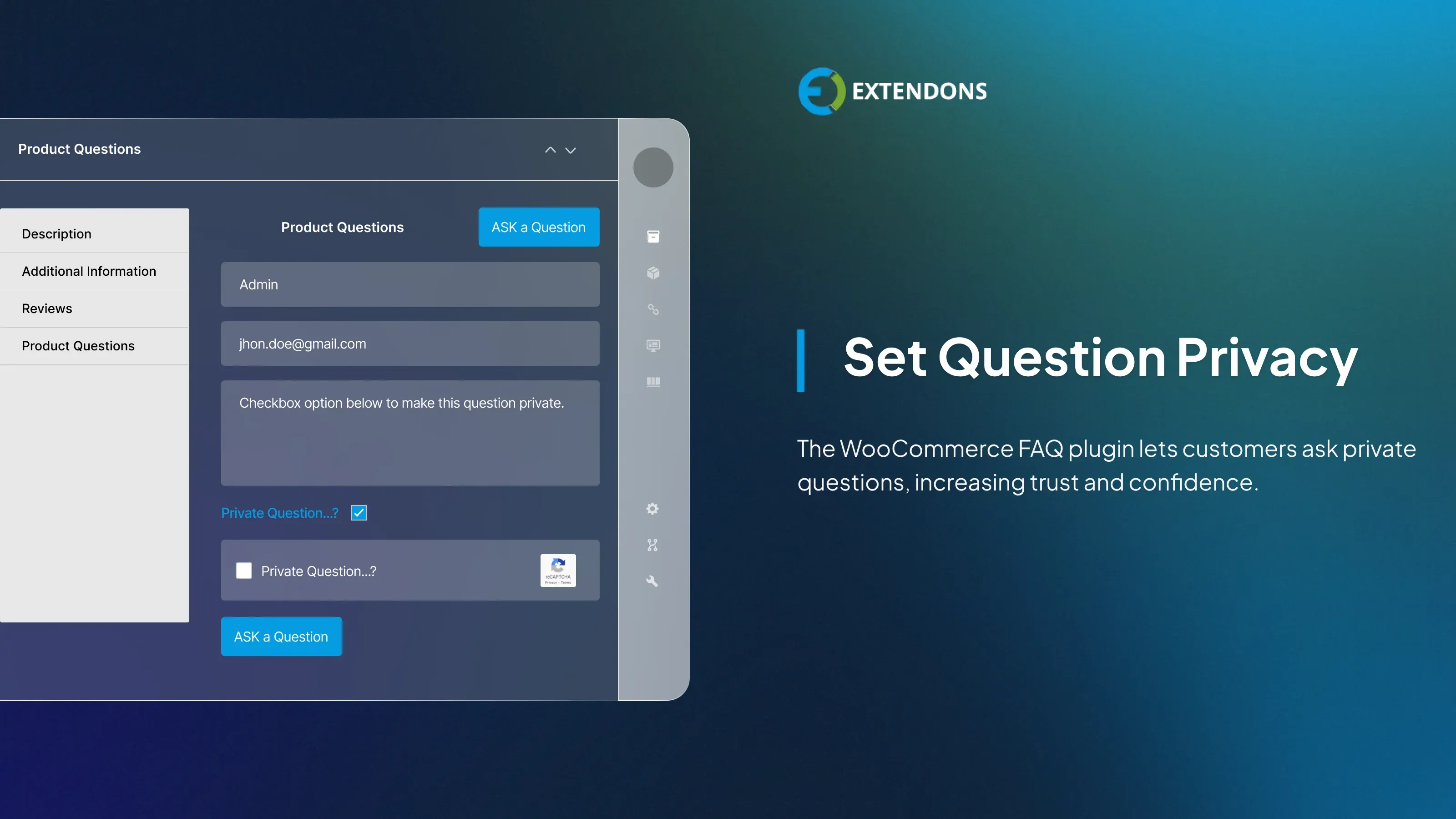
WooCommerce faq offers the flexibility to let customers ask questions privately, ensuring their inquiries are not visible to other users on the product page. This builds trust and encourages users to ask questions without hesitation.
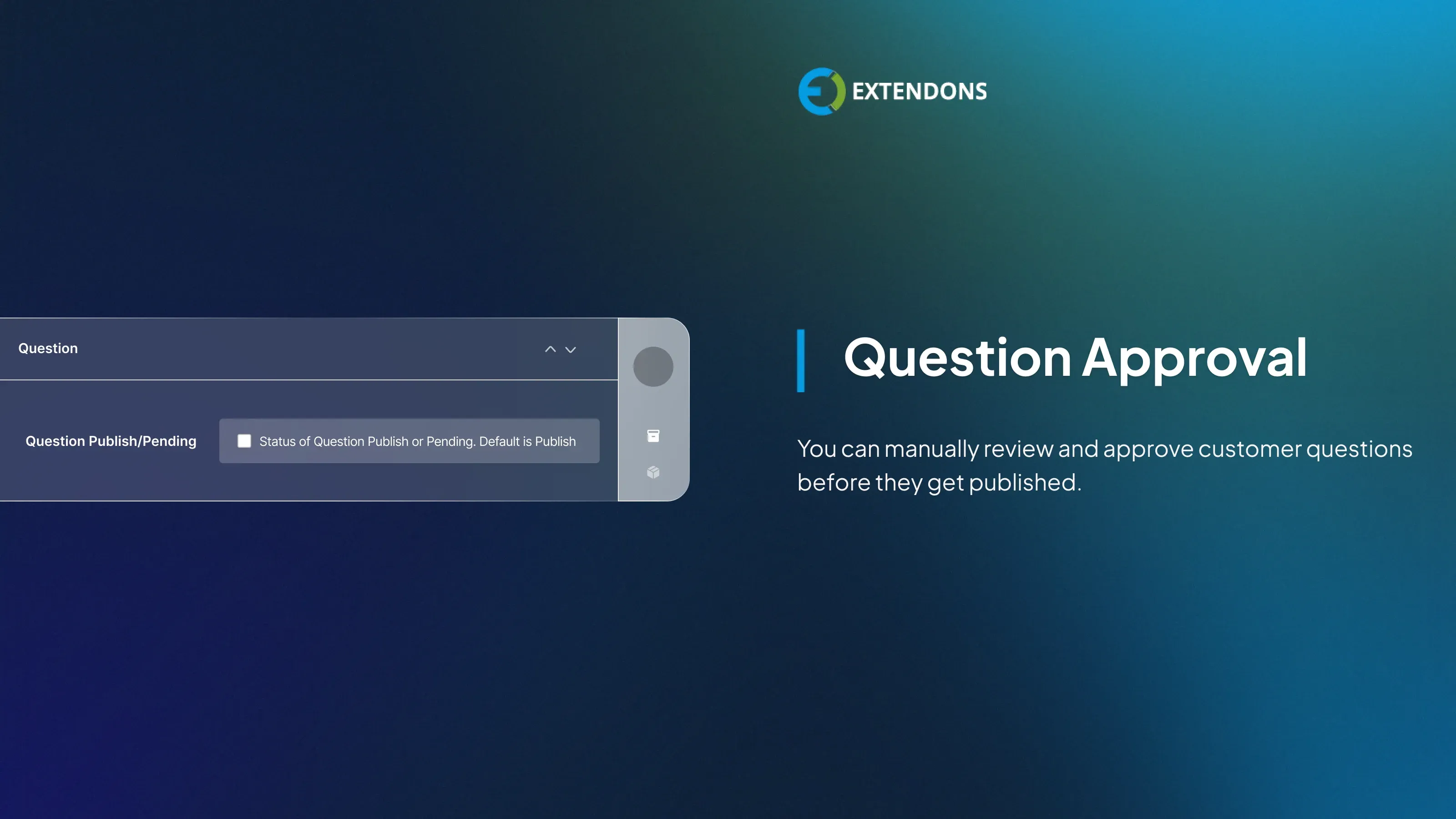
Manage Question Approval
Admins have full control to approve or reject customer-submitted questions from the backend. New questions are held for review, allowing you to manually decide which ones to publish on the product page.

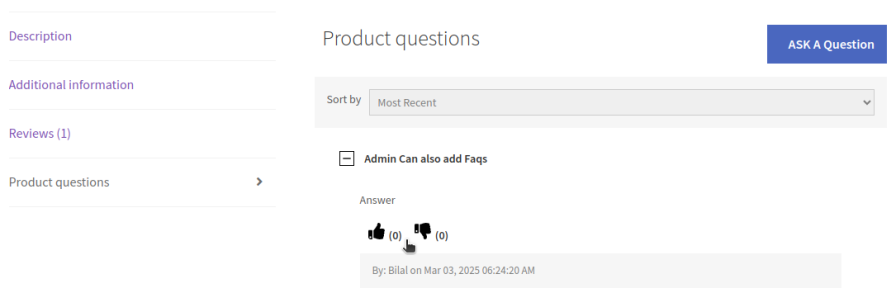
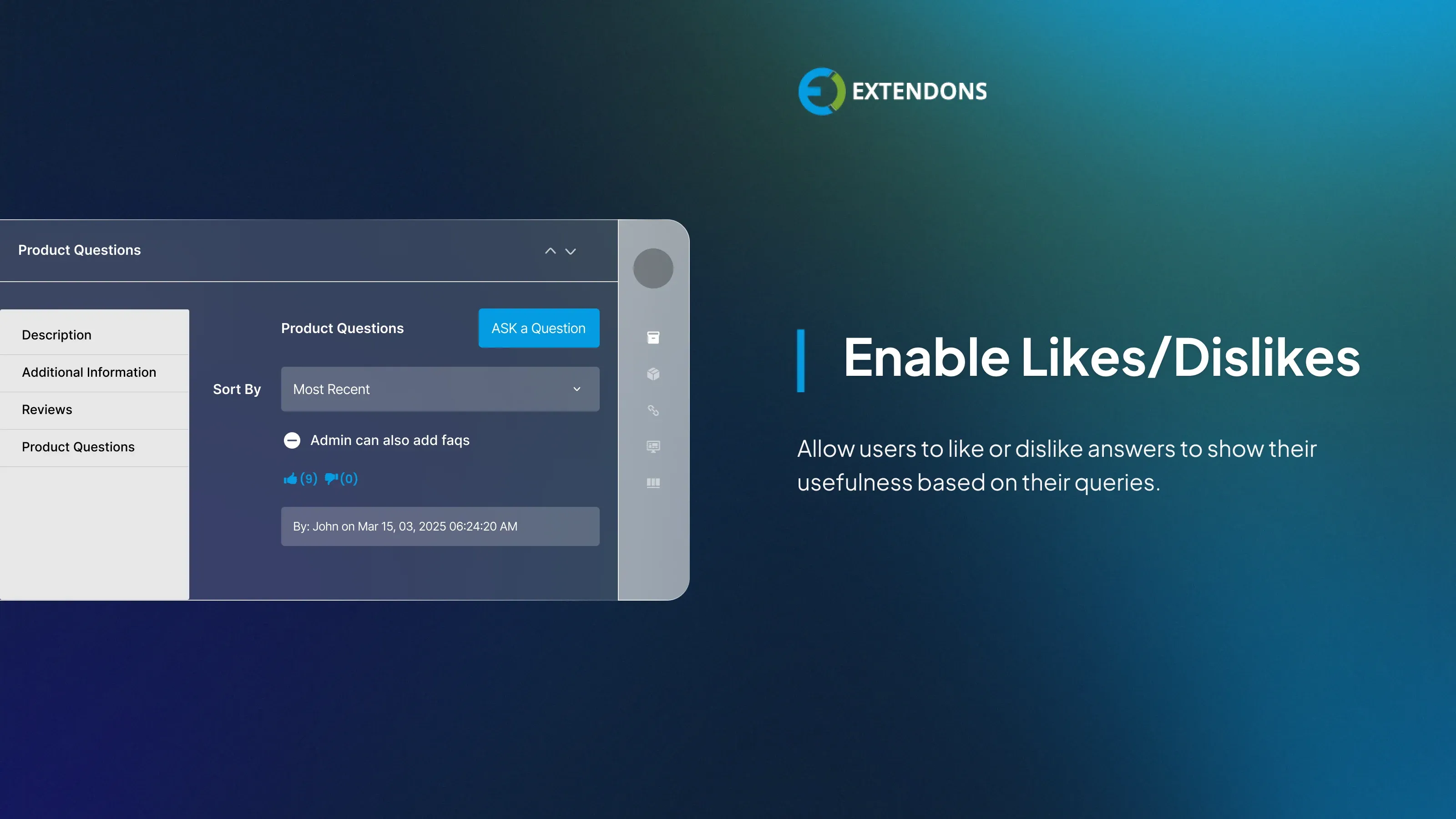
Enable Likes & Dislikes for Answers
Activate or deactivate the likes and dislikes feature to let users rate the helpfulness of FAQ answers based on their experience and needs.
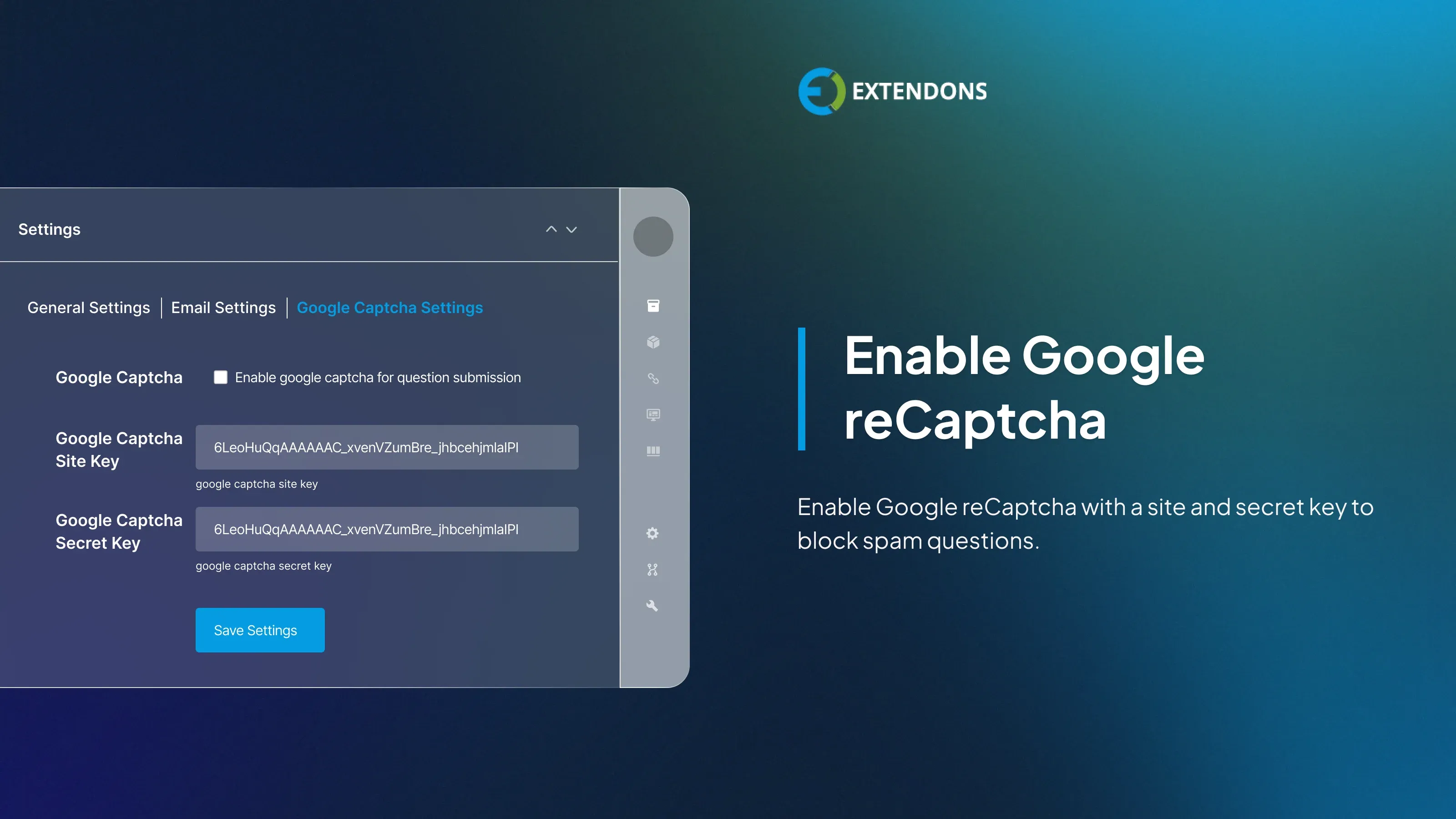
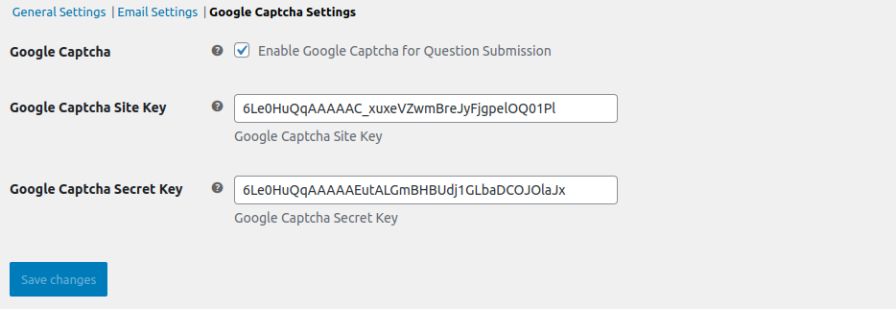
Integrate Google reCAPTCHA
Secure your FAQ and question forms by enabling Google reCaptcha to block spam submissions. Simply configure the WooCommerce faq plugin with your site and secret keys to get started.
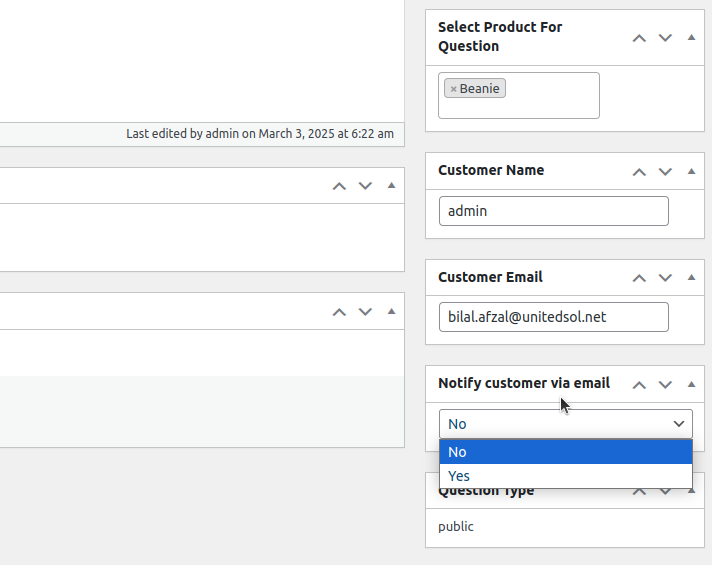
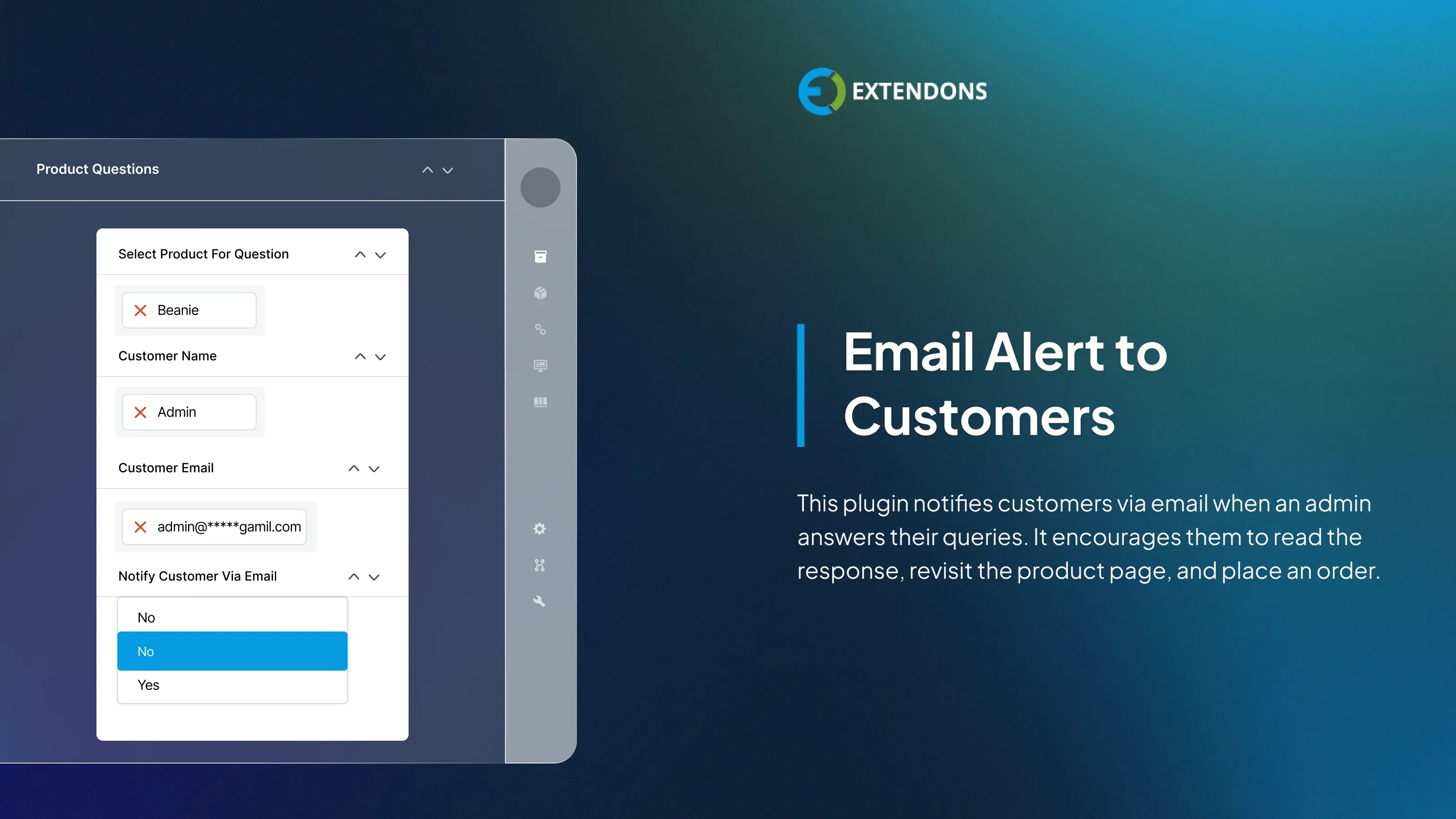
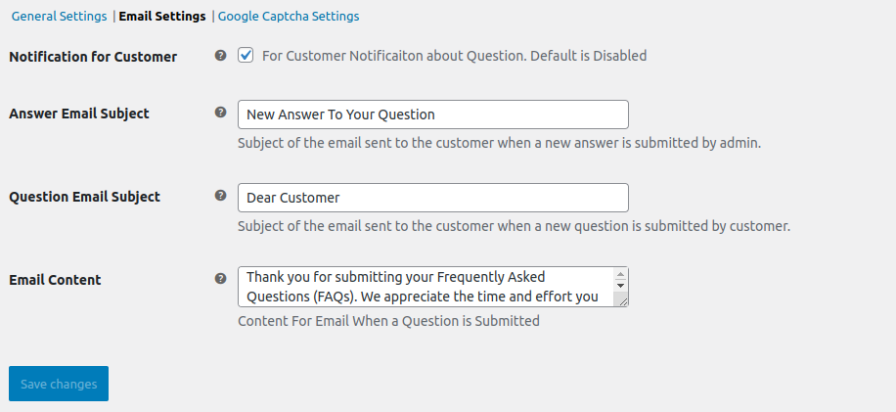
Send Email Notifications to Customers
Keep your customers informed by automatically sending email notifications when their questions receive a response from the store admin. This not only improves communication but also encourages customers to revisit your store and possibly complete their purchase.
Customize Email Content
Personalize your email notifications by customizing the subject line and message body. You can send customized emails to customers according to your preferences.
Review & Rating
Frequently Asked Questions
-
 30-day money back guarantee
-
 Dedicated Support Team
-
 Safe & Secure Free Update
-
 Safe Customized Solutions