- $USD
- English (United States)
- Hire an Expert
- Get Support





Also Sold on

Measurement Price & Cost Calculator
The WooCommerce measurement price calculator allows you to sell products based on measurements like length, area, weight, or volume. Customers enter their required size, and the plugin automatically calculates the price.
- Price products by length, area, weight, or volume
- Automate pricing with formulas and unit conversions
- Set custom prices for pro...
Details & Compatibility
Version
1.1.0
Last Update
August 9, 2026
Compatibility
WooCommerce version 2.6.0 or higher | Wordpress version 4.6 or higher
Support
6 months support from extendons
Whats Include
- 1-year extension updates
- 30-day money-back guarantee
$0.00
Customize this Plugin
CustomizeMain Feature
The WooCommerce measurement price calculator plugin helps you sell variable-sized products with accurate, automated pricing. Customers simply enter their required dimensions, and the price is calculated instantly based on your configured rules. Whether you sell fabric by the meter, tiles by the box, or liquids by volume, the plugin handles it all, with built-in pricing tables and quantity-based discounts.
- Sell products by measurement
- Length, area, weight, or volume pricing
- Sell products in box quantities
- Set minimum and maximum quantity limits
- Manage stock by measurement units
- WPML compatible

Sell products by measurement
Length, area, weight, or volume pricing

Sell products in box quantities
Set minimum and maximum quantity limits
Customize pricing labels and measurement units
Manage stock by measurement units
WPML compatible
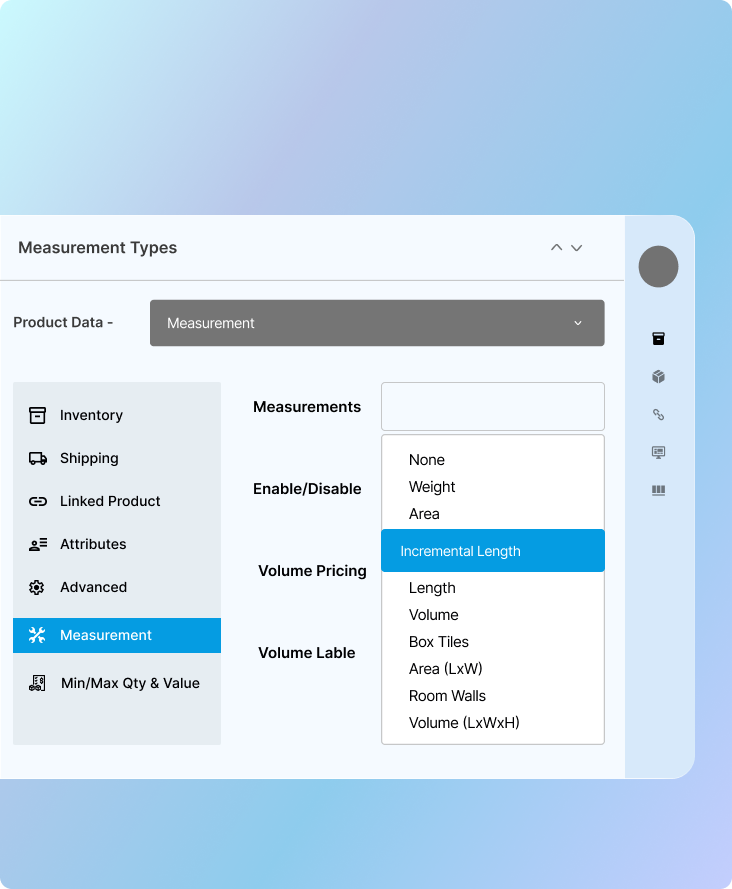
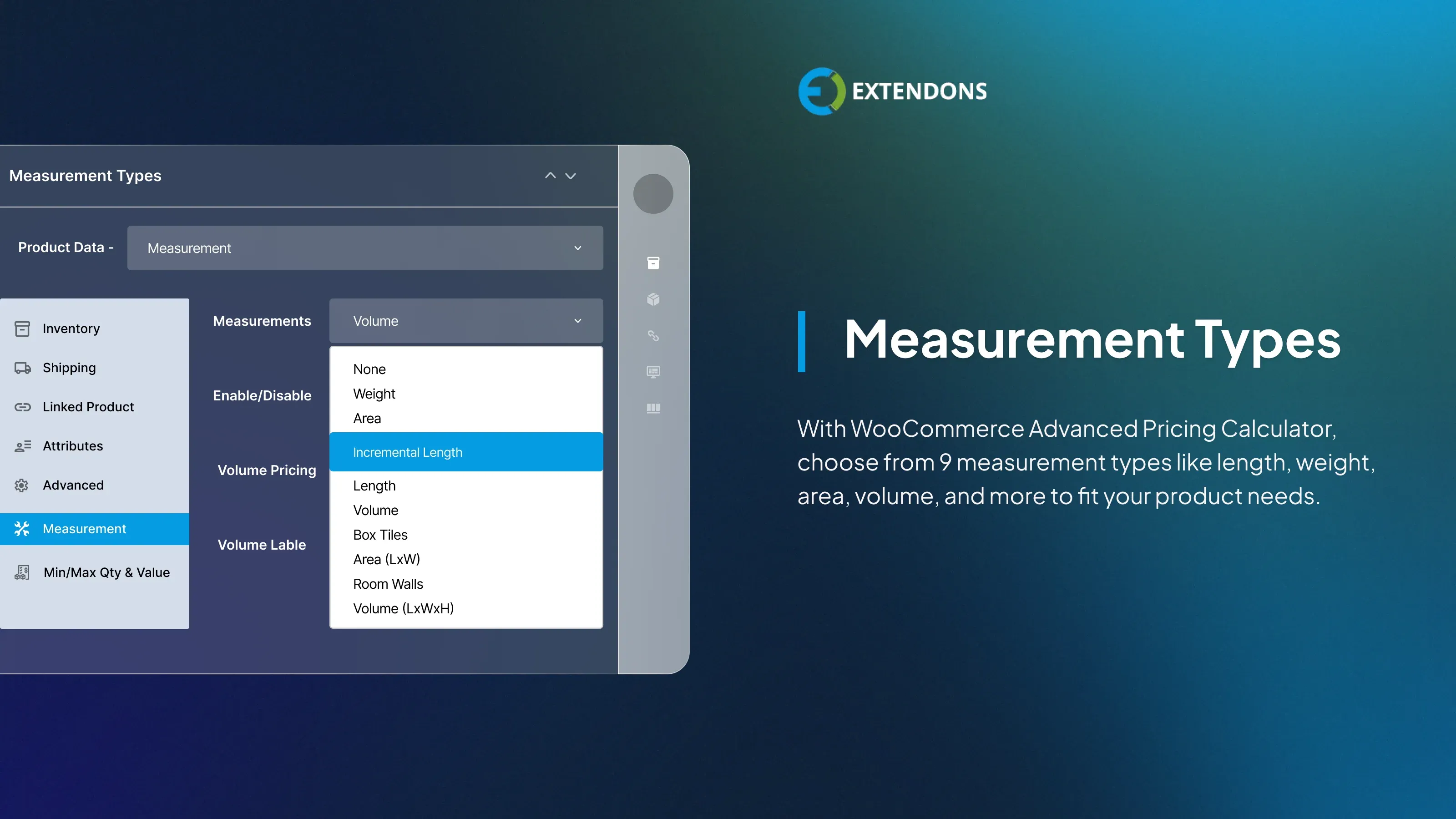
Adds 9 Measurement Unit Options
The WooCommerce measurement price calculator plugin supports nine measurement types to cover a wide range of products. You can assign pricing by length, weight, area, square area, box, volume, or surface area to each product for accurate and consistent pricing every time.
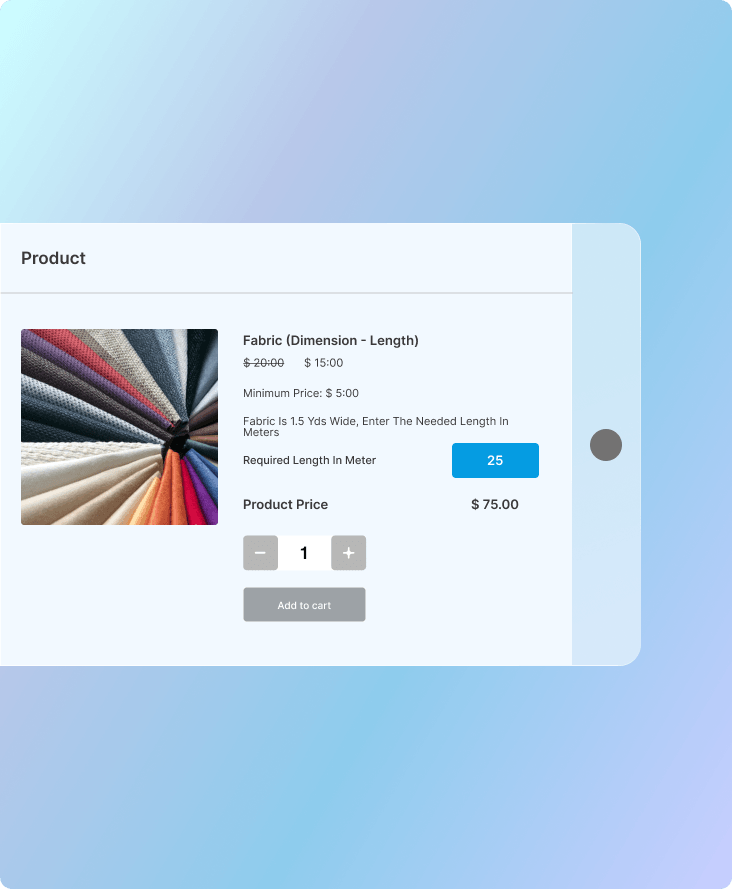
Pricing by Length
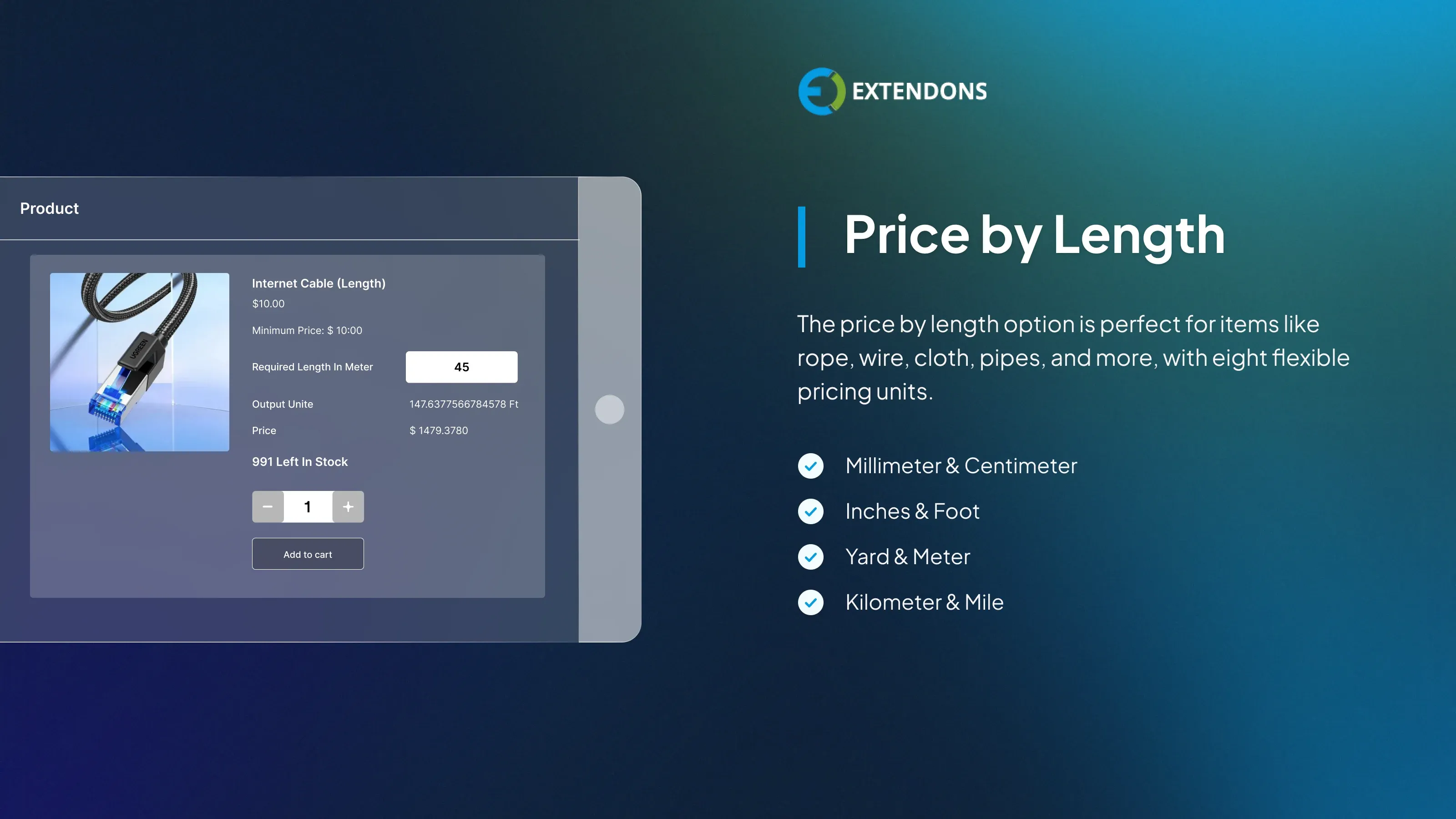
The Woo price calculator lets customers enter their desired length and instantly receive an accurate price. It works well for products like ropes, wires, pipes, and fabric. Supported units include millimeters, centimeters, inches, feet, yards, meters, kilometers, and miles.
Pricing by Weight
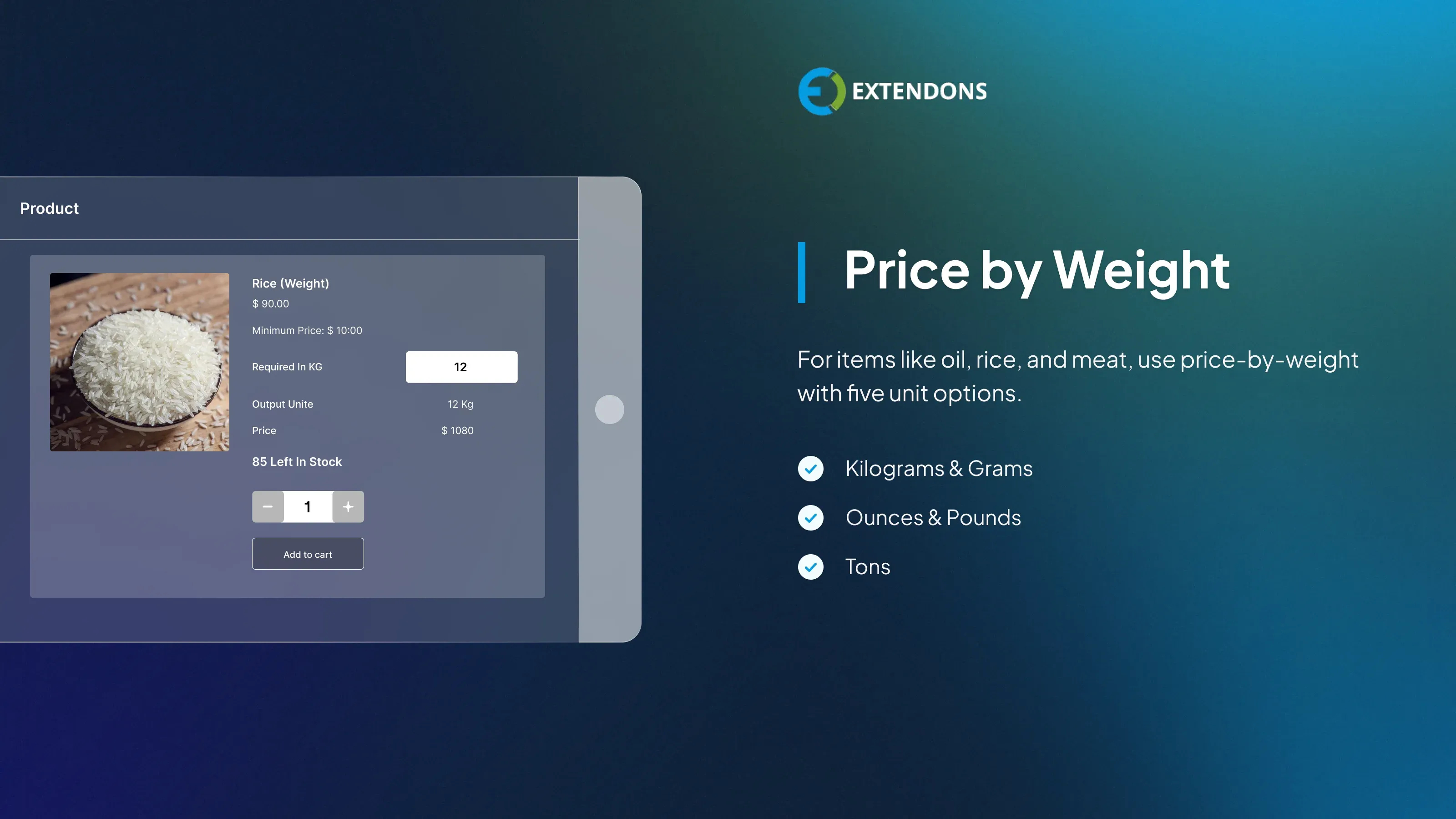
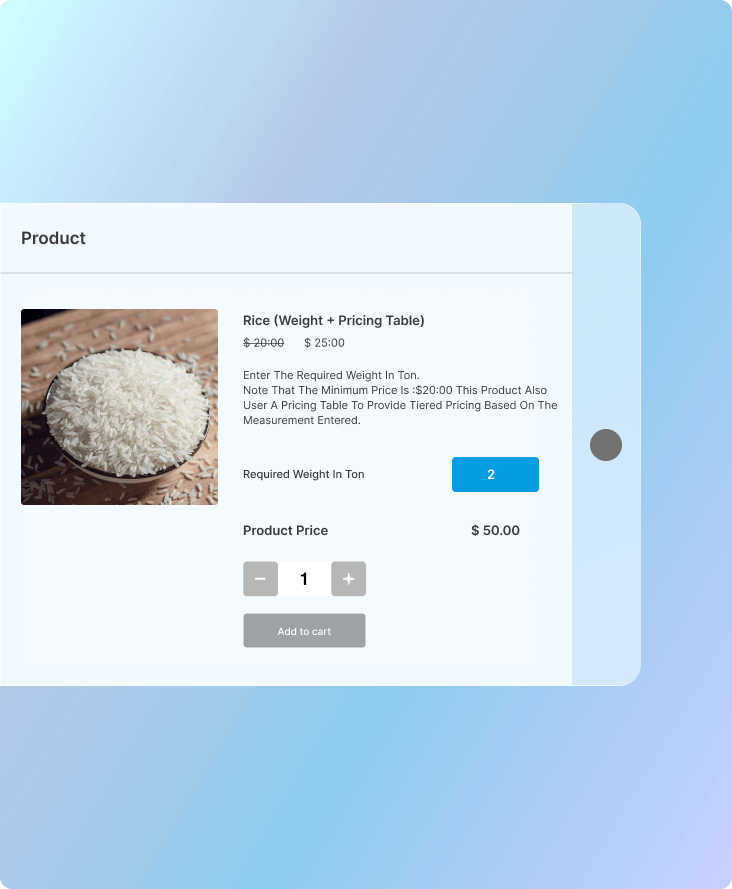
Sell products like rice, sugar, meat, or liquids with weight-based pricing. Customers enter the quantity they need, and the WooCommerce cost calculator computes the price automatically. Supported units include kilograms, grams, milligrams, ounces, pounds, and tons.
Pricing by Area (L×W)
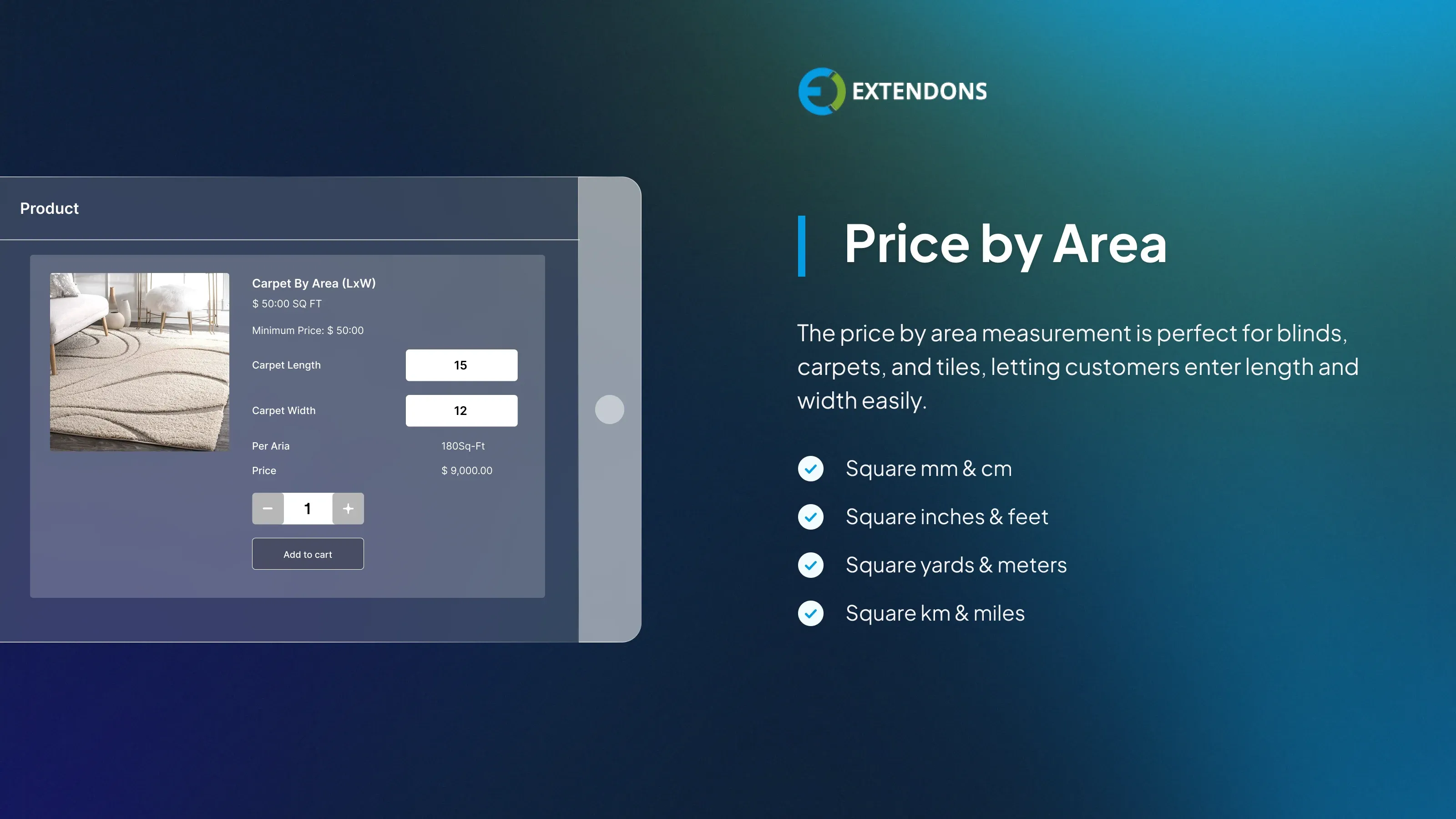
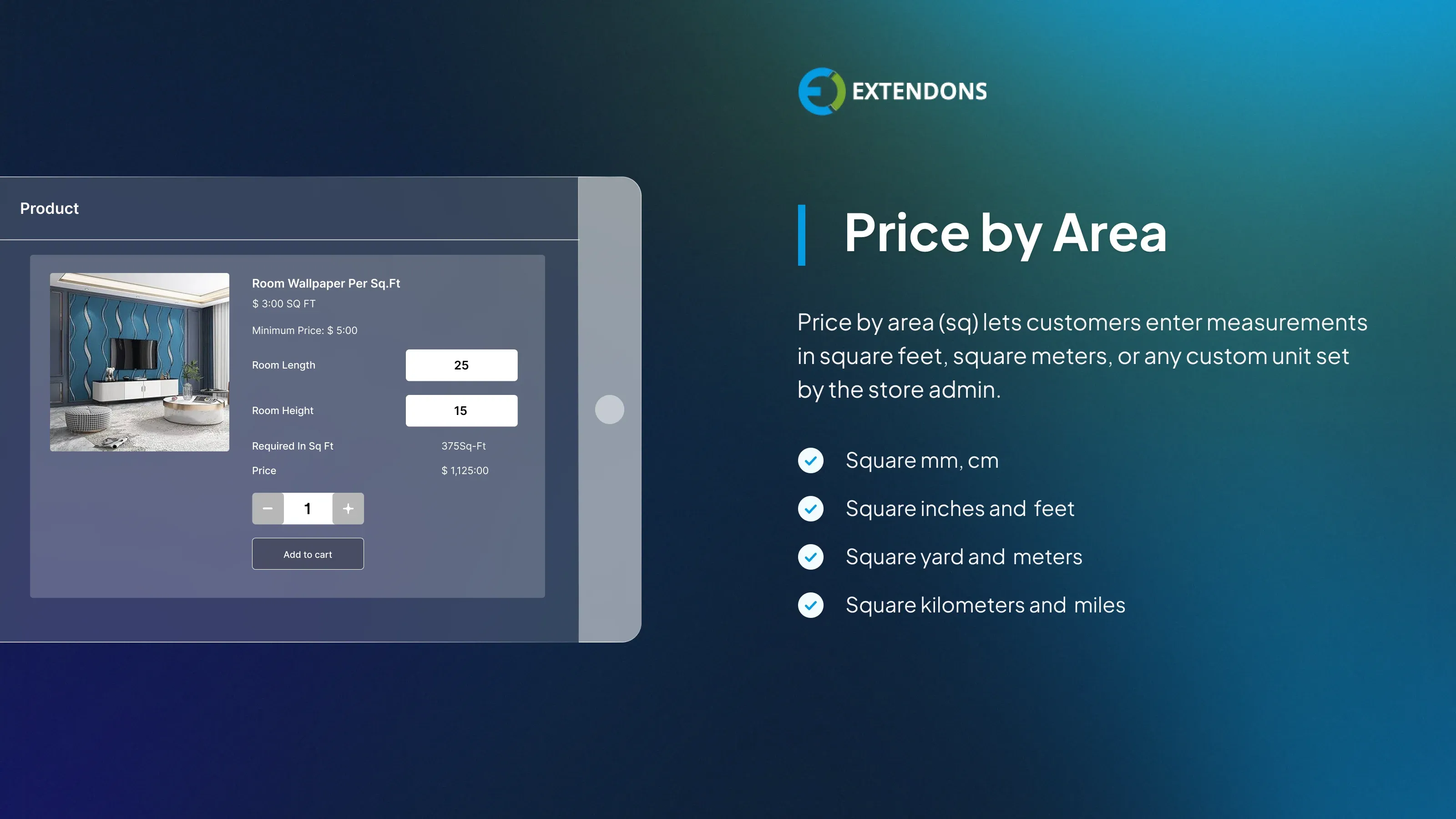
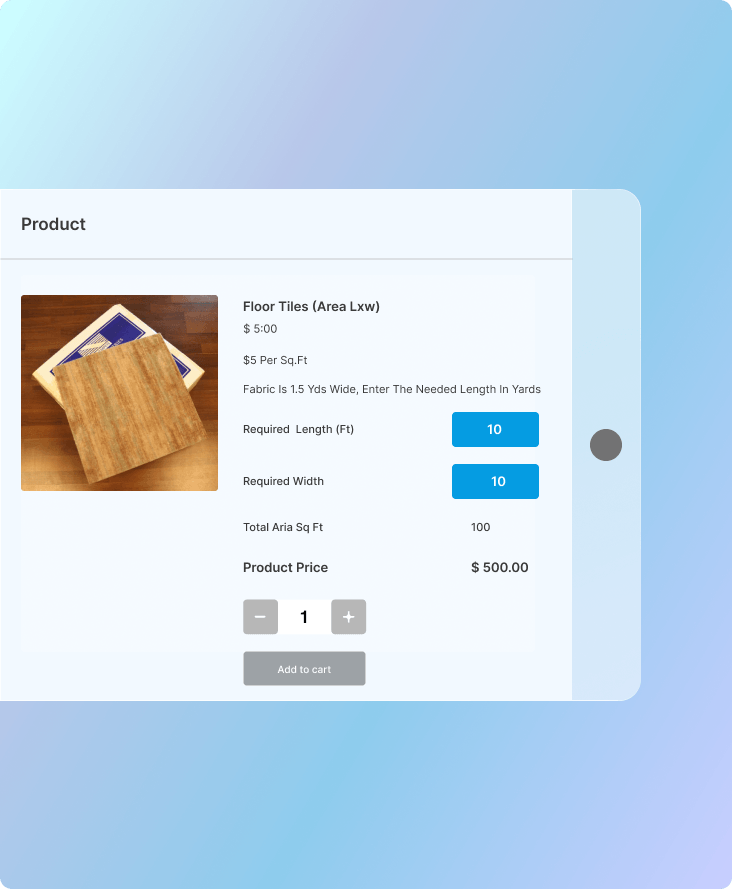
This pricing type is well-suited for carpets, blinds, tiles, and flooring. Customers enter both length and width, and the measurement price calculator WooCommerce calculates the total price instantly. Units are configurable from square millimeters to square miles.
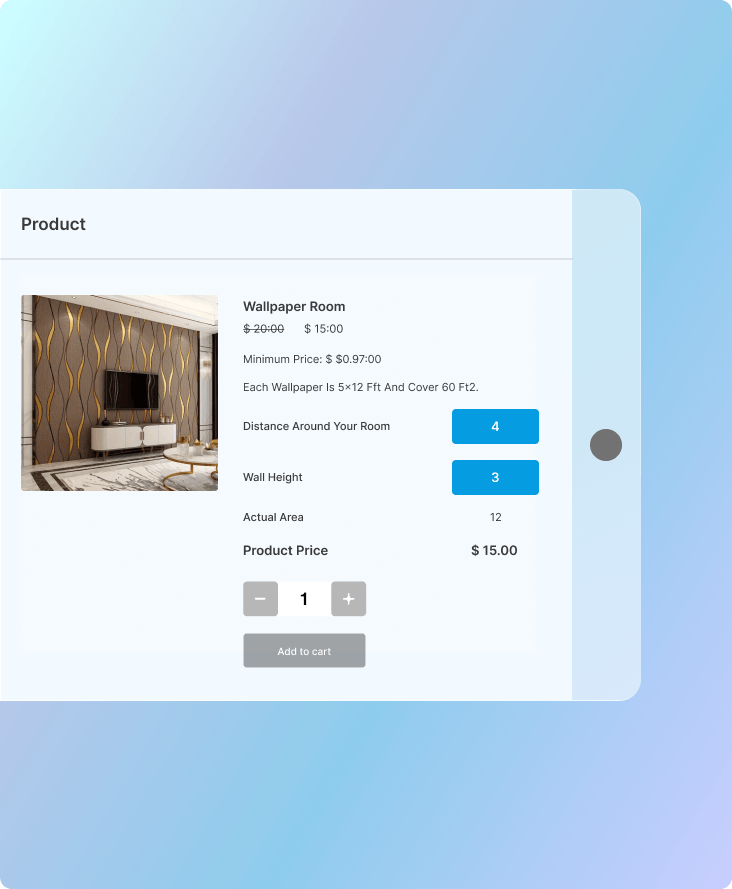
Pricing by Single Area
For products priced on a single area value, this option displays one input field on the product page. Customers enter their required area, and the price is calculated based on the square unit configured by the store admin.
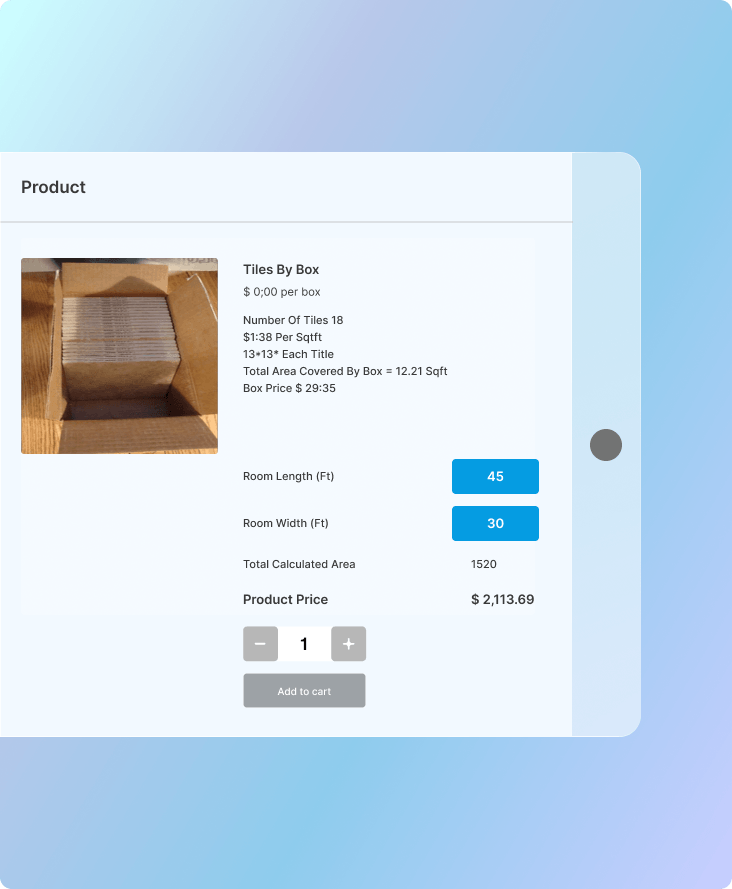
Pricing per Box
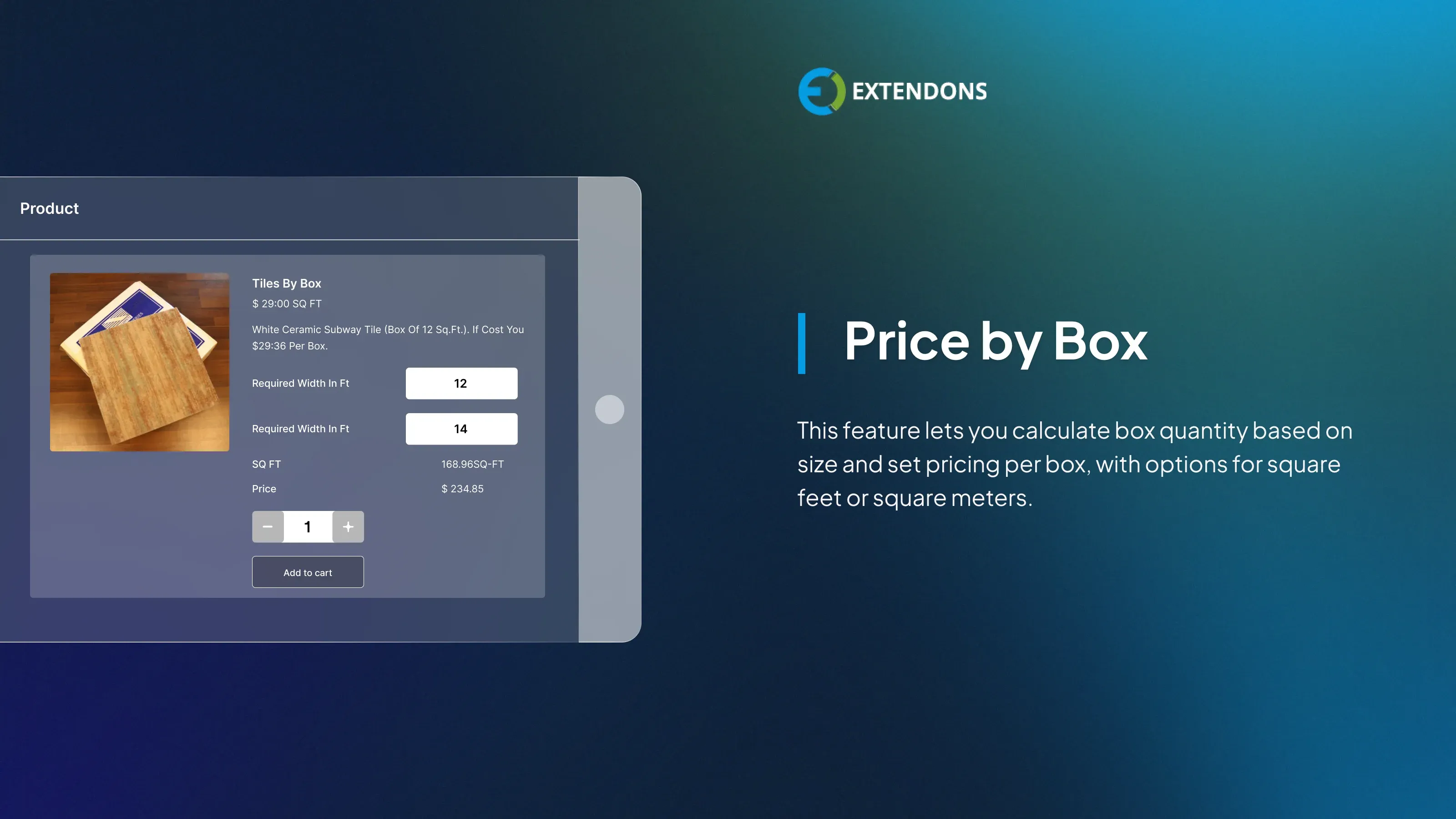
This feature lets you set prices per box rather than per measurement unit. Customers enter their dimensions, and the price calculator for WooCommerce calculates the number of boxes required. Pricing units can be configured in square feet or square meters.
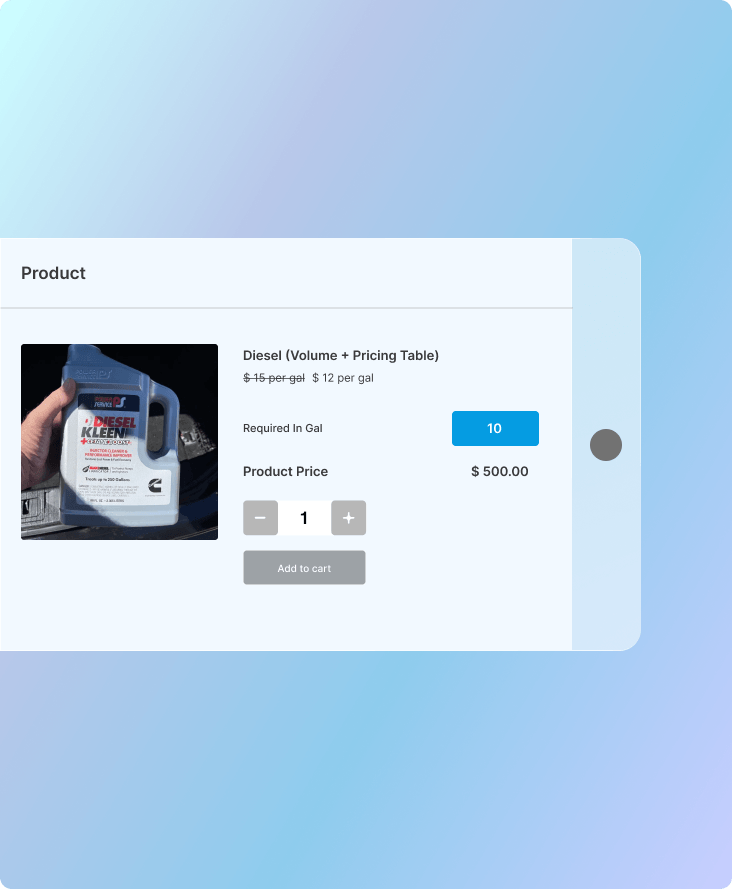
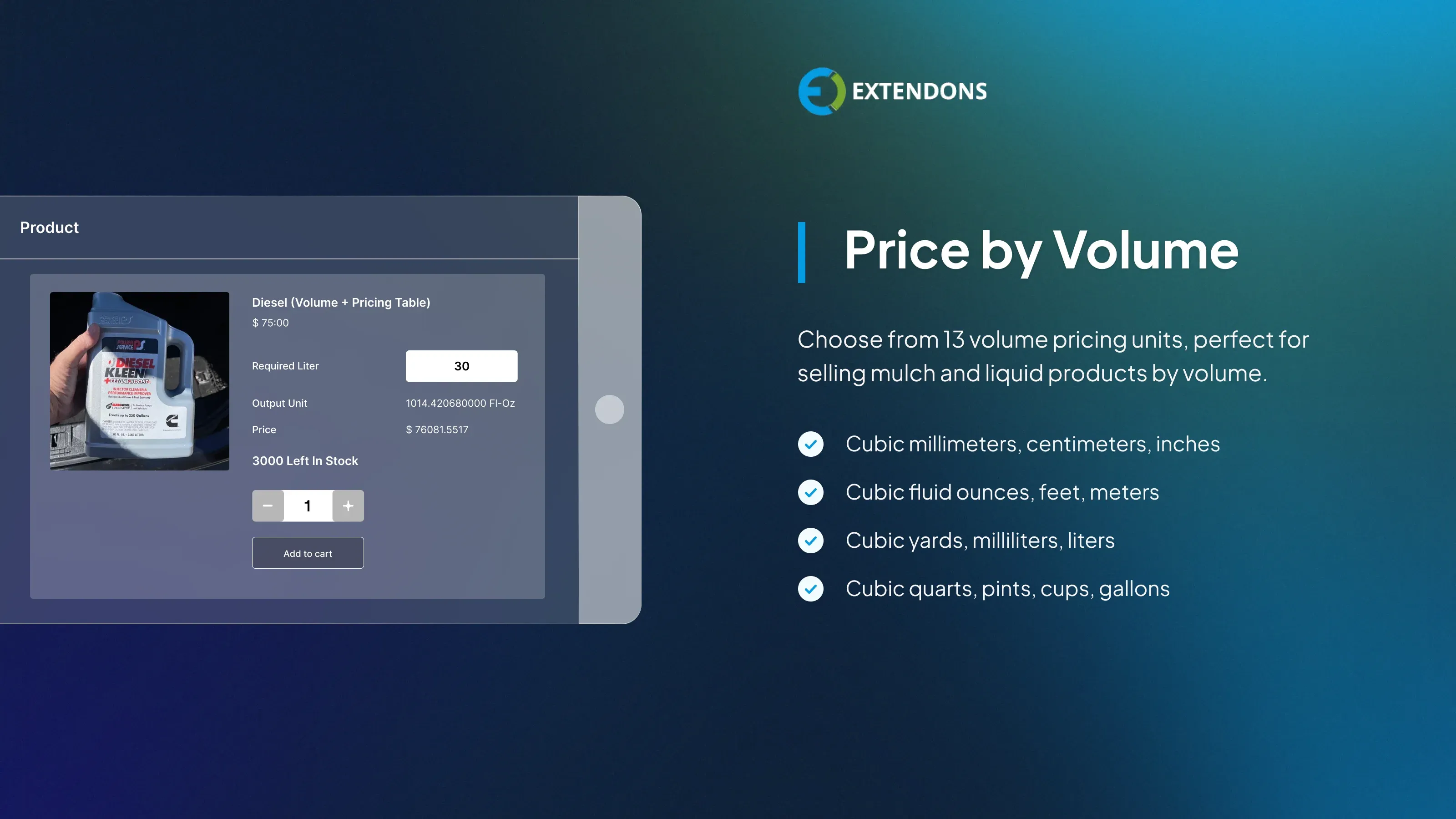
Pricing by Volume
For products like liquids, mulch, or bulk materials, customers enter length, width, and height to get a volume-based price. The WooCommerce measurement price calculator supports 13 units including cubic millimeters, centimeters, inches, feet, meters, liters, and gallons.
Pricing by Surface Area
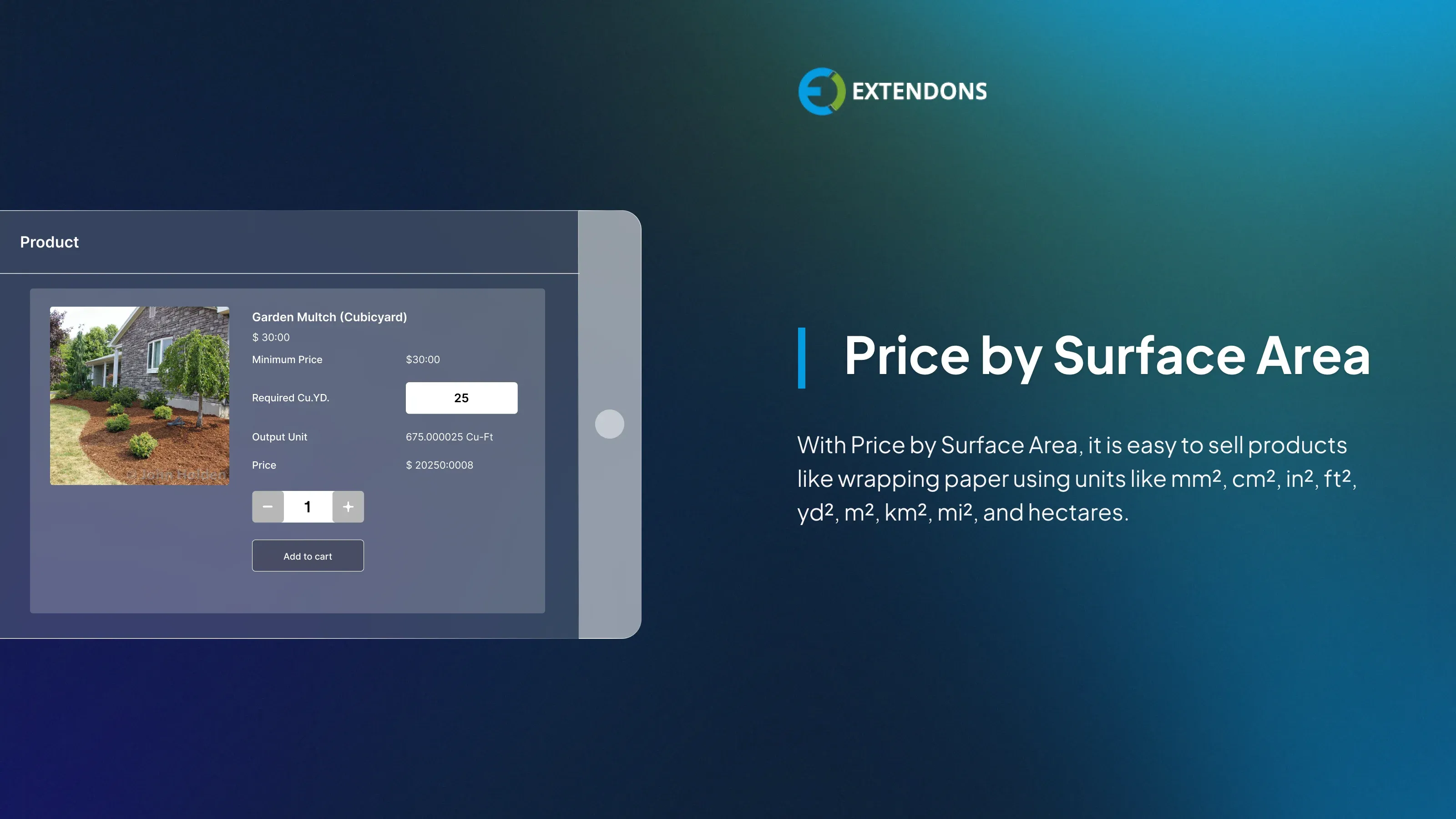
WooCommerce measurement price calculator allows you to calculate pricing based on total surface area, making it suitable for wrapping paper, coatings, and layered materials. Supported units include square millimeters, centimeters, inches, feet, yards, meters, kilometers, miles, and hectares.
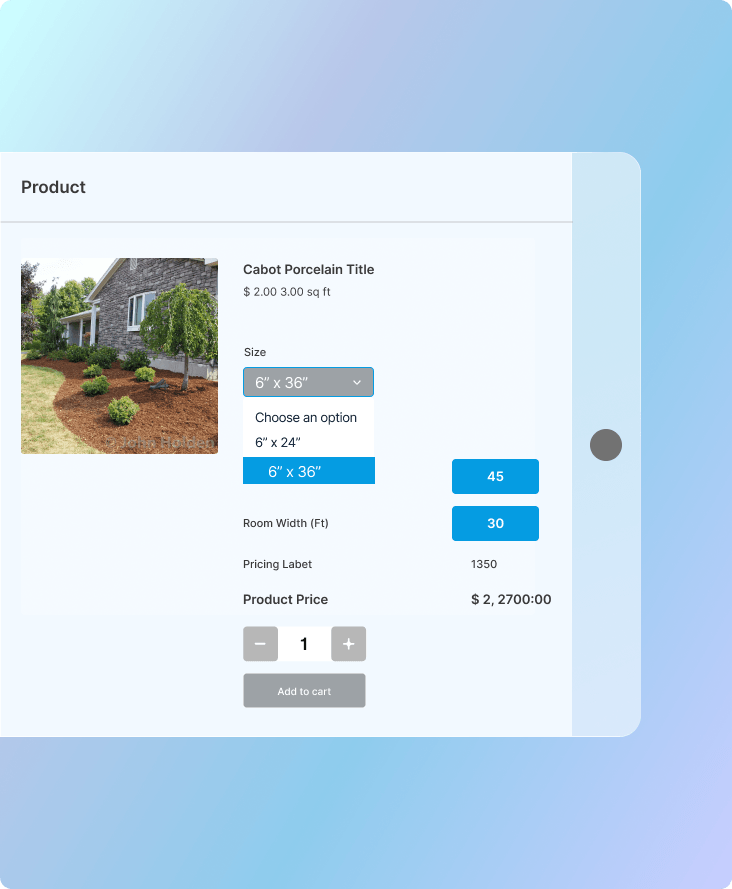
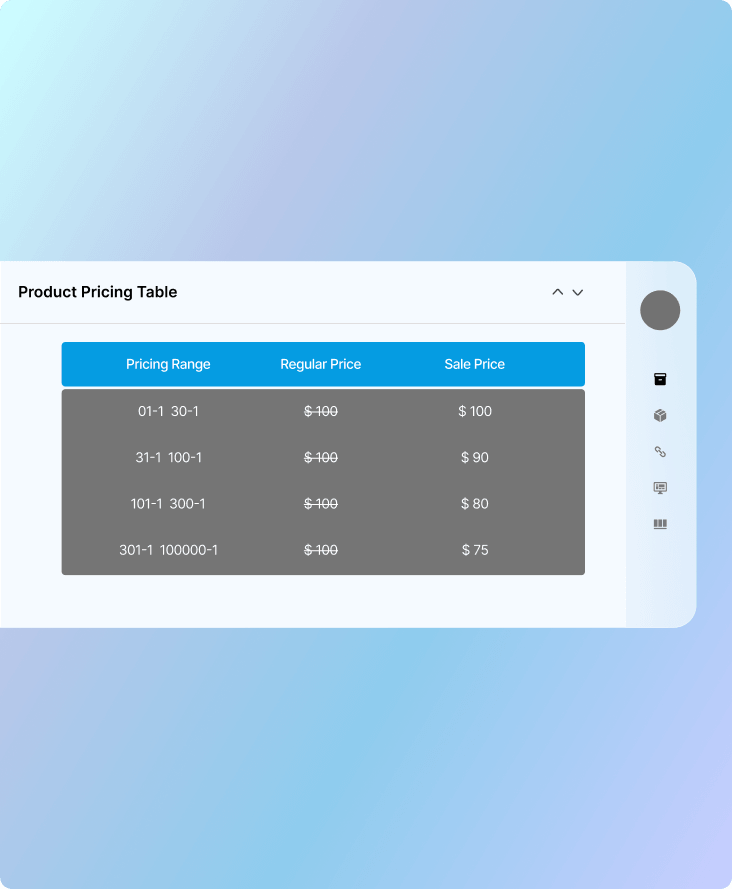
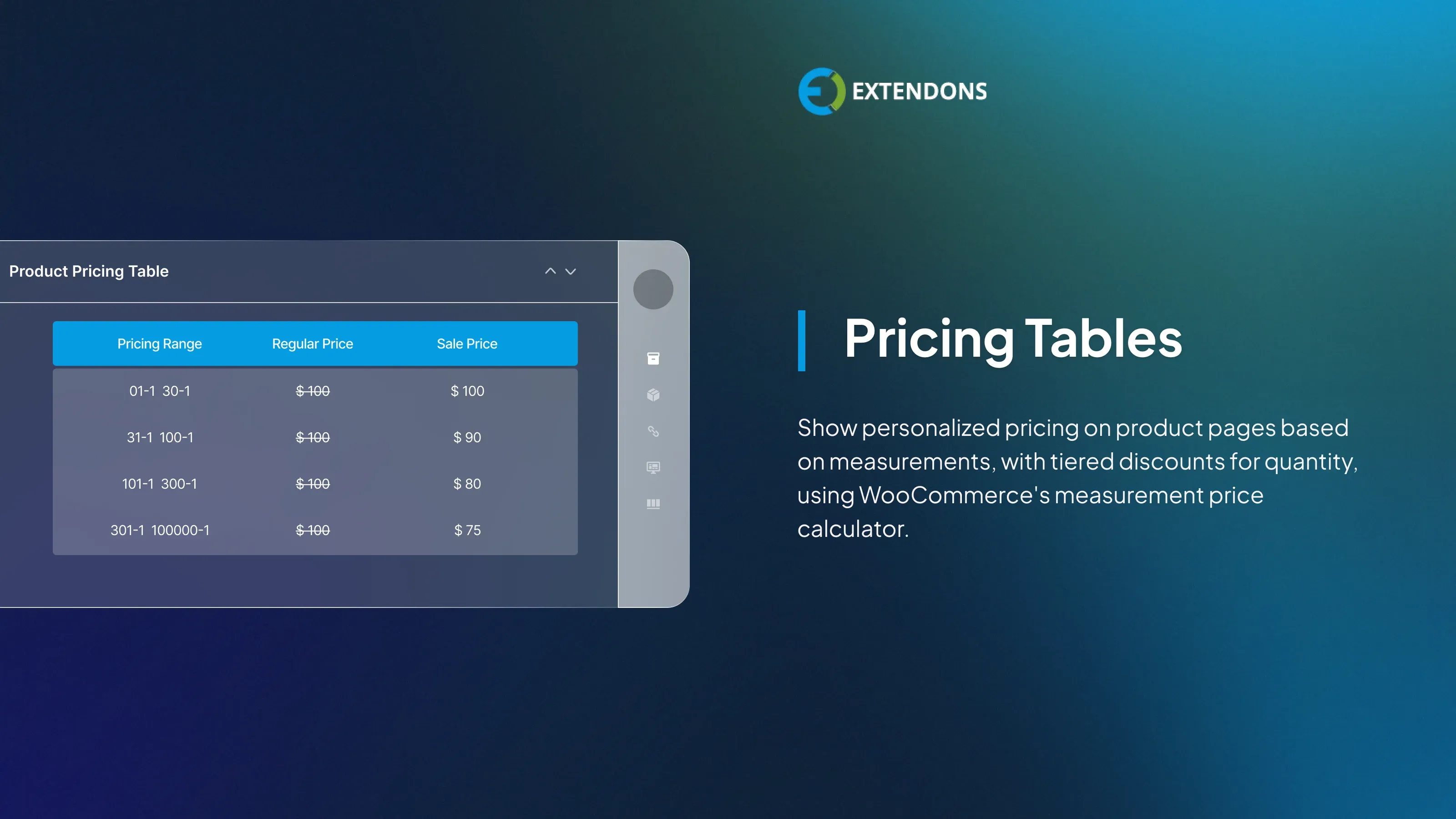
Product Pricing Tables
Display structured pricing tables on product pages so customers can view rates based on their measurements. The WooCommerce price calculator plugin also supports tiered discounts for higher quantities, encouraging larger orders and increasing average order value.
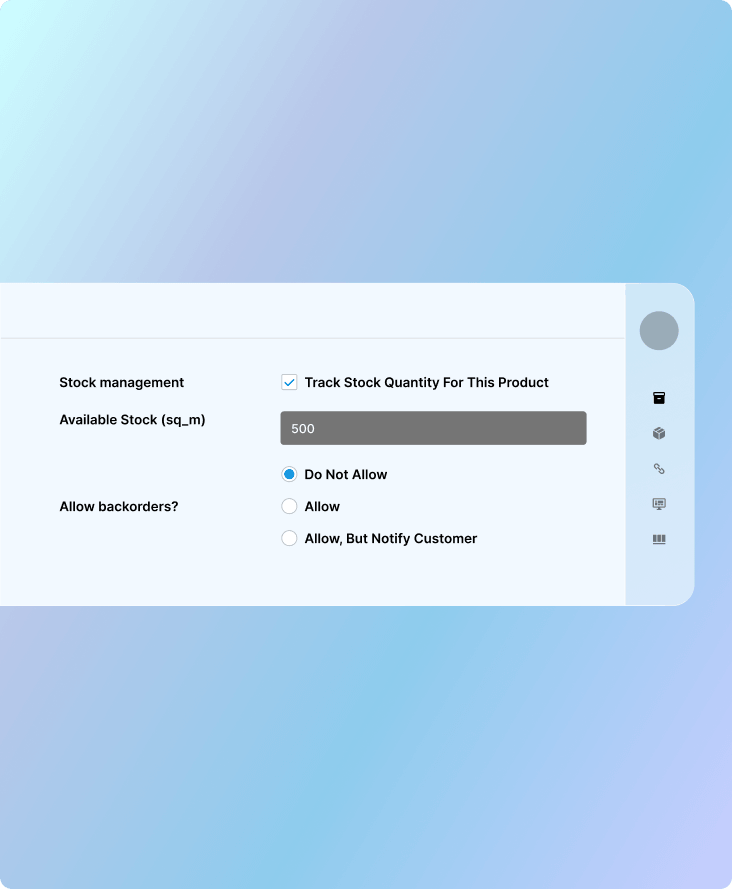
Stock Tracked by Measurement
The WooCommerce measurement price calculator tracks inventory in the same unit the product is sold in. If a product is sold by the foot, stock is deducted in feet, keeping inventory data accurate and eliminating unit mismatch errors.
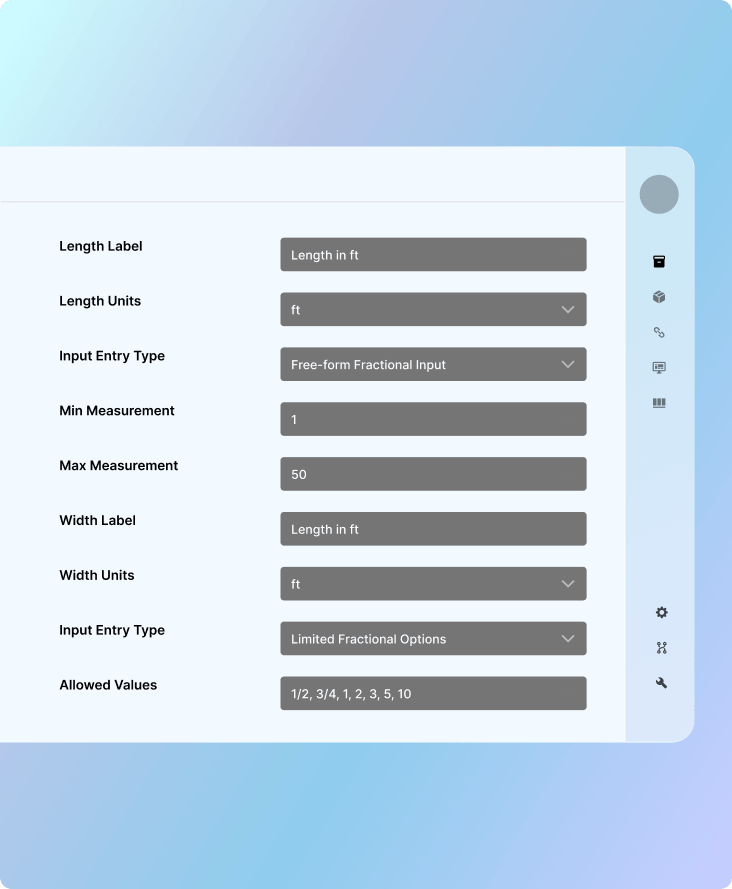
Flexible Measurement Input
The WooCommerce cost calculator allows customers to enter precise quantities, including decimal and fractional values such as ⅓, ¾, 0.5, or 1.3. You can set minimum, maximum, and step increment values to ensure every entry stays within acceptable limits and all calculations remain accurate.
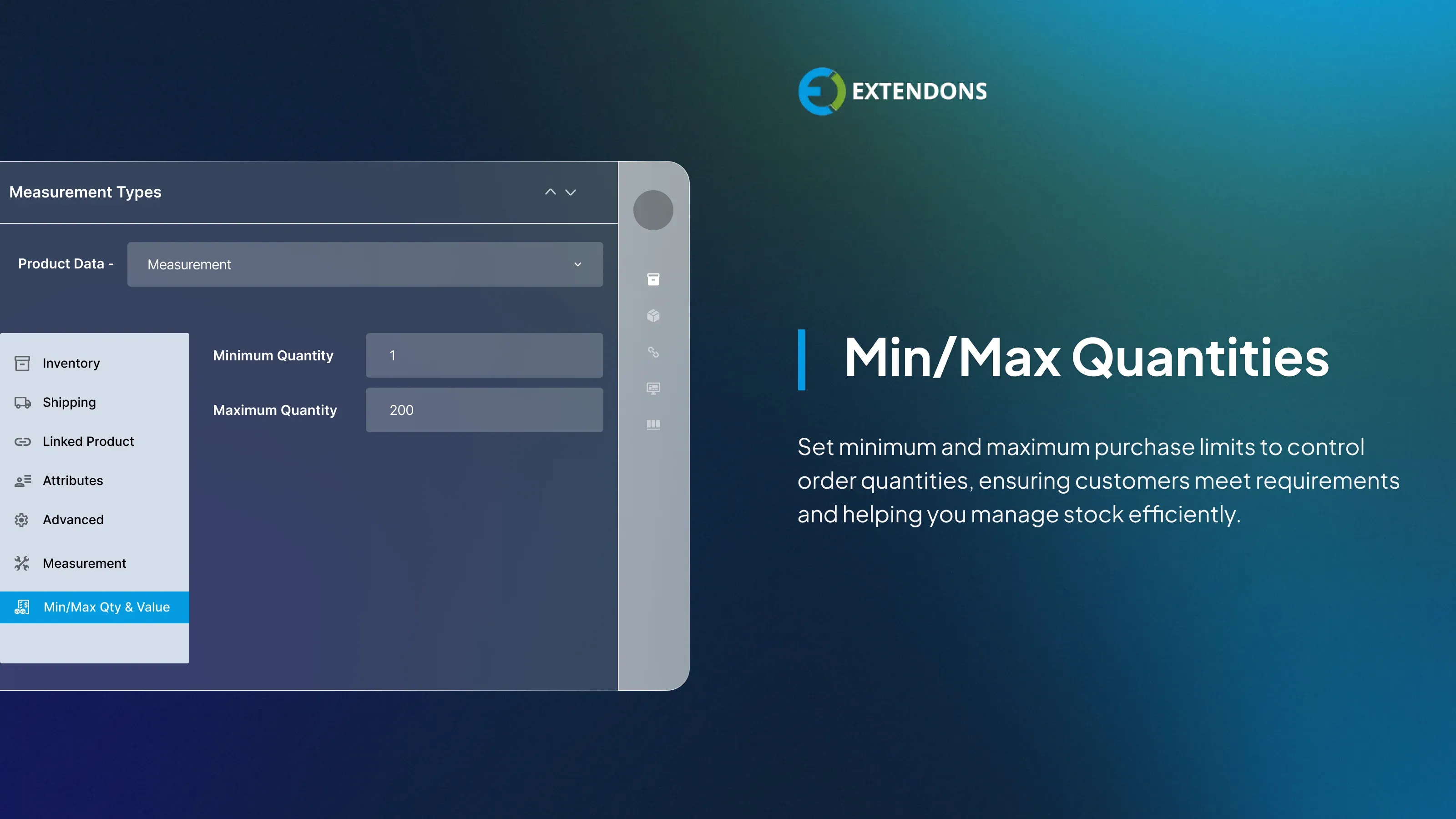
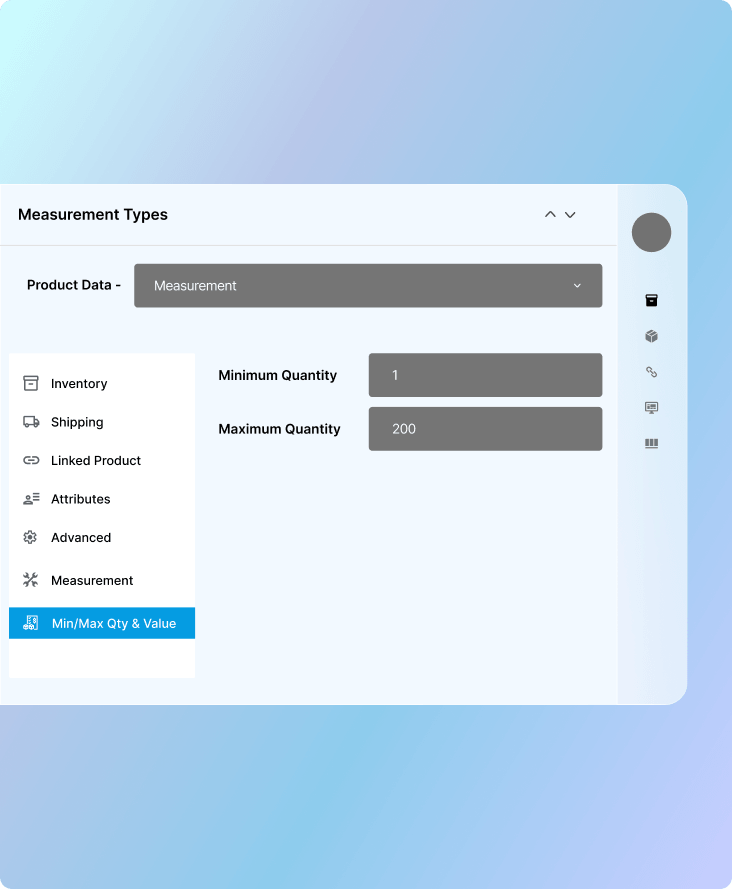
Minimum and Maximum Purchase Limits
The WooCommerce measurement price calculator plugin lets you apply minimum and maximum quantity limits to measured products. This helps you manage stock effectively, meet operational requirements, and keep every order within a workable range for your business.
Multilingual Support
Fully compatible with WPML, so international customers can easily use the plugin in multiple languages.
Review & Rating
s.thorton
October 24, 2026Saved me so much time
No more manual quotes. Customers handle it themselves now.
OliverFisbache
October 14, 2026Changed it up for me
Before this plugin I was manually quoting every order. Now everything is automated on the product page and customers can self serve completely. The time it has saved me is significant.
lawrencebecks
September 8, 2026Perfect for my business
I sell timber by the foot and finding a plugin that handled this properly was a nightmare until I found this one. Customers enter their measurements, price updates instantly, no back and forth quoting needed. It's saved me an enormous amount of time and my customers love how transparent the pricing is. Support was also helpful during the initial setup when I had questions about unit configuration.
Frequently Asked Questions
-
 30-day money back guarantee
-
 Dedicated Support Team
-
 Safe & Secure Free Update
-
 Safe Customized Solutions