- $USD
- English (United States)
- Hire an Expert
- Get Support




Also Sold on

Customize Account Page & User Dashboard
Customize My Account Page for your Store Users
Create a personalized My Account page for your customers with the help of WooCommerce user dashboard. Add widgets for orders, wishlists, store credit, and downloads to improve the user experience.
- Easy Customization of My Account Page
- Choose from Multiple Layouts i.e Prebuilt and Custom Dashboard <...
Details & Compatibility
Version
1.2.3
Last Update
July 1, 2025
Compatibility
WooCommerce version 2.6.0 or higher | Wordpress version 4.6 or higher
Support
12 months support from Extendons
Whats Include
- 1-year extension updates
- 30-day money-back guarantee
$0.00
Customize this Plugin
CustomizeMain Feature
WooCommerce account dashboard plugin transforms the default WooCommerce My Account page into a multi-featured dashboard for your store customers. Display widgets for orders, wishlists, downloads, shop credit, and reward points to create a modern and user-friendly dashboard. Change the look of the WooCommerce account page with the help of multiple templates. Customize the endpoints to allow customers to easily navigate through their purchase history, downloads, or account settings.
- Customize My Account Page
- Multiple Layouts
- Display Widgets on My Account Page
- Edit Account page with Customizer
- Create and Display Banners
- Customize Avatars and Icons

Customize My Account Page
Multiple Layouts

Display Widgets on My Account Page
Display User Info in Tables

Create and Display Banners
Customize Avatars and Icons
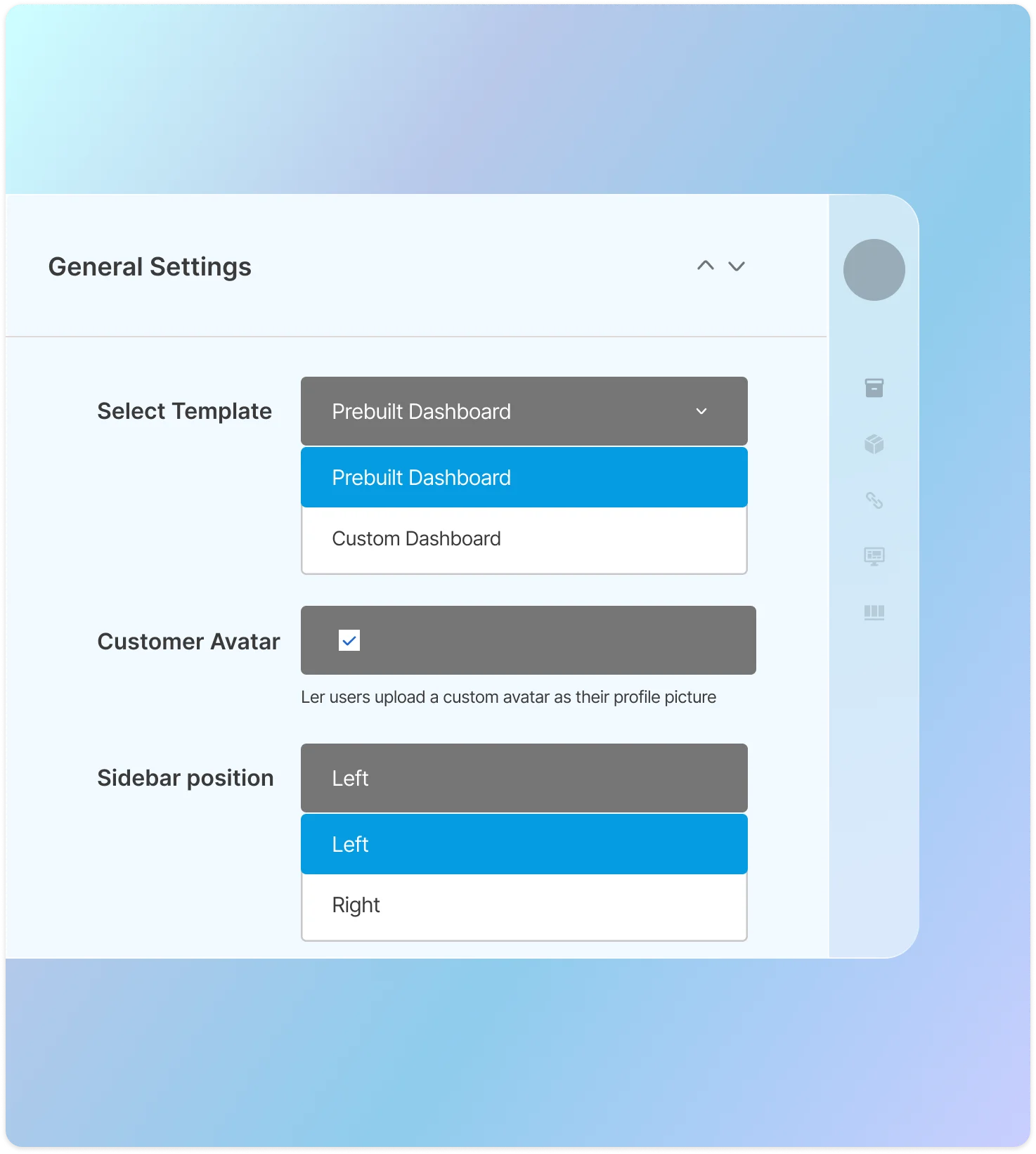
Choose from Multiple Template
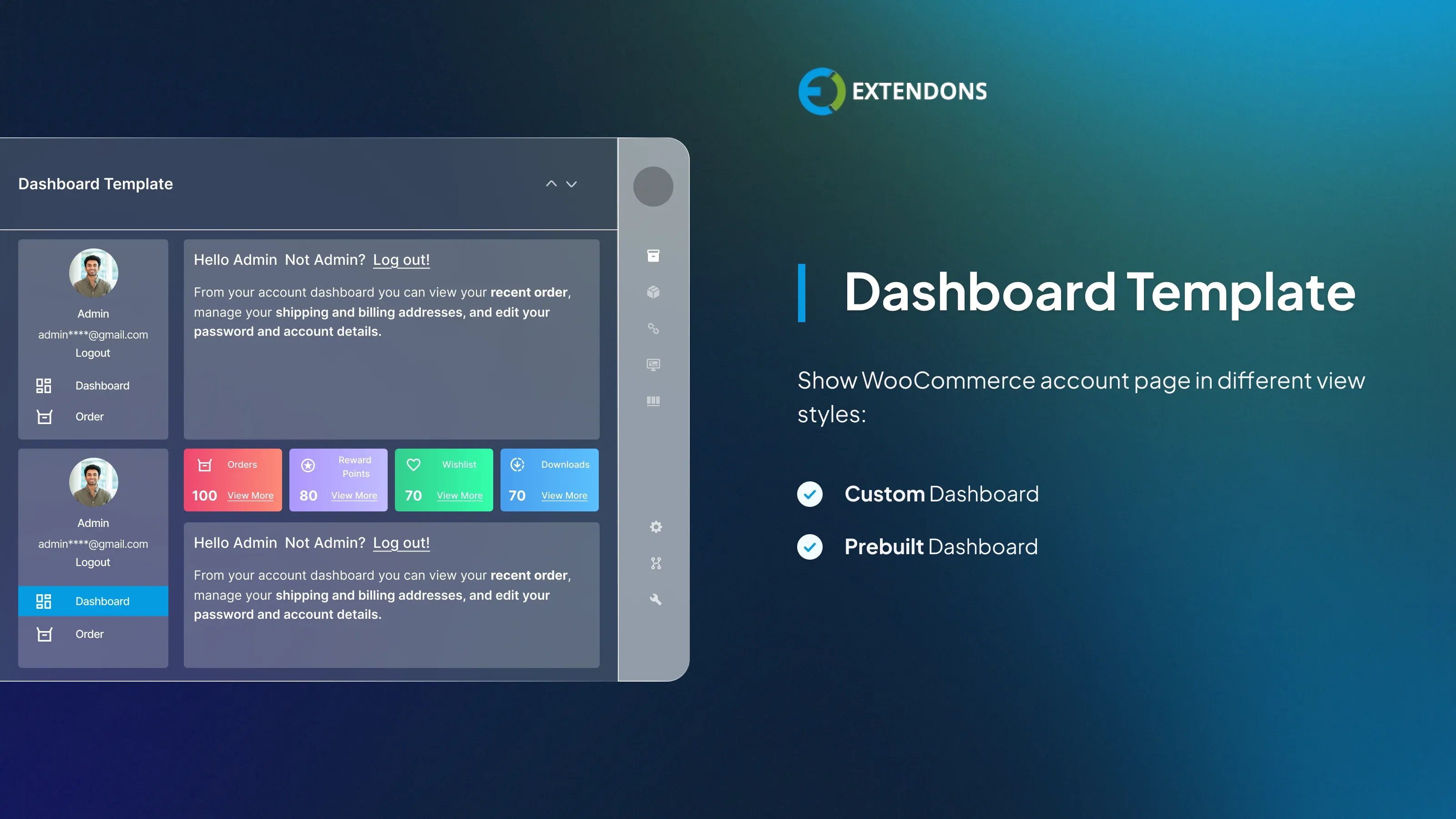
Customize my account for WooCommerce enables you to enhance my account page by choosing the right template for your WooCommerce store. You can select any template to change the look of my account dashboard. The templates are the custom dashboard and prebuilt dashboard.
Custom Dashboard
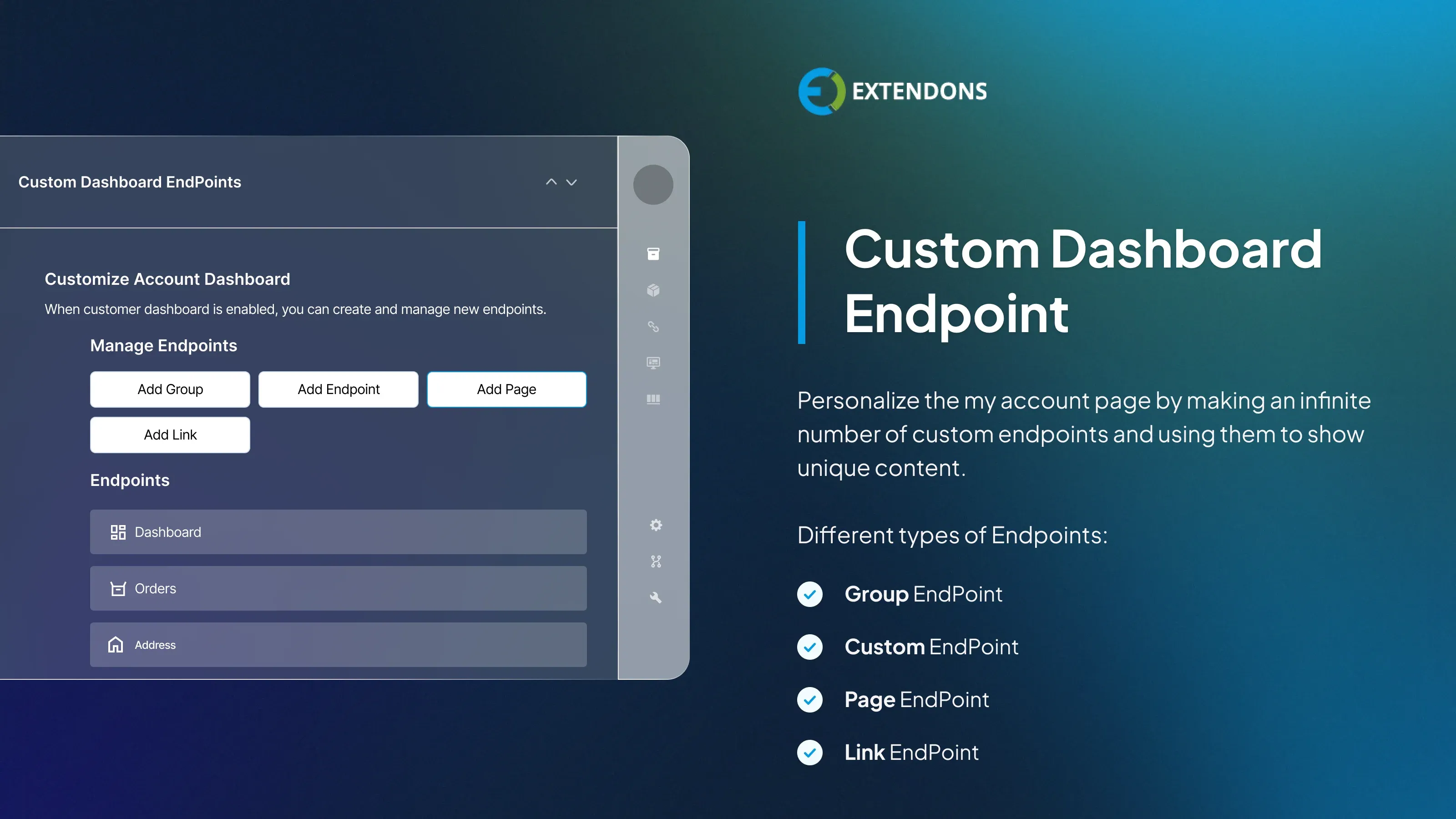
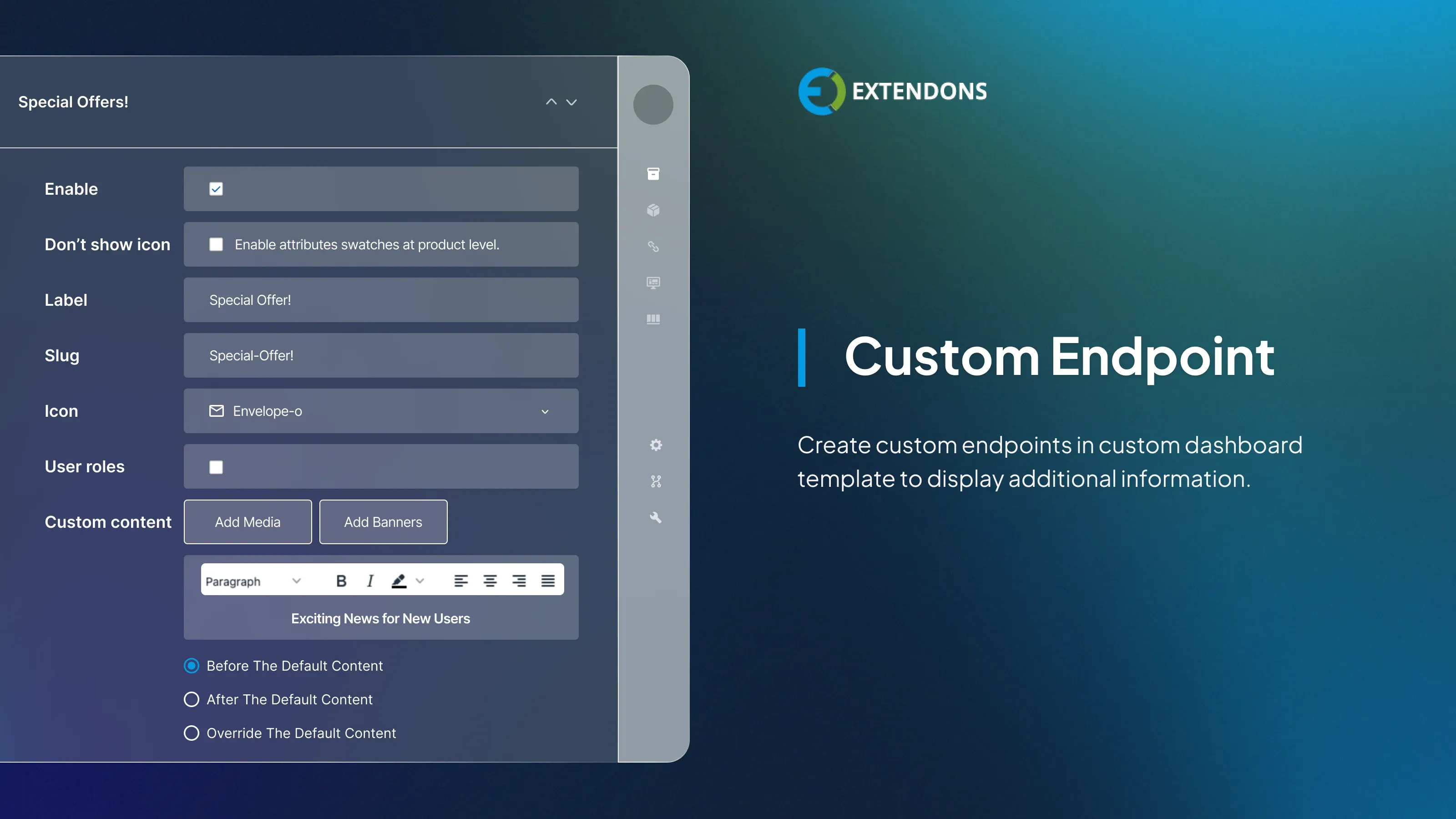
The custom dashboard allows you to customize my account page for WooCommerce by creating multiple endpoints. You can add and edit endpoints and display them on the My Account dashboard.
Edit Default Endpoints
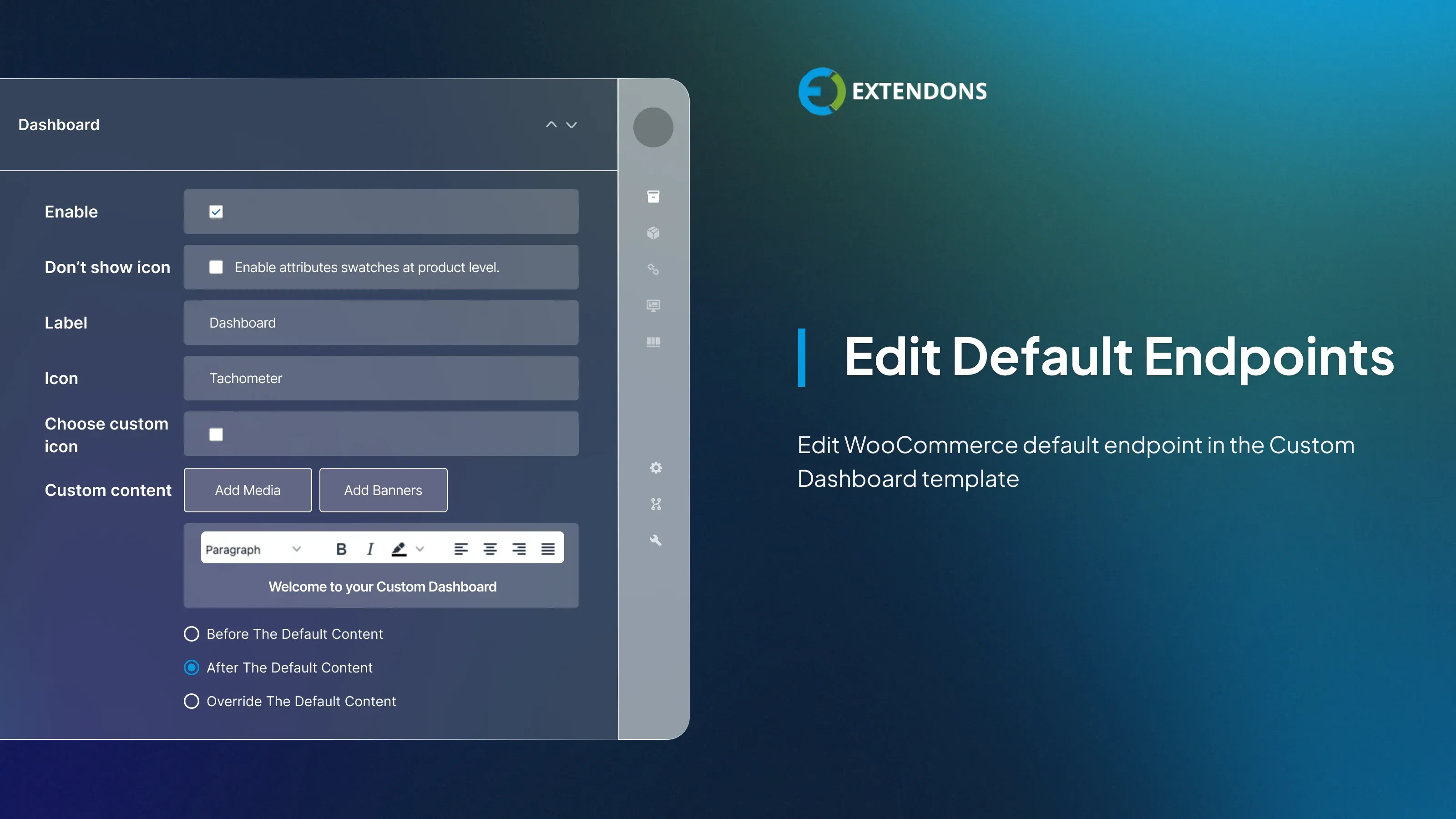
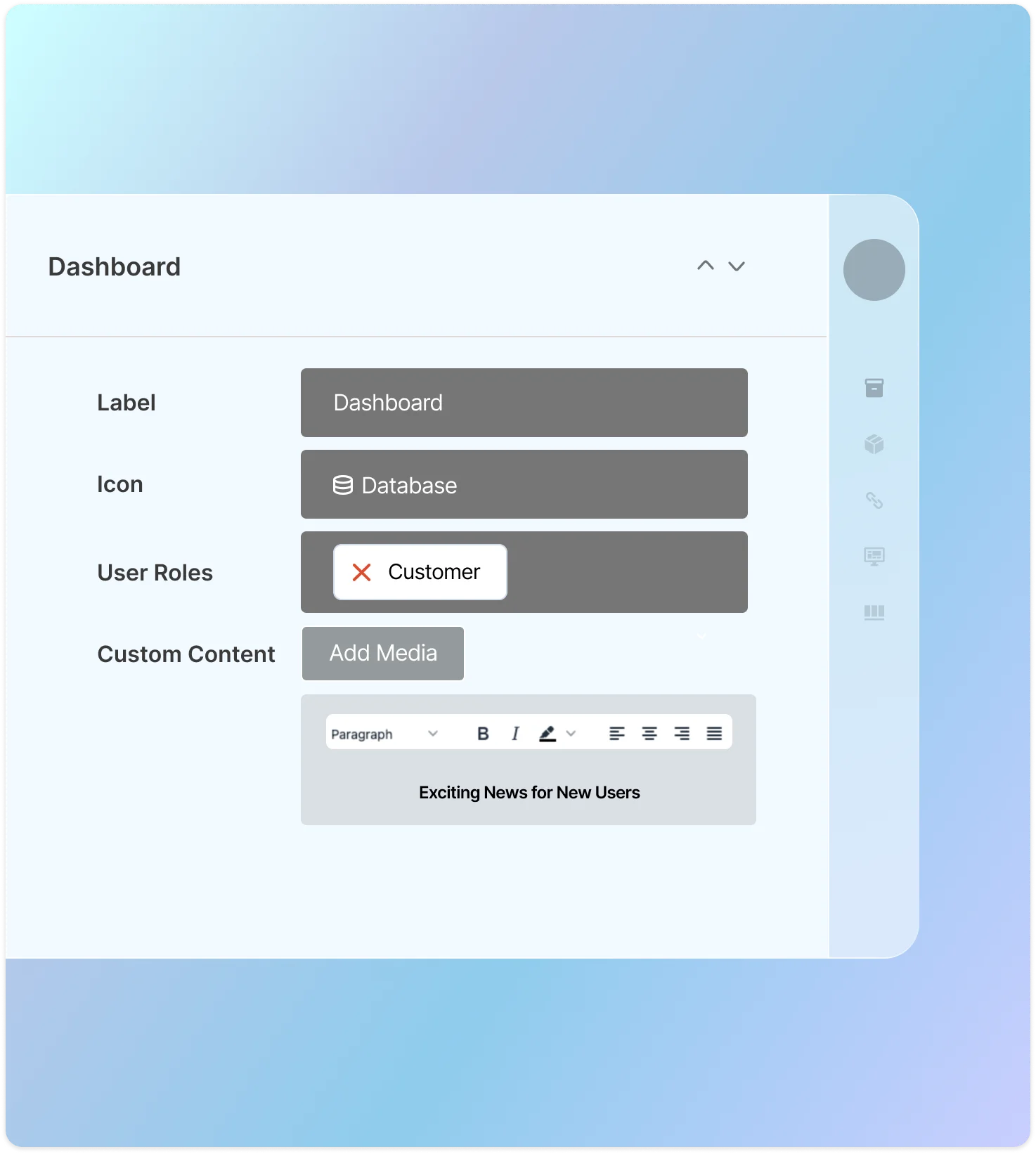
This plugin empowers you to edit my account page WooCommerce default endpoints. It allows you to change the label, icon, and customize the content of the specific endpoint. You can also attach a store page link to the endpoint.
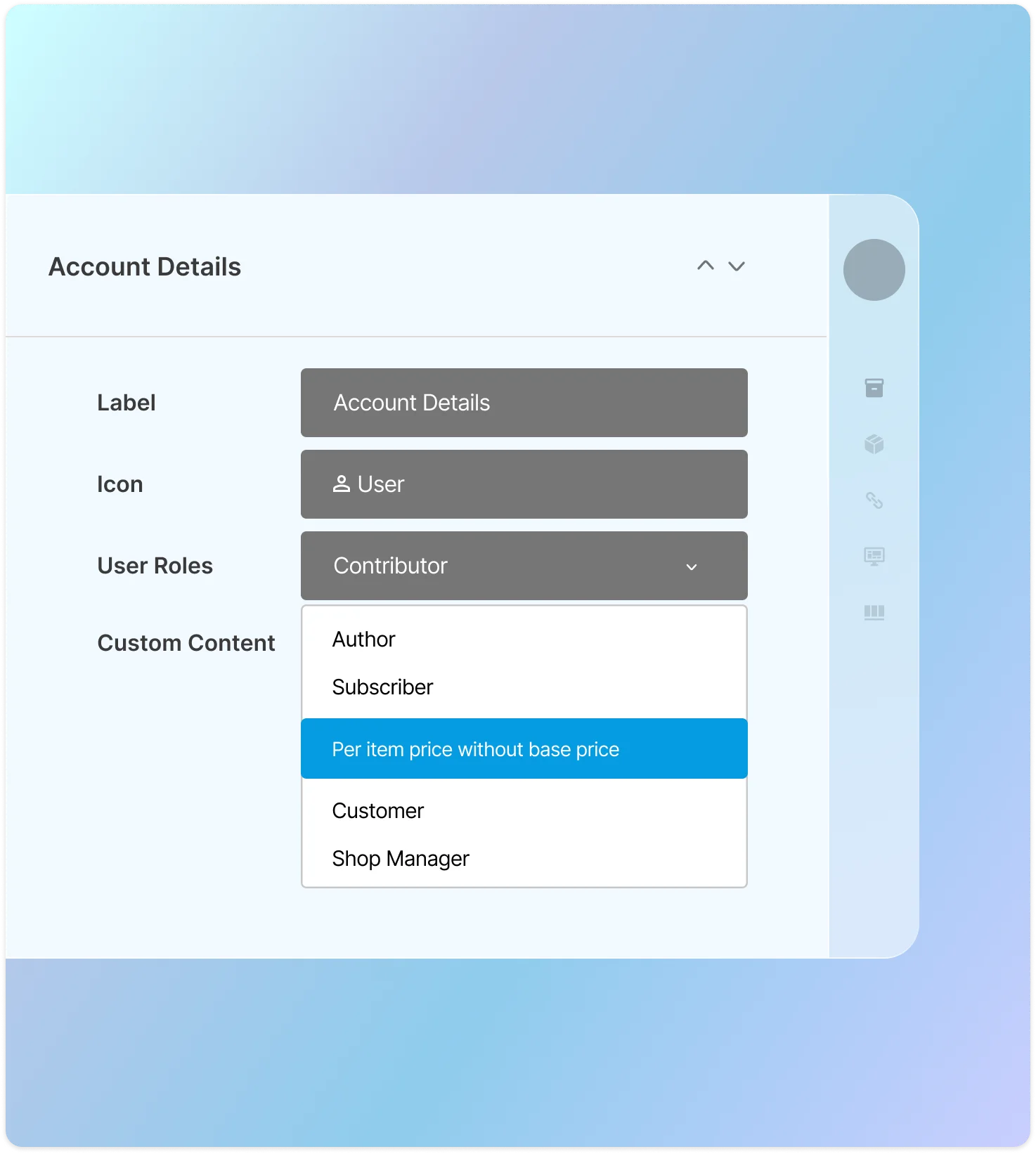
Display Endpoints to Specific Users
WooCommerce my account dashboard enables you to display different endpoints to different users based on their user roles. This can be useful for hiding certain features from customers or for displaying different features to different types of users, such as administrators, vendors, or customers.
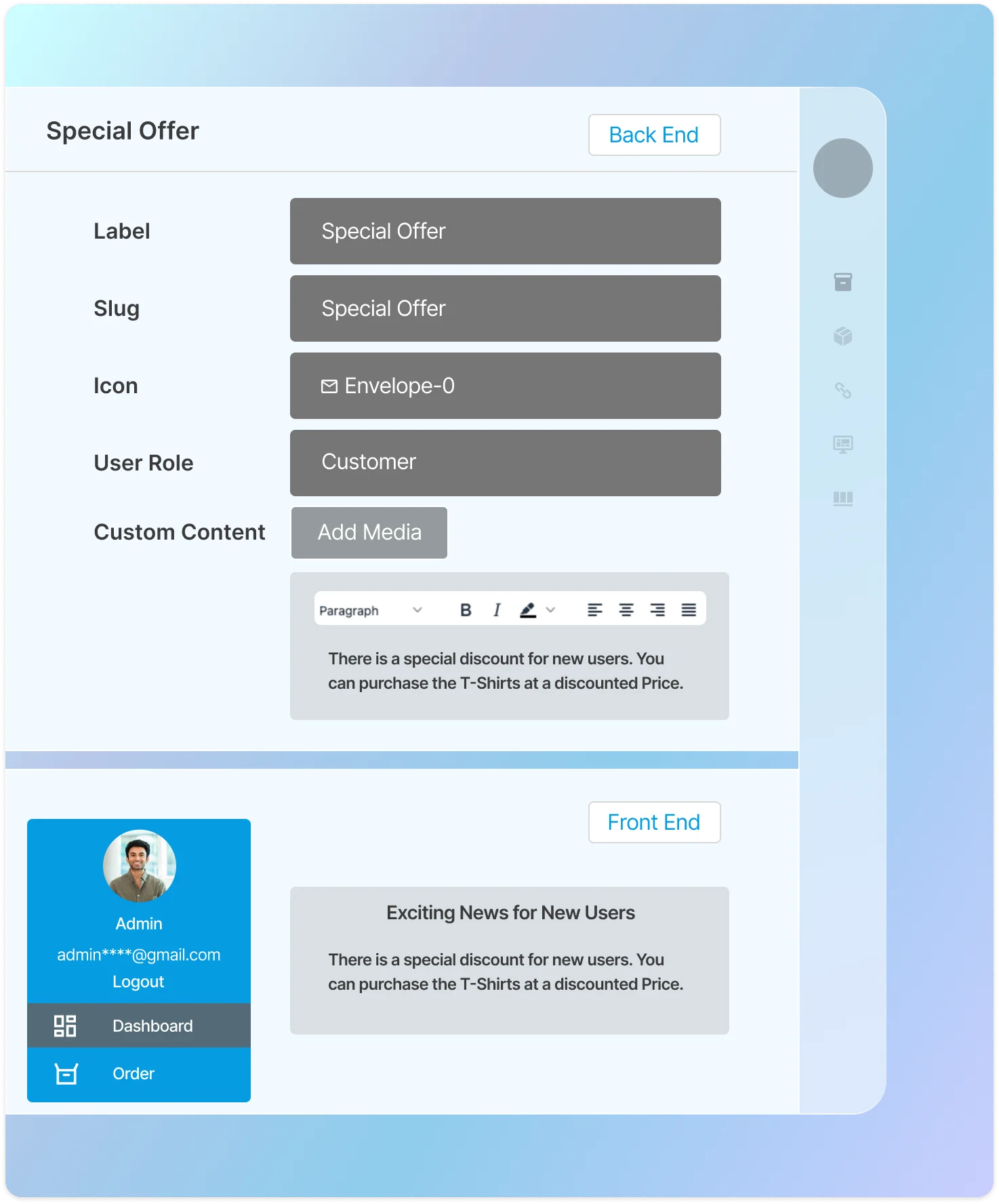
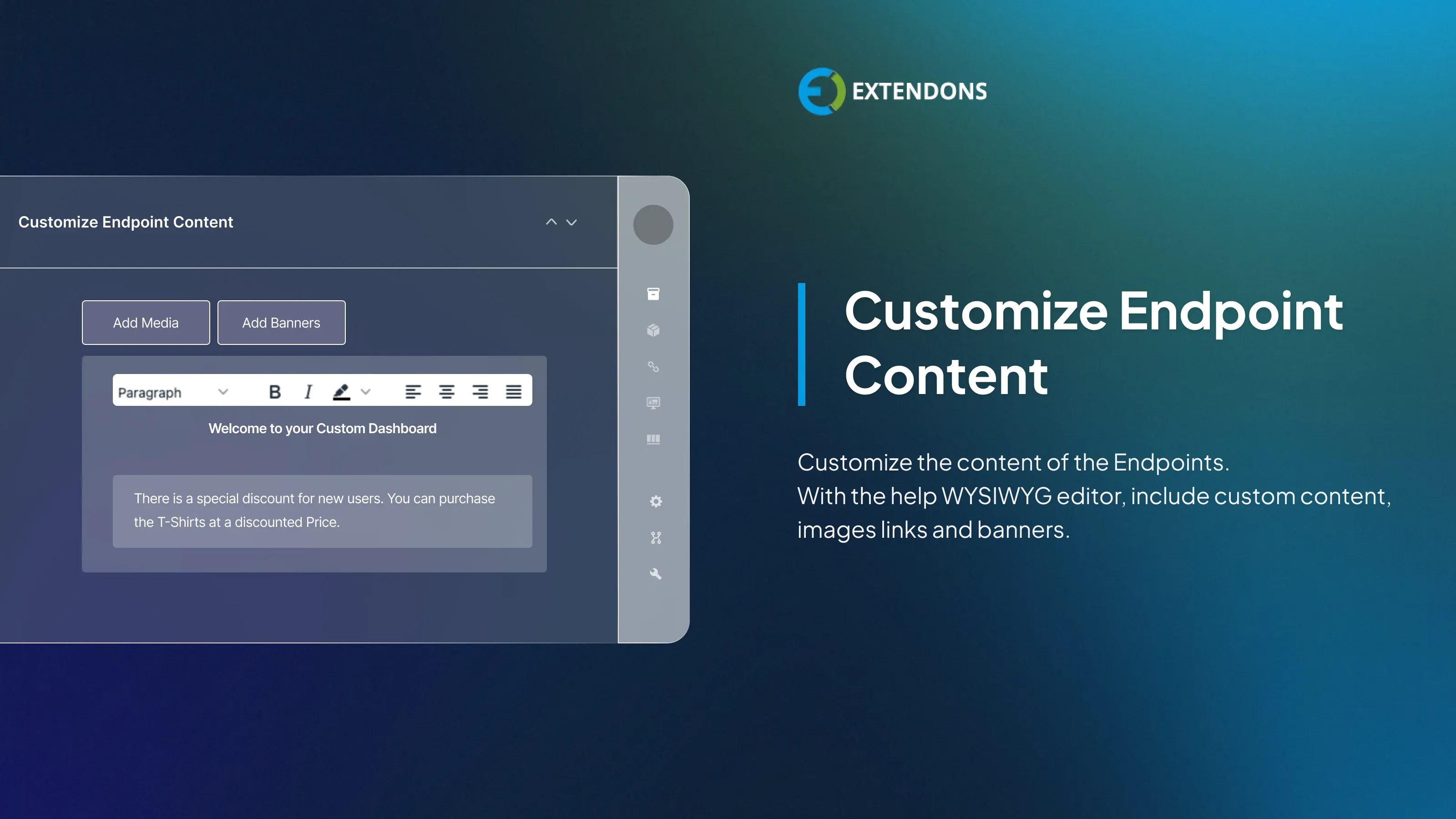
Customize Endpoint via WYSIWYG Editor
The WYSIWYG editor allows you to customize the content of endpoints with complete control over the endpoint's content, including headings, text, links, and more. This means that you can create custom endpoints that are customized to your specific needs and requirements.
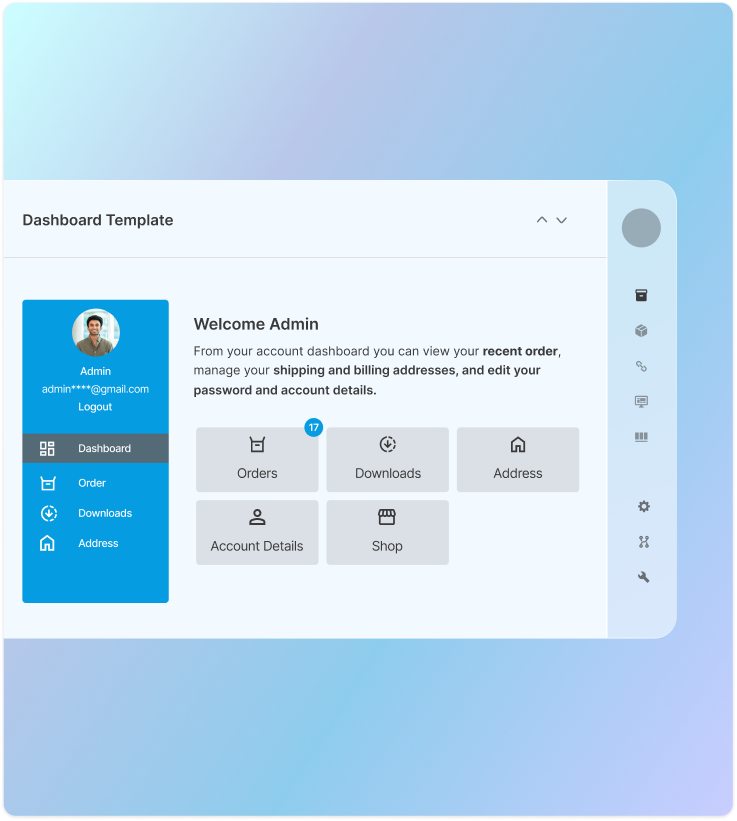
Edit Default My Account Dashboard Text
Easily modify or remove the default “Hello, username” greeting and introductory text on the WooCommerce account dashboard. Replace them with your own custom message or HTML content to deliver a more personalized and engaging experience for your customers.
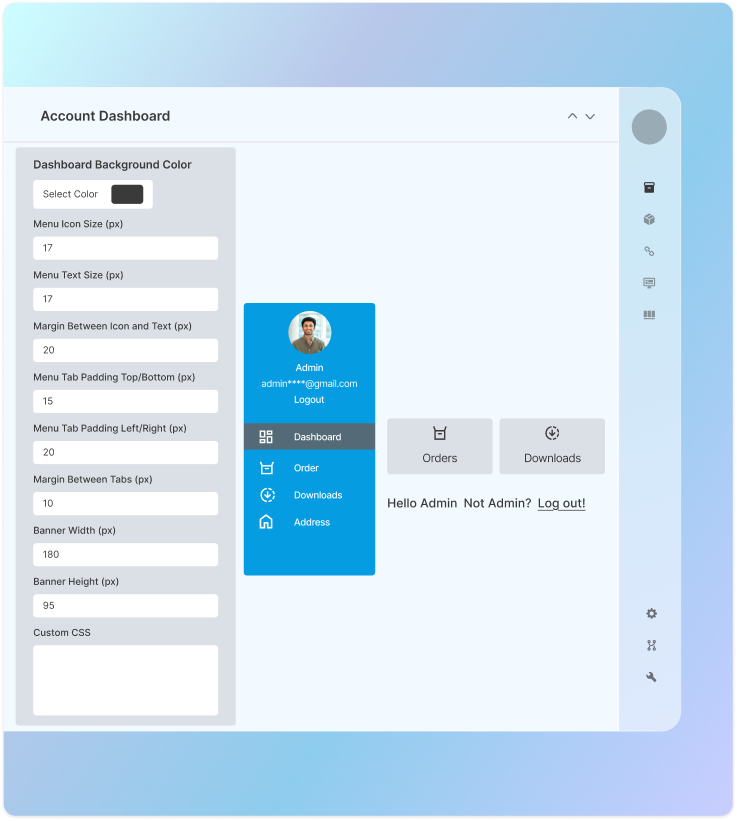
Personalize Account Page with Live Customizer
Easily customize your WooCommerce account page using the built-in Customizer. You can adjust colors, styles and CSS to align perfectly with your store’s branding. The live preview feature lets you see every change instantly, making it simple to create a professional and personalized account page experience for your customers.
Prebuilt Dashboard
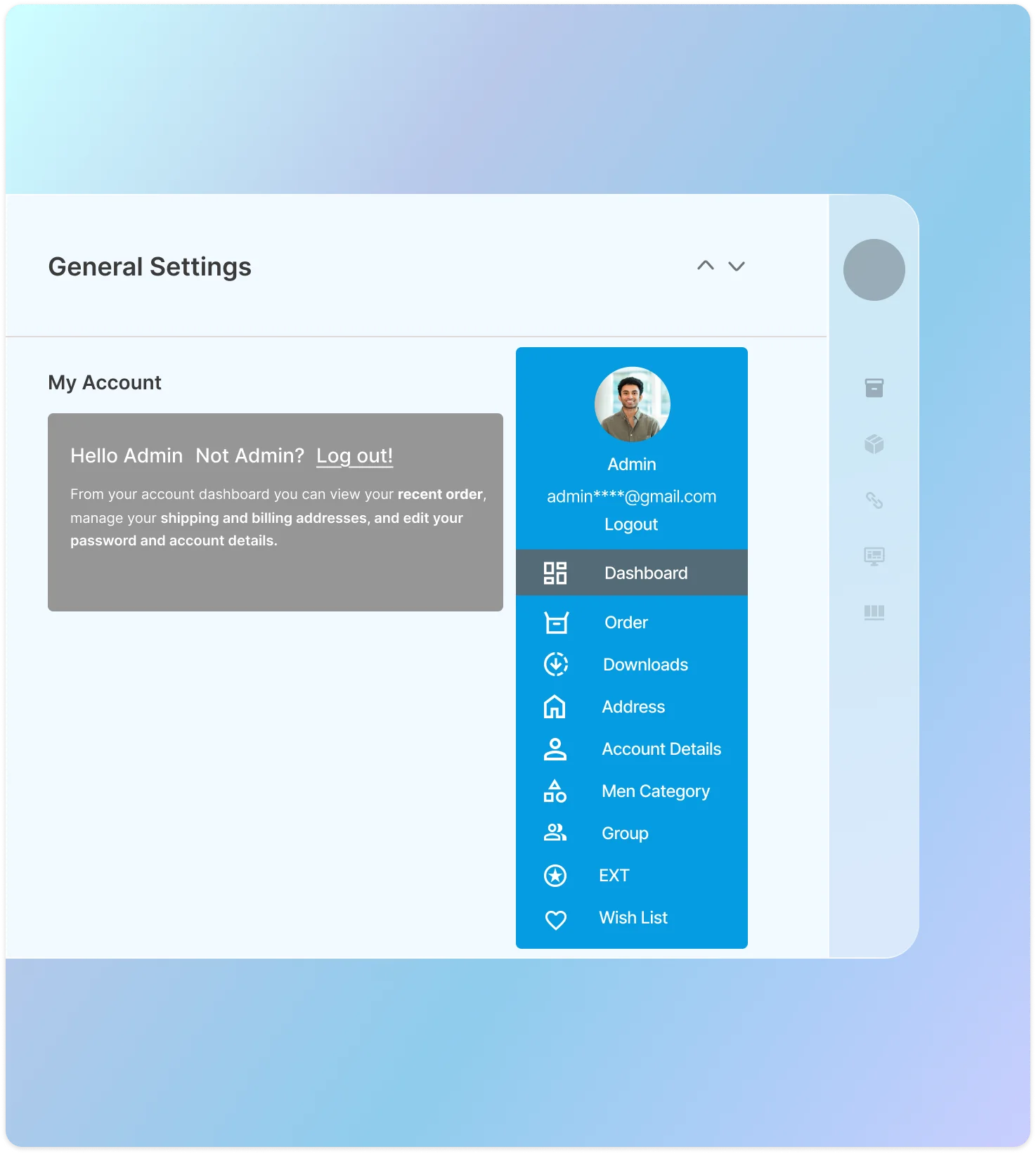
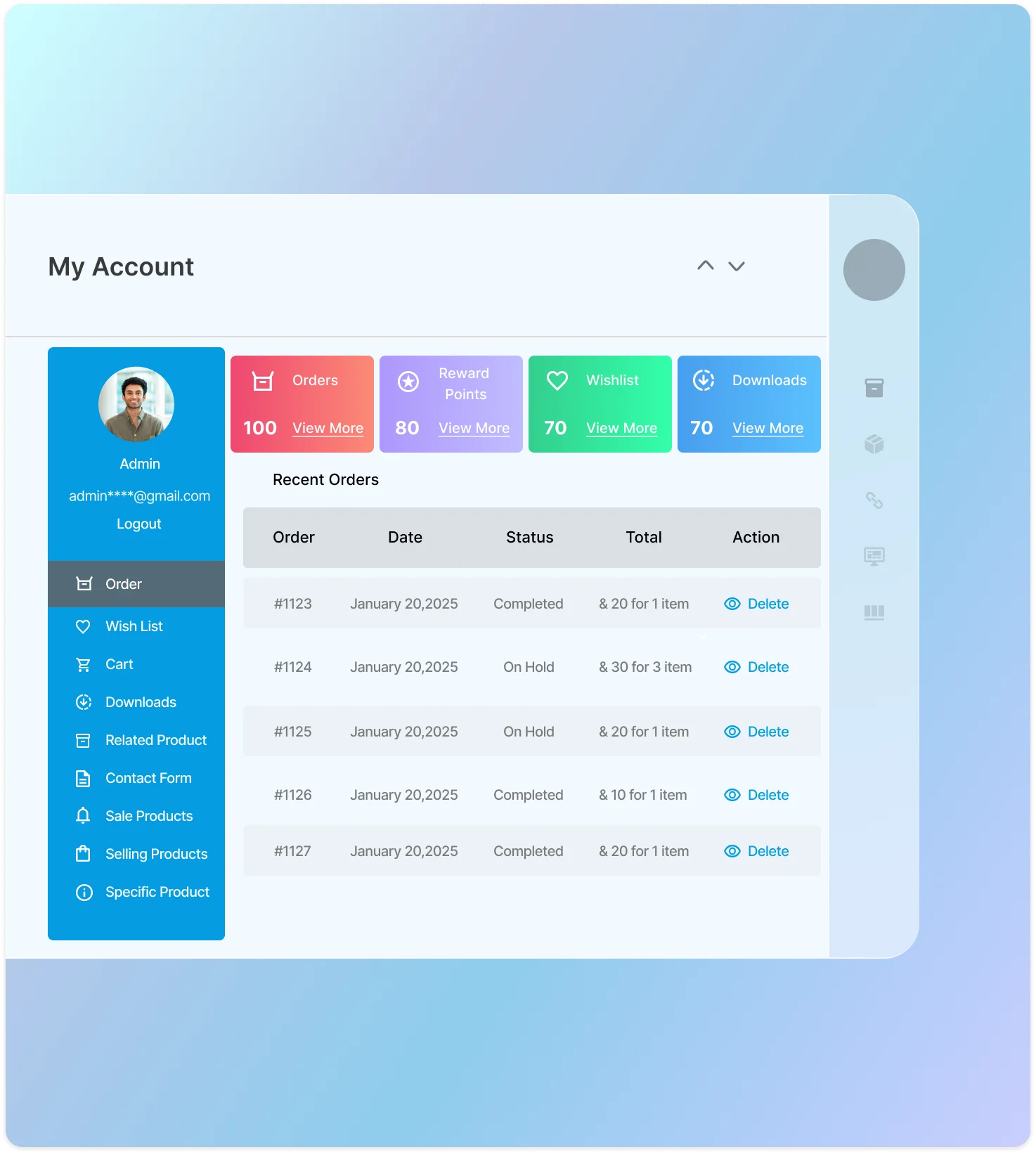
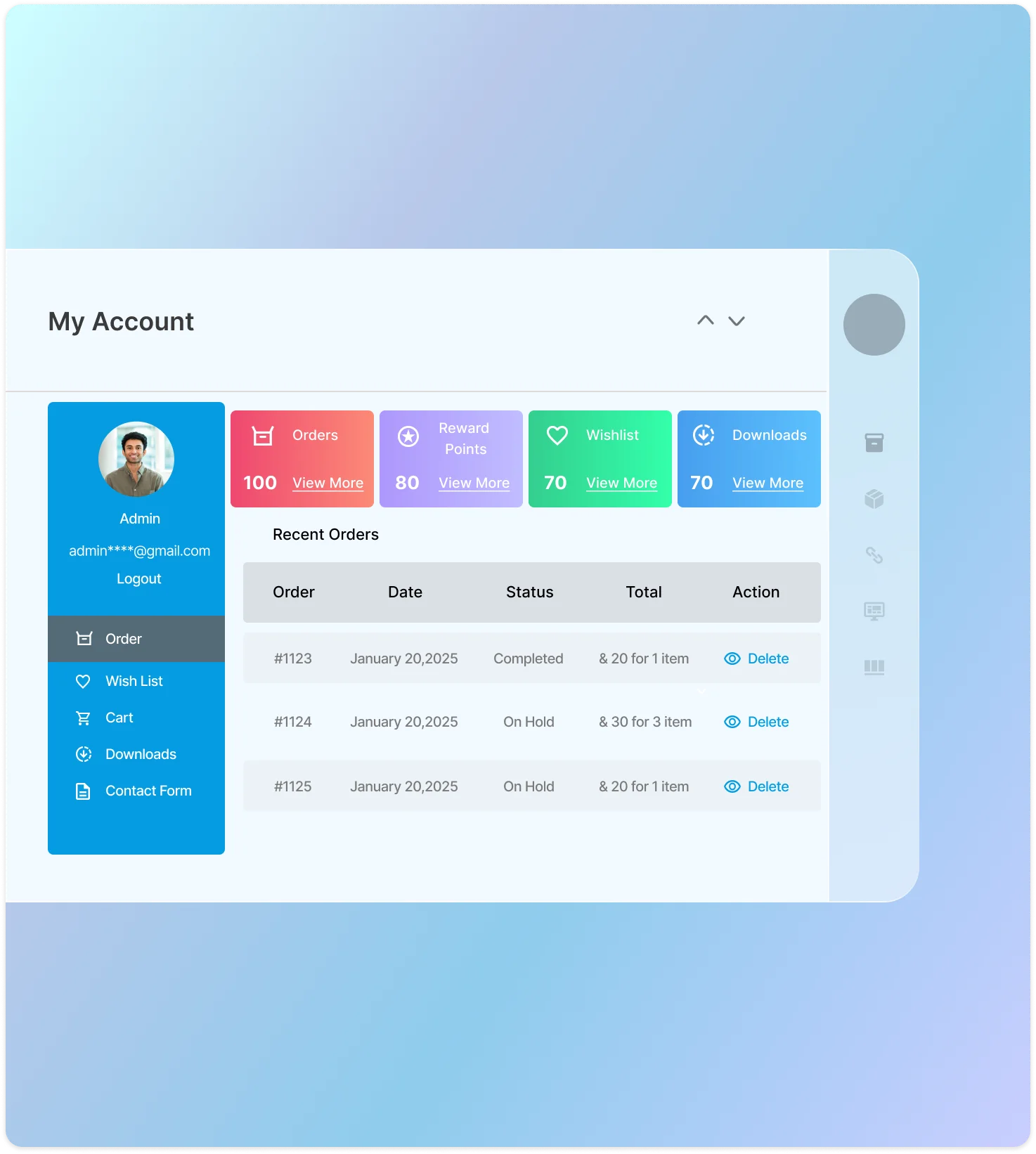
This prebuilt dashboard template gives you the ability to customize WooCommerce my account page by adding, editing, and rearranging the existing endpoints. You can also change the order of the endpoints to make them more logical and user-friendly.
Customize My Account Page to Improve UX
WooCommerce customize my account page can improve the user experience and appearance of the my account page by adding attractive navigational links that make the page more user-friendly.
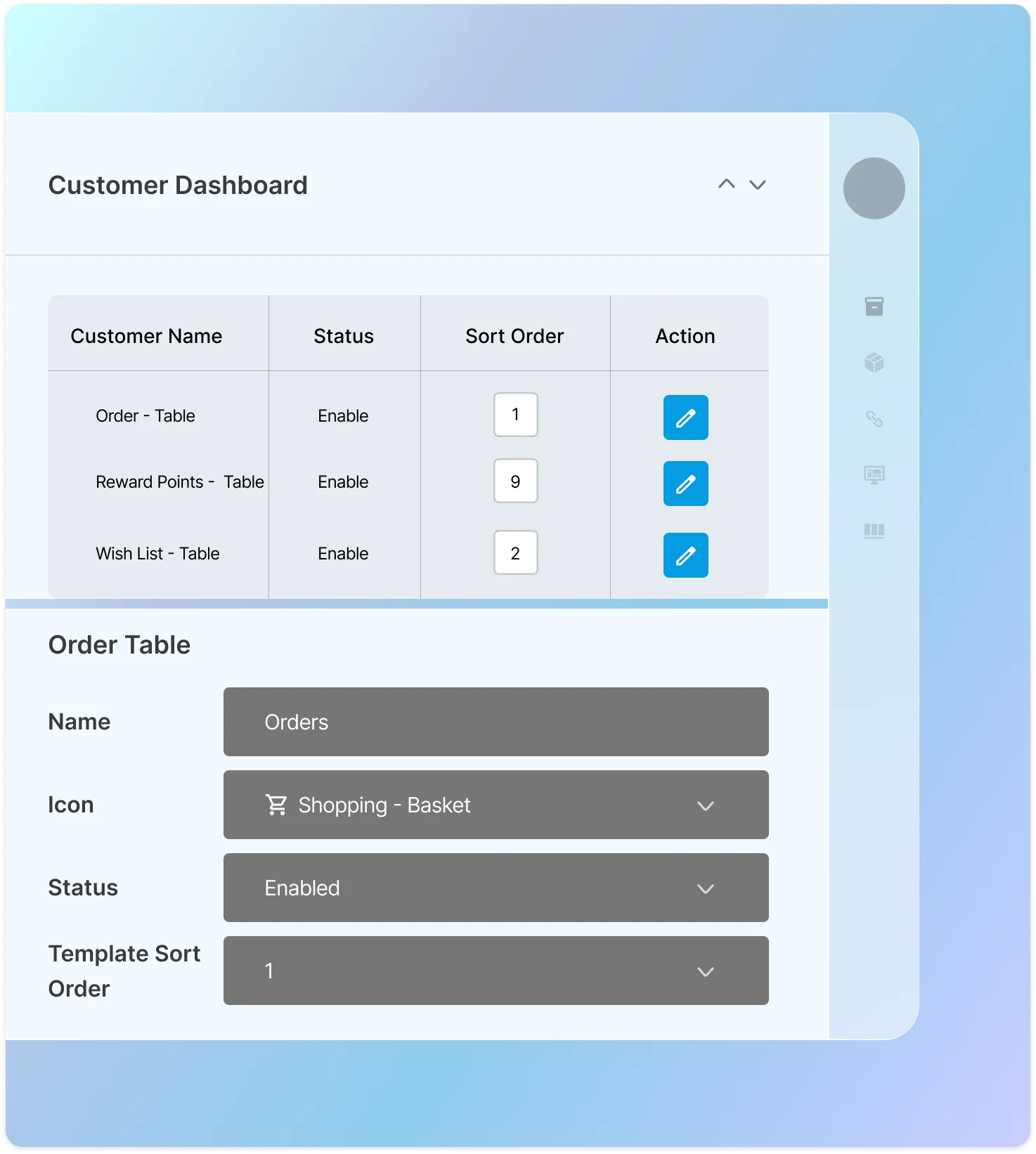
Customize Prebuilt Dashboard EndPoints
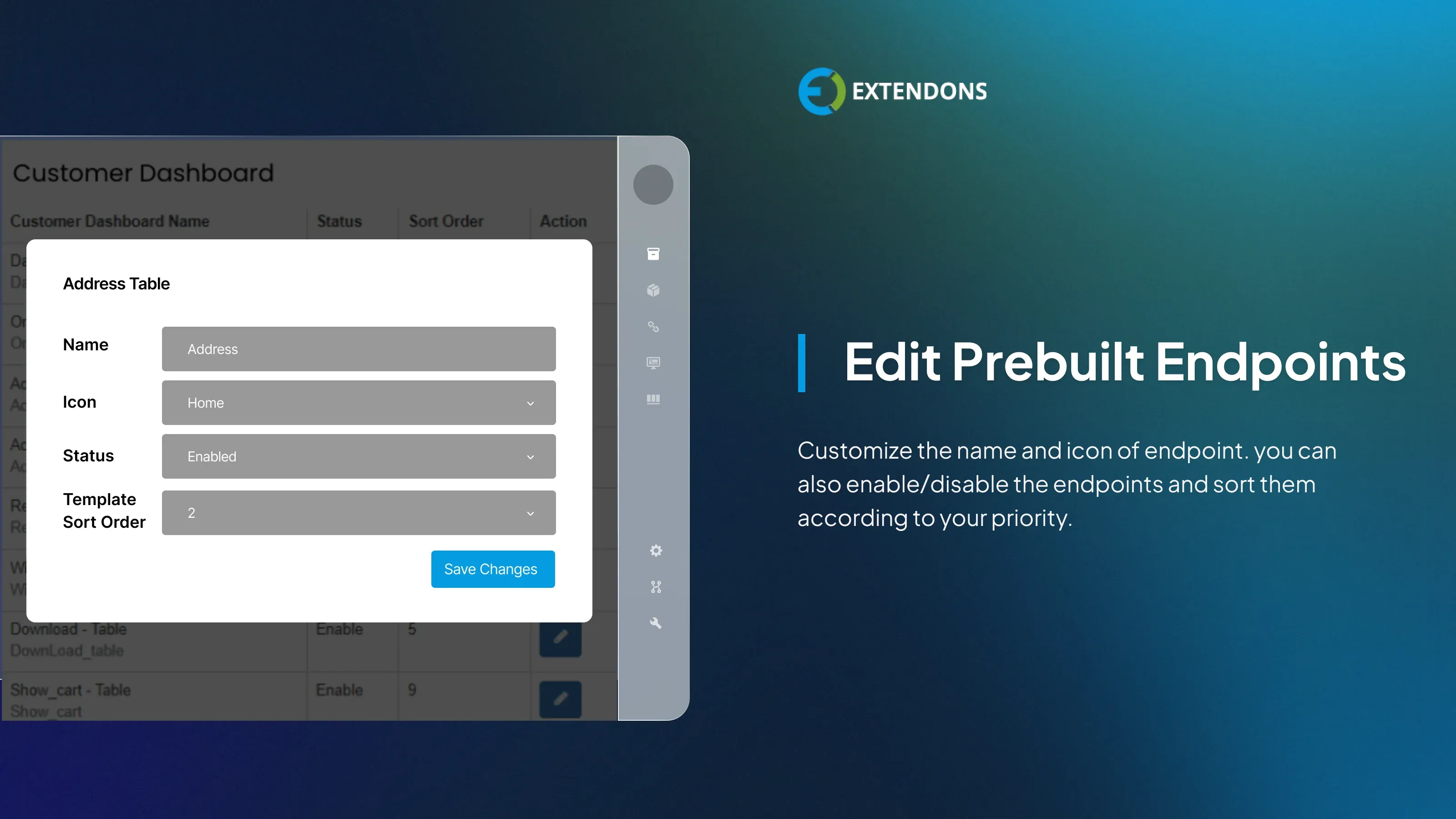
This plugin gives you the ability to customize the existing endpoints on the WooCommerce My Account page. You can change the icon, enable or disable it, and change the order of the endpoints.
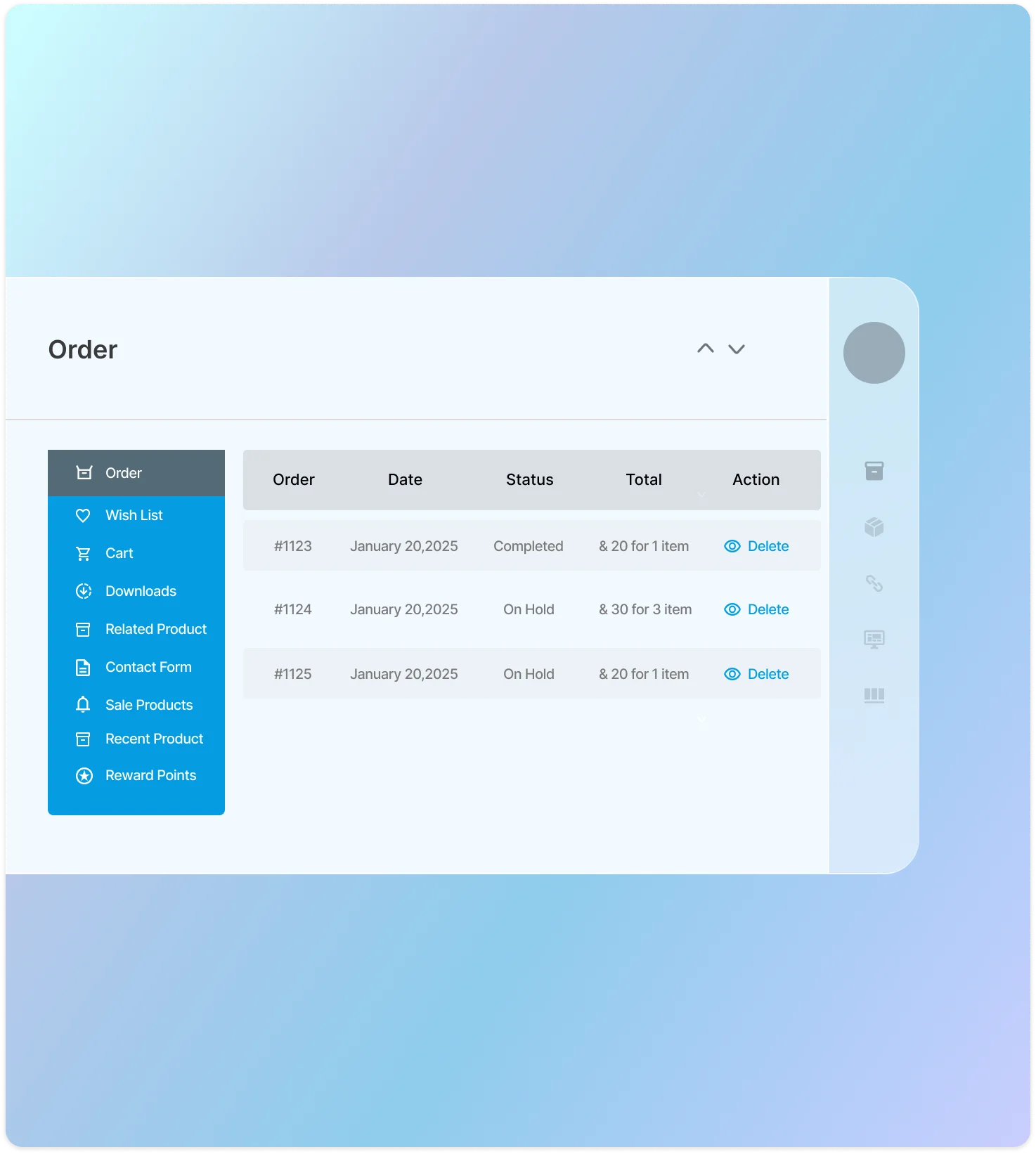
Display Customer Information in Tables
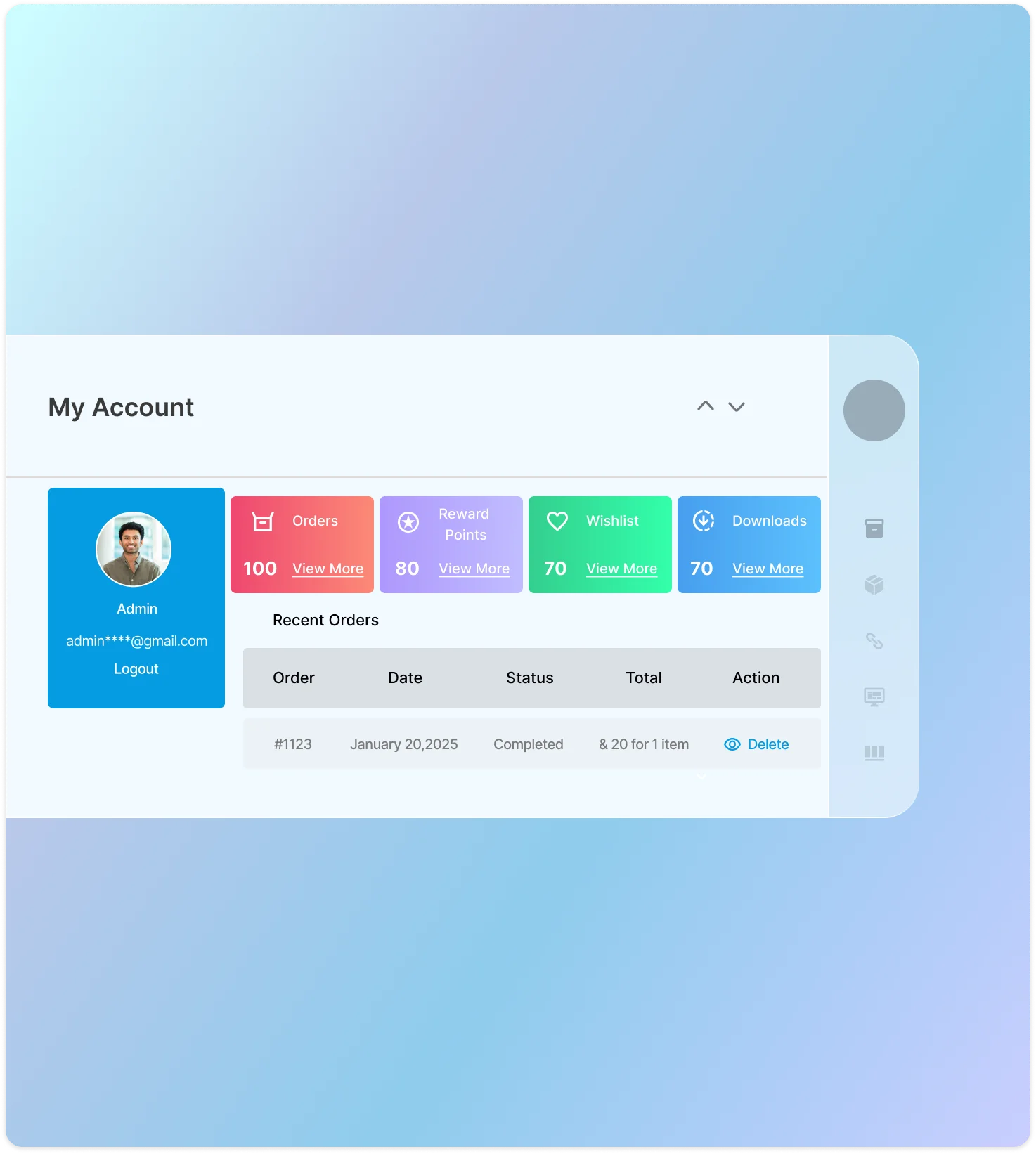
WooCommerce my account customization lets you organize customer information in tables that are easy to read and understand. The tables display recent orders, downloads, wish lists, and other relevant information so that customers can easily see all of their interactions with your store in one place.
Visual Display Of My Account Sections
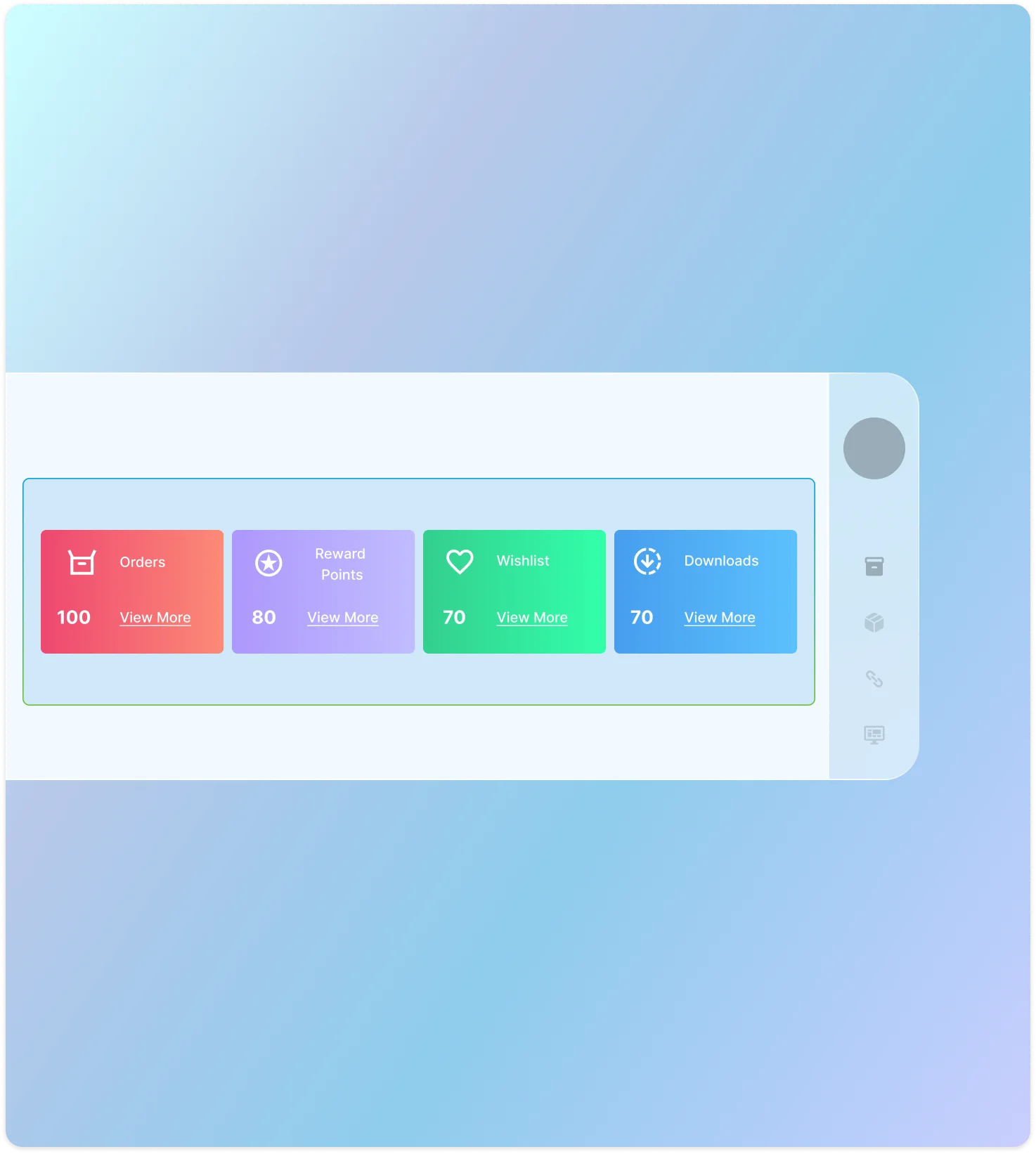
Present customers with their orders, downloads, wish lists, and reward points, in visually appealing and engaging cards.
Add and change the My Account Avatar
With the WooCommerce customize my account page plugin, customers can upload a personal profile picture to their WooCommerce account page. They can also change their profile picture at any time.
Banners
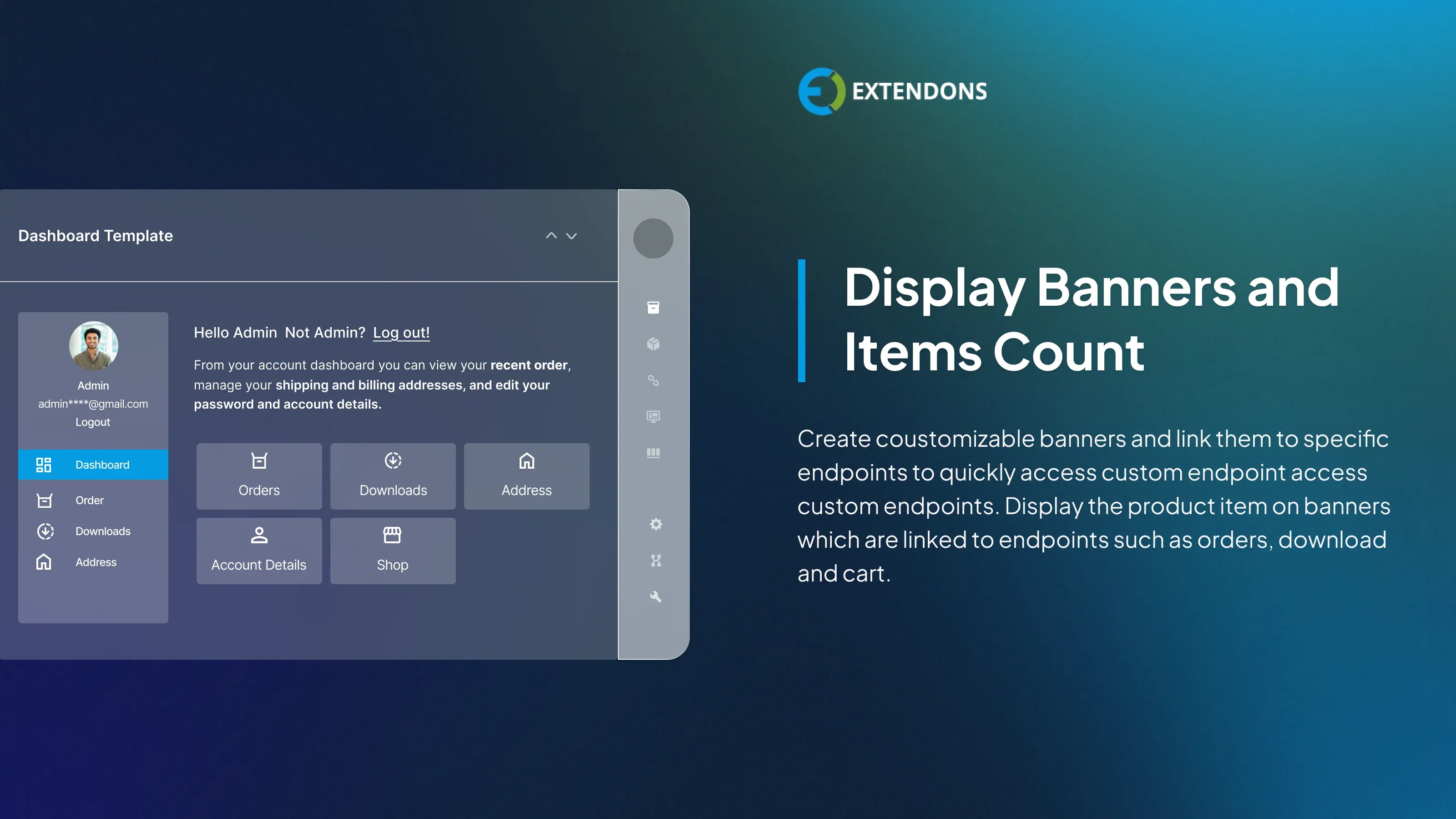
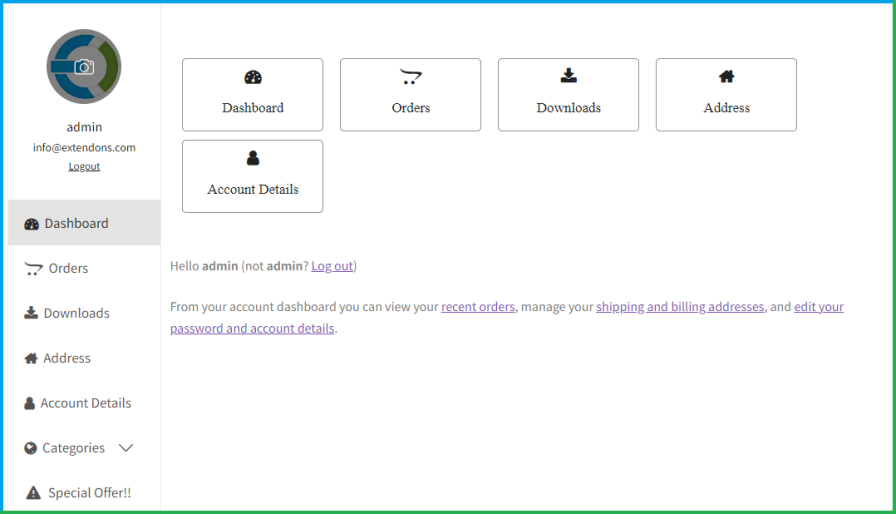
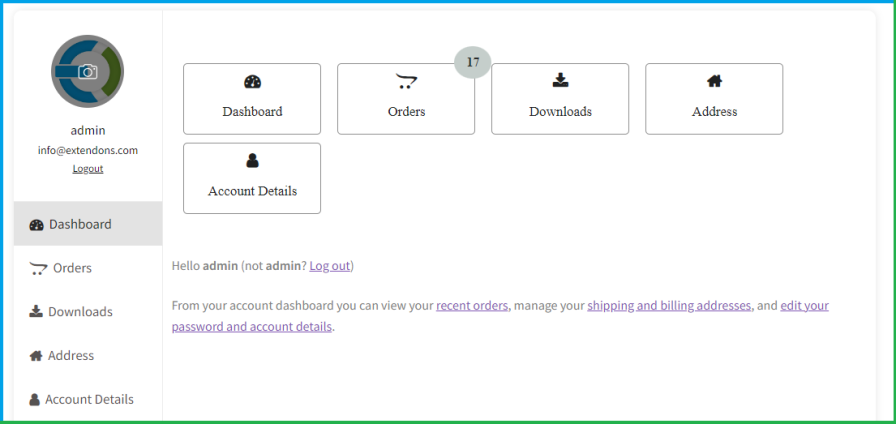
Create customizable banners to enhance the WooCommerce my account page and link them to specific endpoints. This allows users to quickly access their orders, downloads, and account details. You can easily arrange the banners in the backend using a drag-and-drop feature.
Customize the Banner
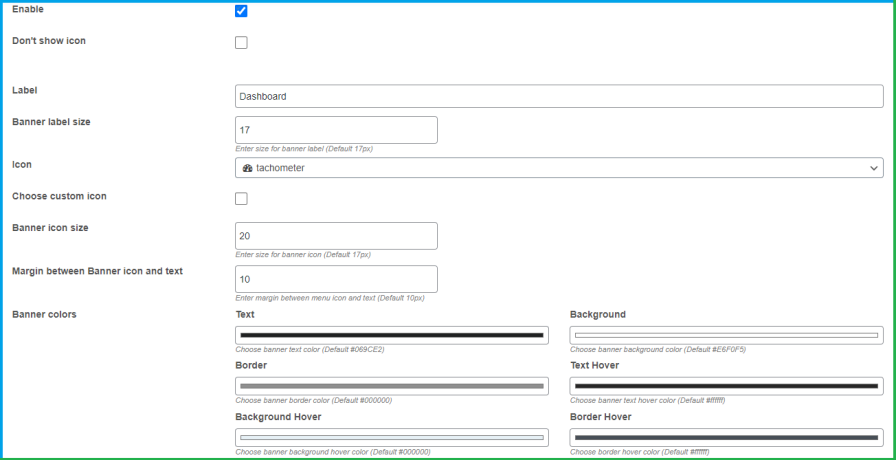
The WooCommerce Customize My Account Page plugin allows you to set custom labels and icons for the banner. It also enables you to use your own icons to represent specific features instead of settling for the pre-existing options. Additionally, you can customize the colors, adjust the icons, and modify the margin between the label and the icon.
Display Items Count in Banners
Displaying item counts on the banners can enhance the overall user experience on the WooCommerce My Account page. This feature allows you to choose which item counts to display, including orders, cart items, downloads, and wishlists. Moreover, you can customize the colors of these item counts.
Link Banners to a specific Endpoints
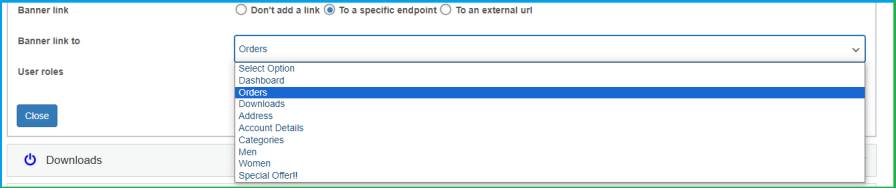
WooCommerce's customize my account page plugin allows you to add banners to specific endpoints. These banners can link to specific endpoint content or redirect customers to an external URL.
Assign Banners to User Roles
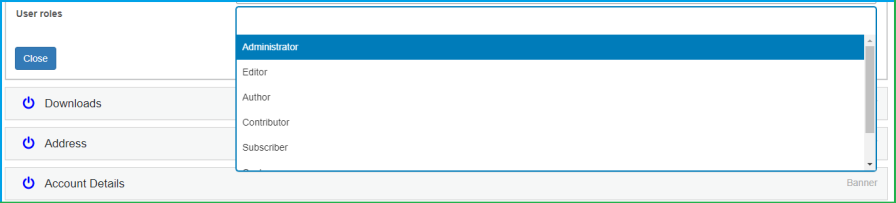
Use the WooCommerce my account dashboard plugin to display banners to specific user roles. This plugin allows you to show relevant banners to users based on their assigned roles.
Review & Rating
Frequently Asked Questions
-
 30-day money back guarantee
-
 Dedicated Support Team
-
 Safe & Secure Free Update
-
 Safe Customized Solutions