- $USD
- English (United States)
- Hire an Expert
- Get Support



Sold Exclusively on

Xero Intergration Plugin
Manage Your Sales Accounts Automatically with WooCommerce Xero!
Xero Integration for WooCommerce connects your store to Xero via OAuth 2.0 and pushes orders as invoices automatically. Map sales, shipping, fees, and payment accounts to the correct Xero chart of accounts codes, configure tax rate matching, and use webhooks to mark invoices as paid in real time when payment is received i...
Details & Compatibility
Version
2.0.0
Last Update
August 13, 2026
Compatibility
WooCommerce version 2.6.0 or higher | Wordpress version 4.6 or higher
Support
6 months support from extendons
Whats Include
- Quality checked by Envato
- Future updates
$0.00
Buy From CodecanyonCustomize this Plugin
CustomizePowerful Features!
Xero Integration for WooCommerce gives you complete control over how WooCommerce order data flows into your Xero account. Connect via OAuth 2.0, map every order component to the correct chart of accounts code, and automate invoice and payment creation based on order status. Webhook support keeps invoice payment status updated in real time, while tax matching, SKU-based inventory linking, and duplicate contact prevention keep your Xero records clean and accurate.

One-click OAuth 2.0 connection
Automatic Xero invoice creation
Real-time payment updates
Flexible account mapping

Duplicate payment prevention

Advanced tax price support
Integration debug logging
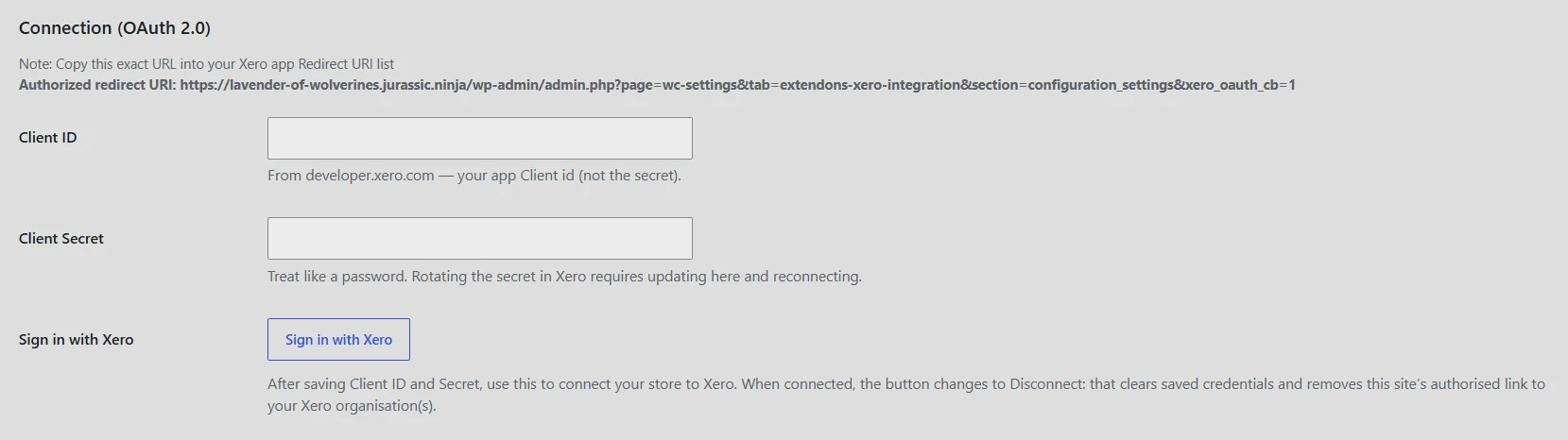
Connect WooCommerce to Xero via OAuth 2.0
OAuth 2.0 authentication establishes a secure connection between WooCommerce and Xero Xero integration for WooCommerce generates a redirect URL that links both platforms together through a single authorization. Disconnecting removes all stored credentials and clears access to your Xero organisation instantly.
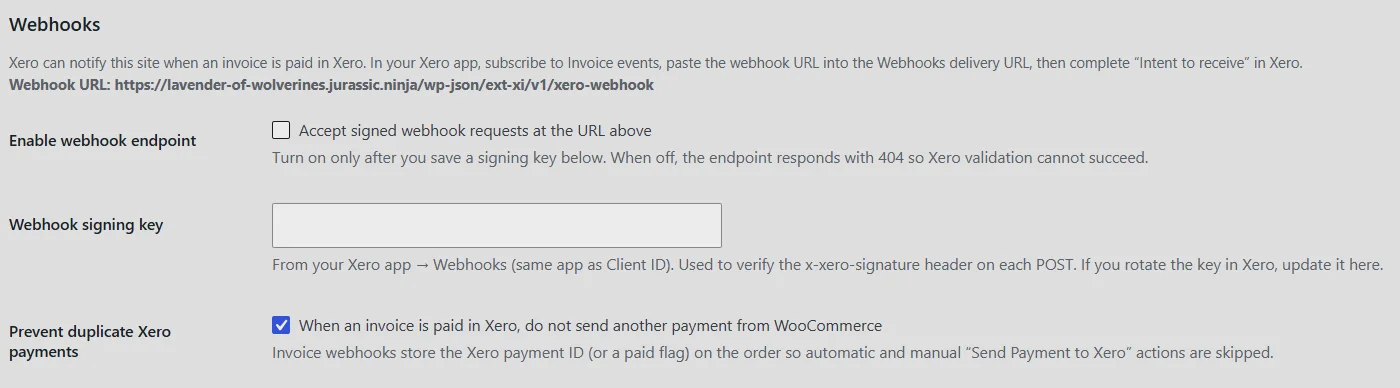
Real-Time Invoice Updates via Webhooks
Webhook support keeps invoice payment status synchronized between Xero and WooCommerce in real time. The moment a payment is confirmed in Xero, the linked WooCommerce order is updated automatically without any manual action. Duplicate payment prevention ensures no invoice is processed more than once through the webhook.
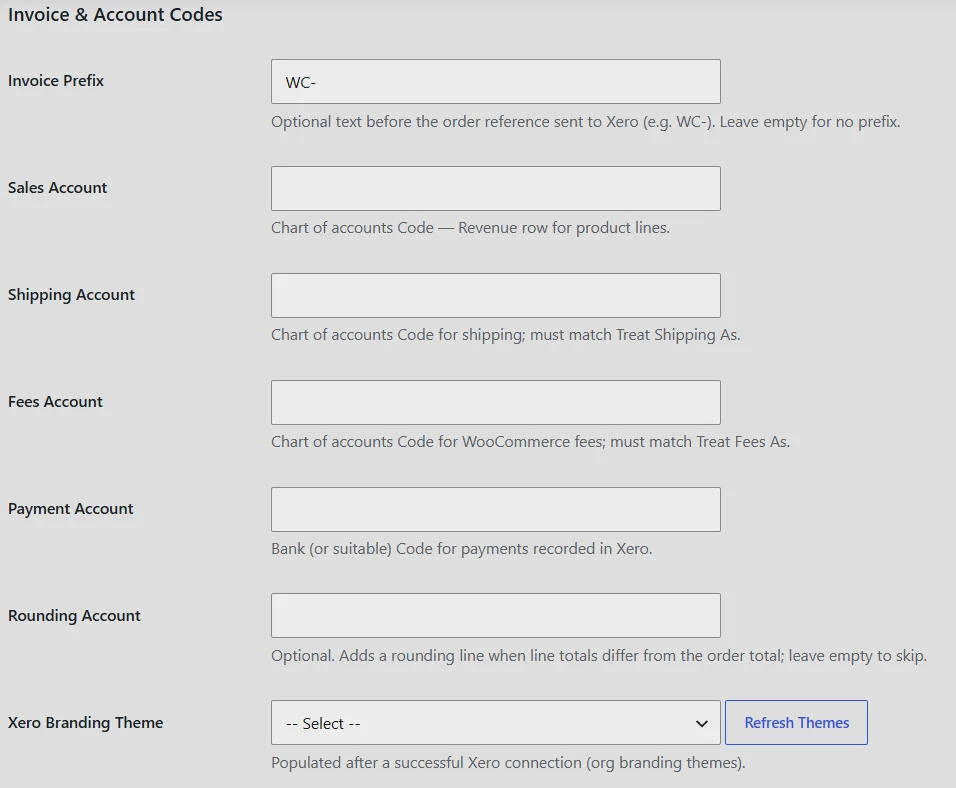
Invoice Account Mapping
Every financial component of a WooCommerce order is mapped to the correct position in your Xero chart of accounts. Dedicated account codes cover sales, shipping, fees, payment, and rounding adjustments. A custom invoice prefix keeps records organized, and a Xero branding theme ensures every generated invoice reflects your organisation's template.
Invoice and Payment Automation
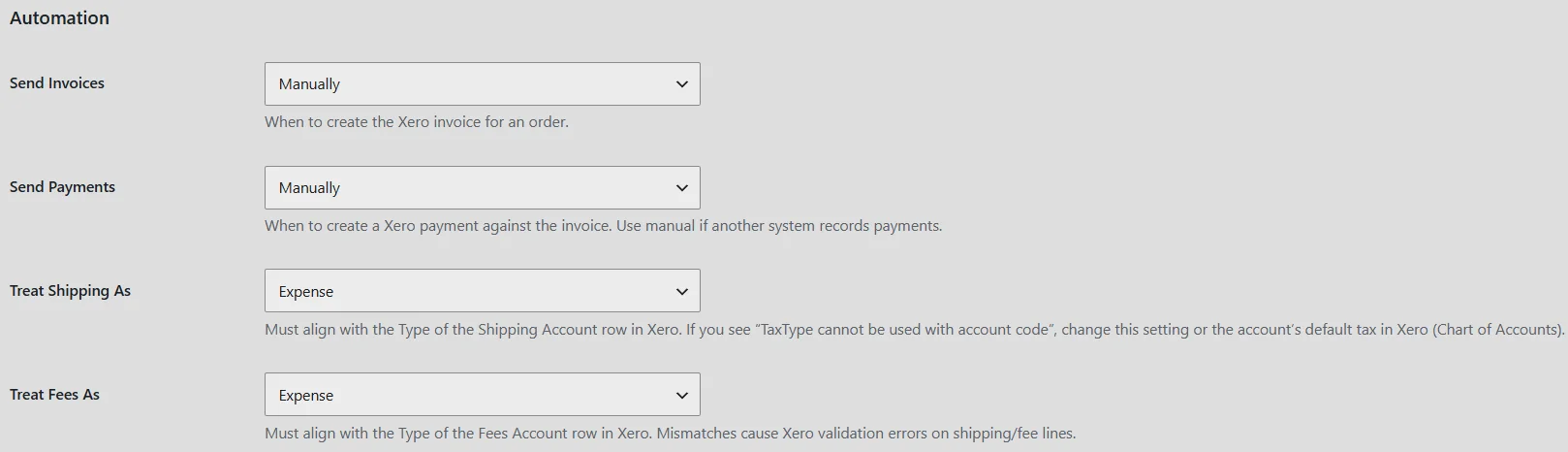
Invoices and payments are pushed to Xero automatically when orders reach a configured status, eliminating the need for manual entry. For workflows that require review before syncing, manual control is also available. Shipping and fees can each be classified as revenue or expense lines to align with your Xero chart of accounts structure.
Tax Rate Matching
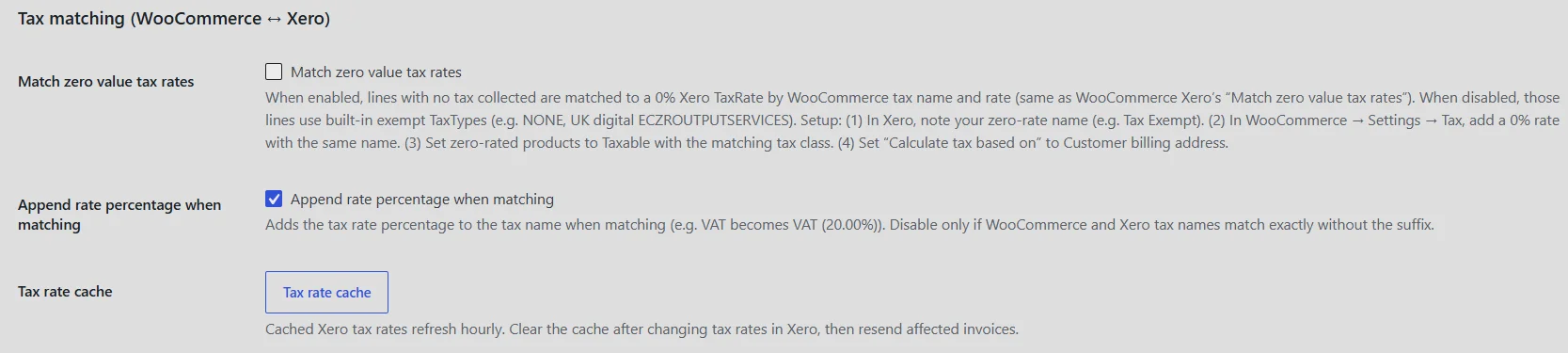
WooCommerce tax rates are matched to their Xero equivalents on every invoice to ensure tax figures carry across accurately. Zero value tax rate matching handles tax-exempt transactions, and rate percentages can be appended to tax names for more precise alignment. Cached Xero tax rates can be refreshed whenever your configuration changes, and four decimal place pricing resolves rounding discrepancies on low-value or foreign currency orders.
Integration Event Log
A complete timeline of every integration event is recorded including the event name, outcome, message, and timestamp, giving store owners full visibility over sync activity. Logs can be cleared at any time.

Review & Rating
Frequently Asked Questions
-
 30-day money back guarantee
-
 Dedicated Support Team
-
 Safe & Secure Free Update
-
 Safe Customized Solutions